
The Activity page handles activity waves, shifts, member stats, the leaderboard, and promotion logs for your department.Documentation Index
Fetch the complete documentation index at: https://docs.melonly.xyz/docs/llms.txt
Use this file to discover all available pages before exploring further.
Activity waves
Wave duration
Set how long each wave lasts in days. Leave empty for no fixed duration.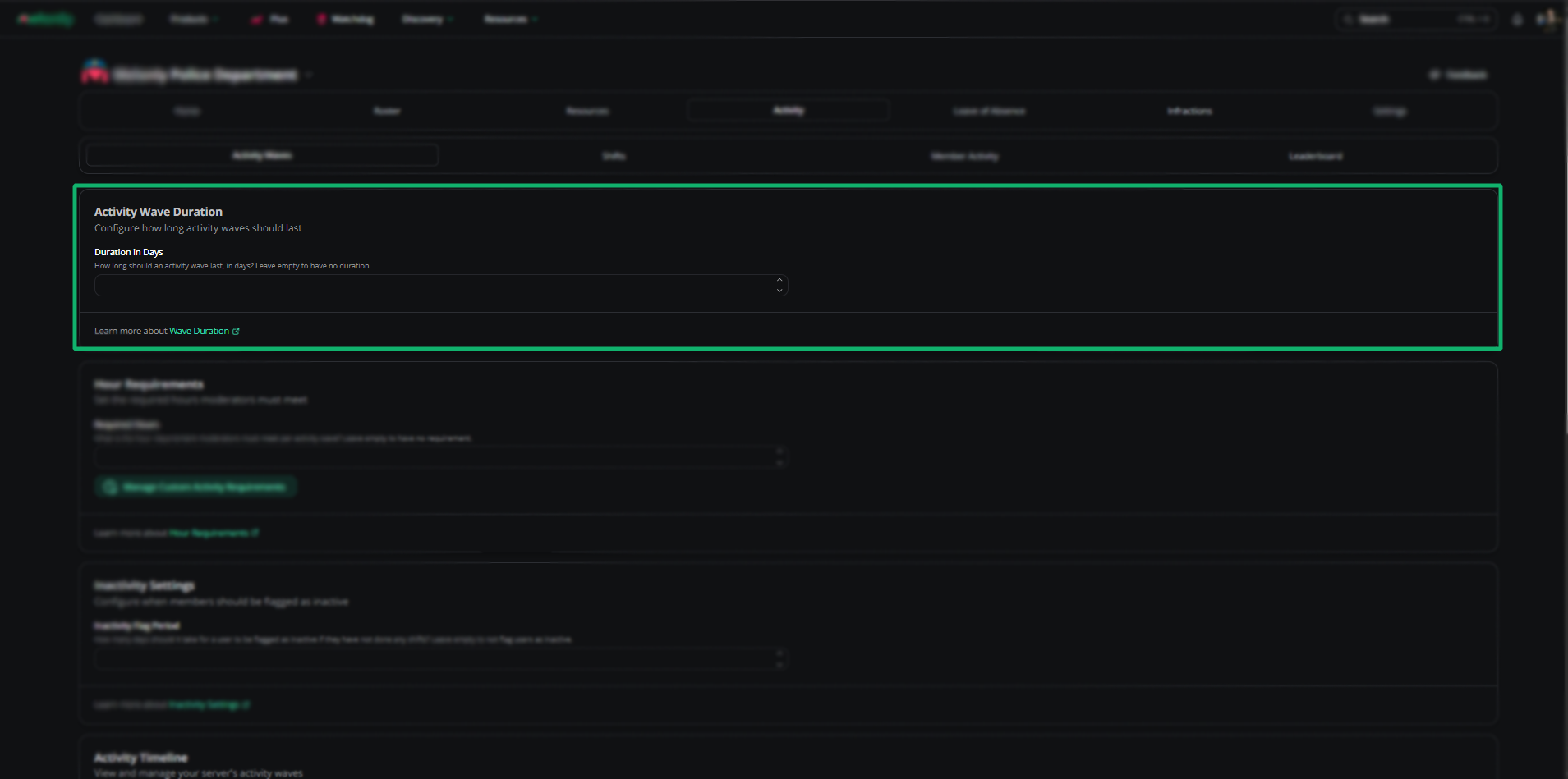
Hour requirements
Set the hour quota each member must hit per wave. Leave empty for no quota. Click Custom activity requirements to set per-role quotas.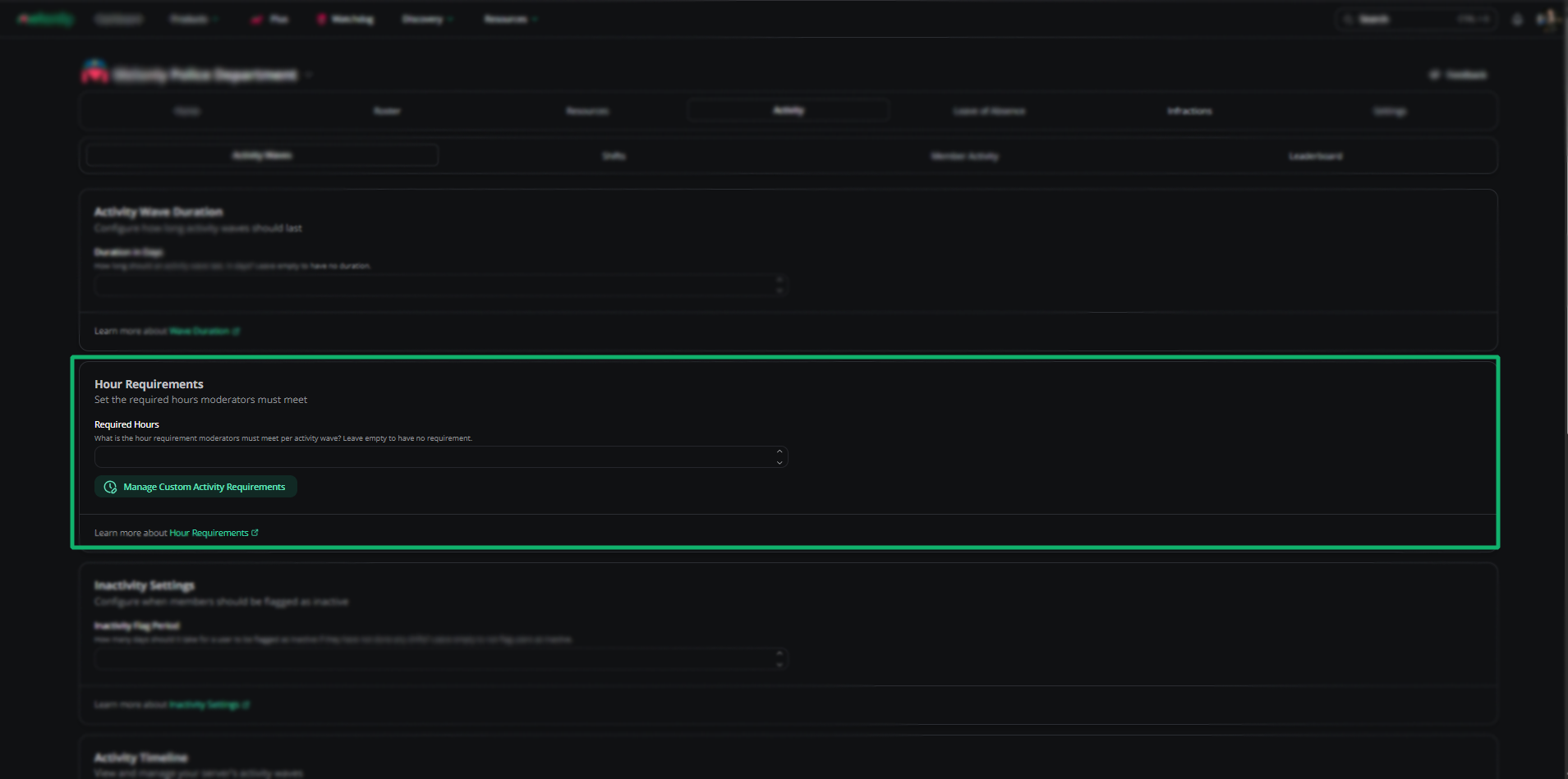
Inactive period
Flag members as inactive after a number of days without a shift. Leave empty to disable.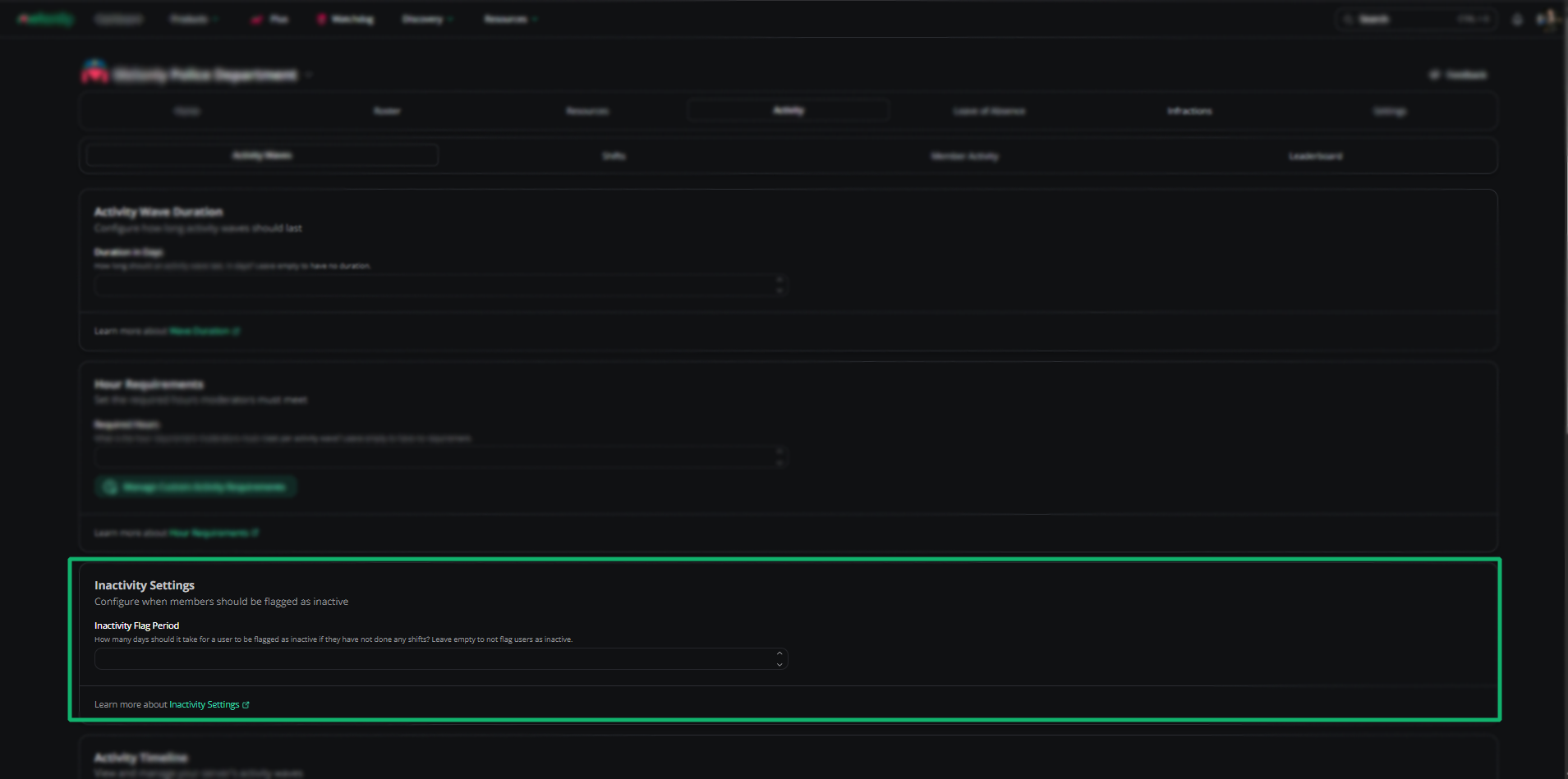
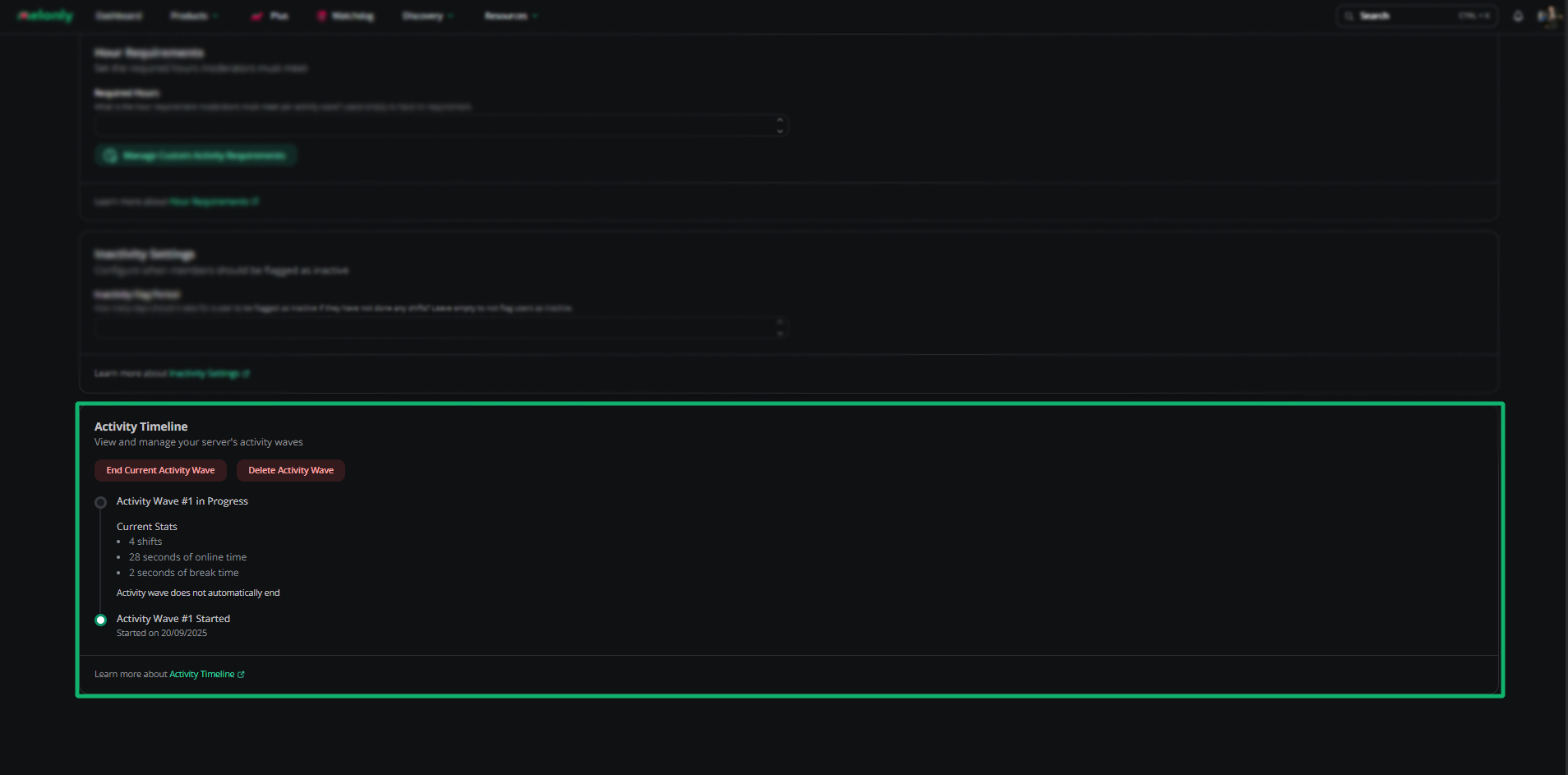
Timeline
| Action | Description |
|---|---|
| End Current Wave | Closes the current wave |
| Delete Wave | Permanently deletes a wave |
Shifts
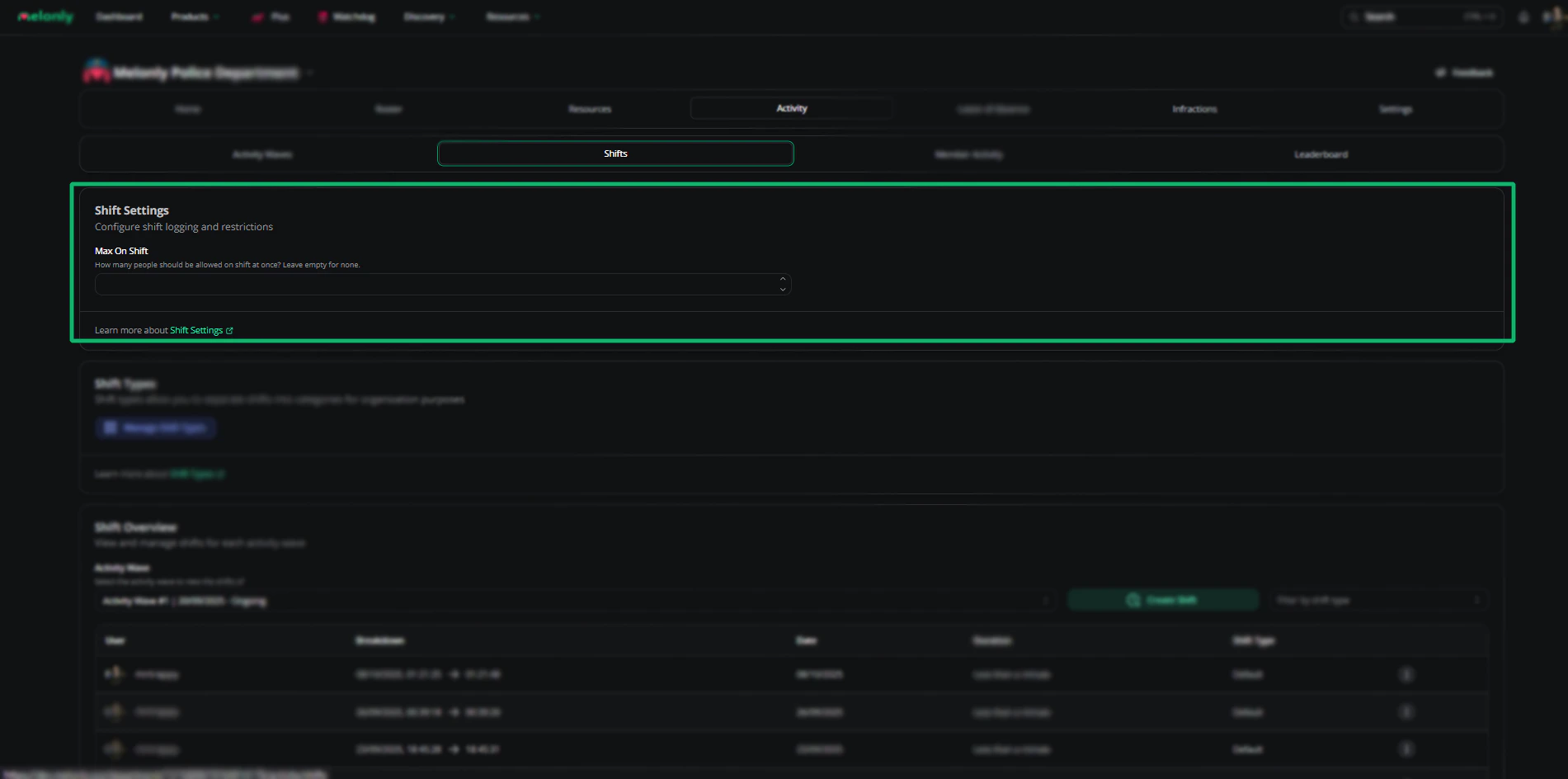
Shift settings
| Setting | Description |
|---|---|
| Max On Shift | Maximum simultaneous shifts. Empty = no limit. |
Shift types
Categorize shifts and gate each type behind required ranks.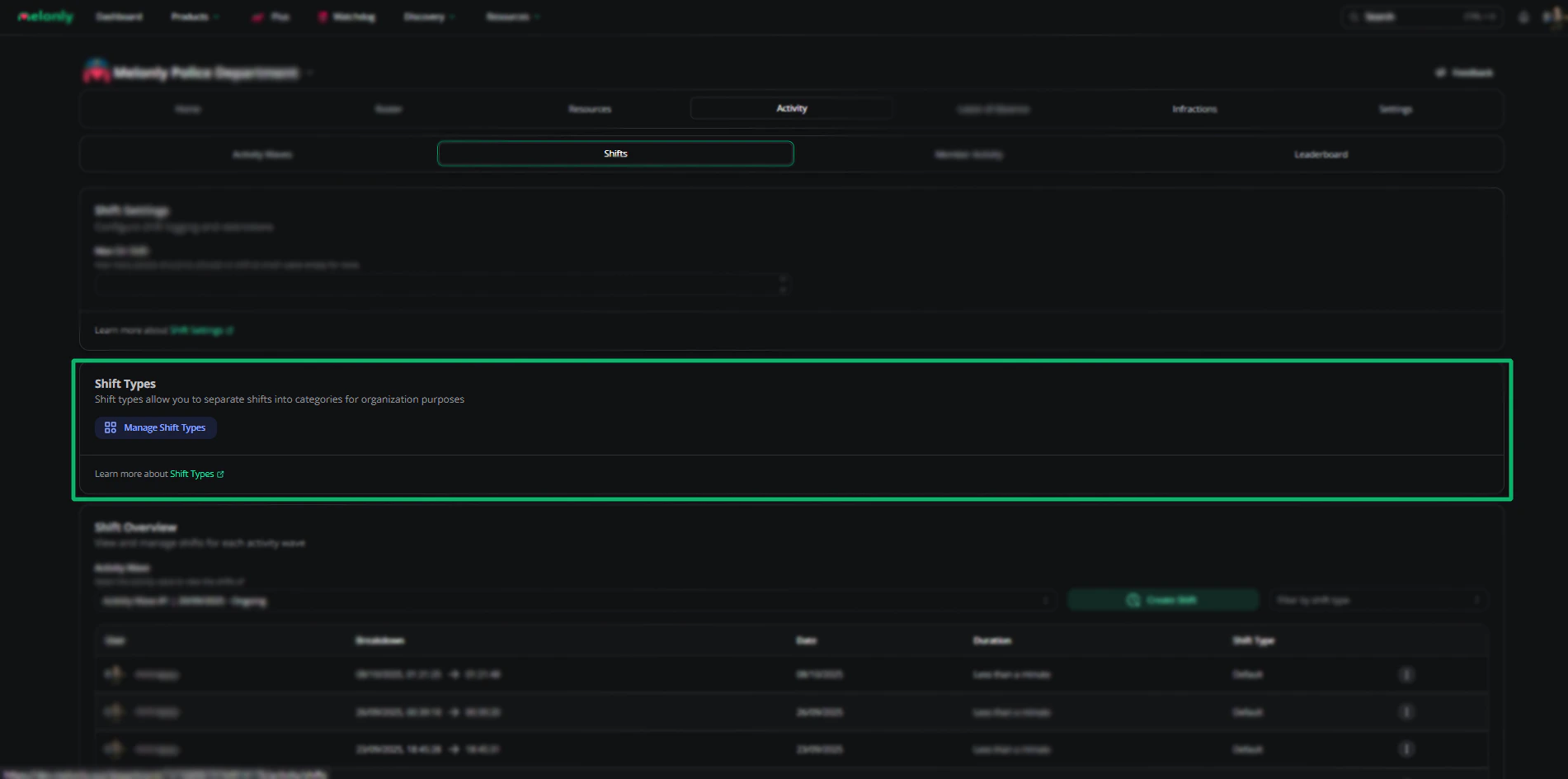
Default shift report form
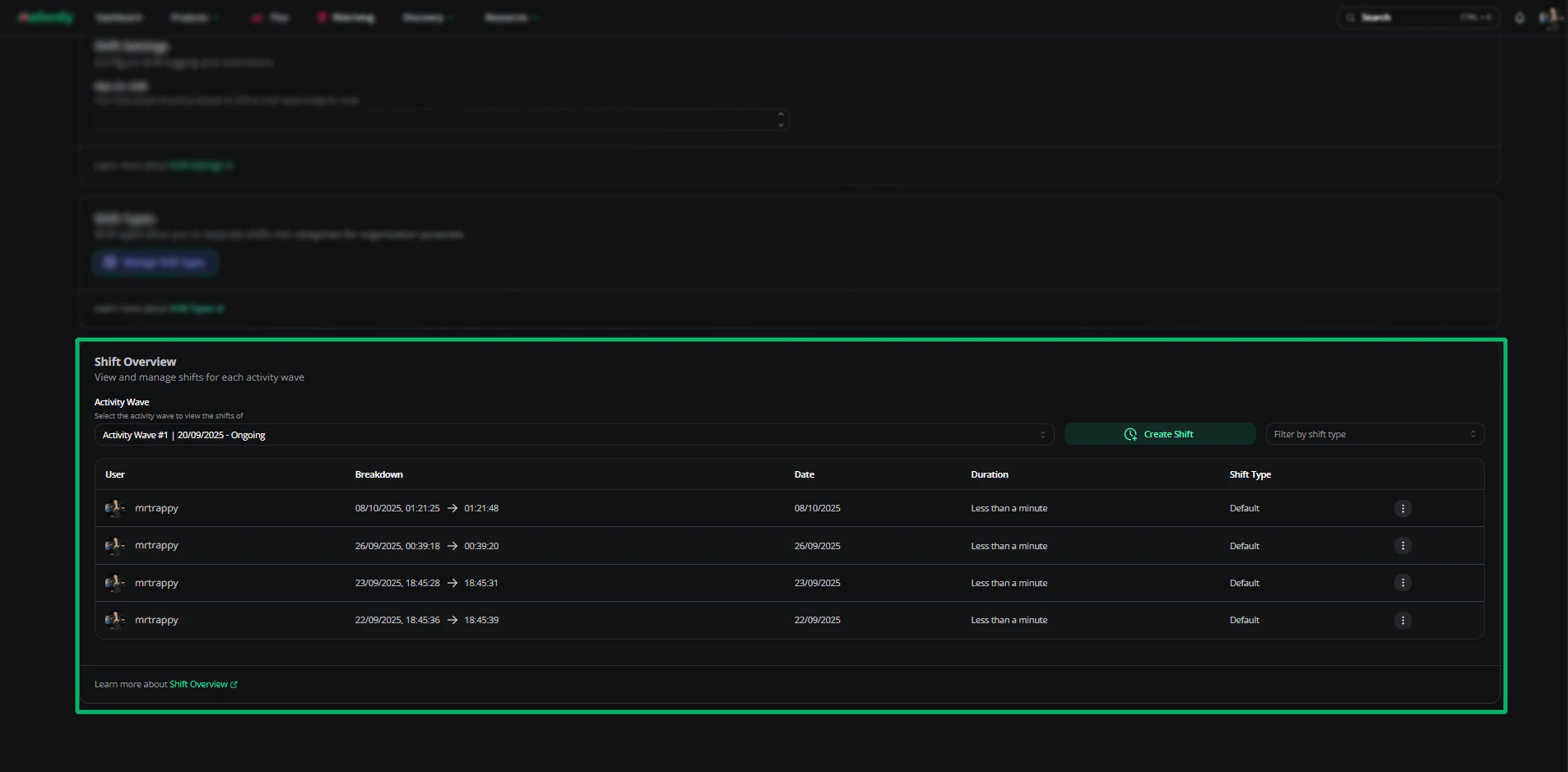
Set a default report form for every shift type. Use Shift Start and Shift End question types to capture exact timestamps automatically — no manual entry.Shift overview
| Action | Description |
|---|---|
| Activity Wave | View shifts within a specific wave |
| Create Shift | Manually log a shift with username and start/end times — useful when staff forget to clock in |
| Shift Reports | View the report tied to a shift |
| Edit Shift | Adjust duration, timestamps, and wave |
| Delete Shift | Permanently delete the shift (requires confirmation) |
Member activity
Pick a wave and a member to view their stats and shift history.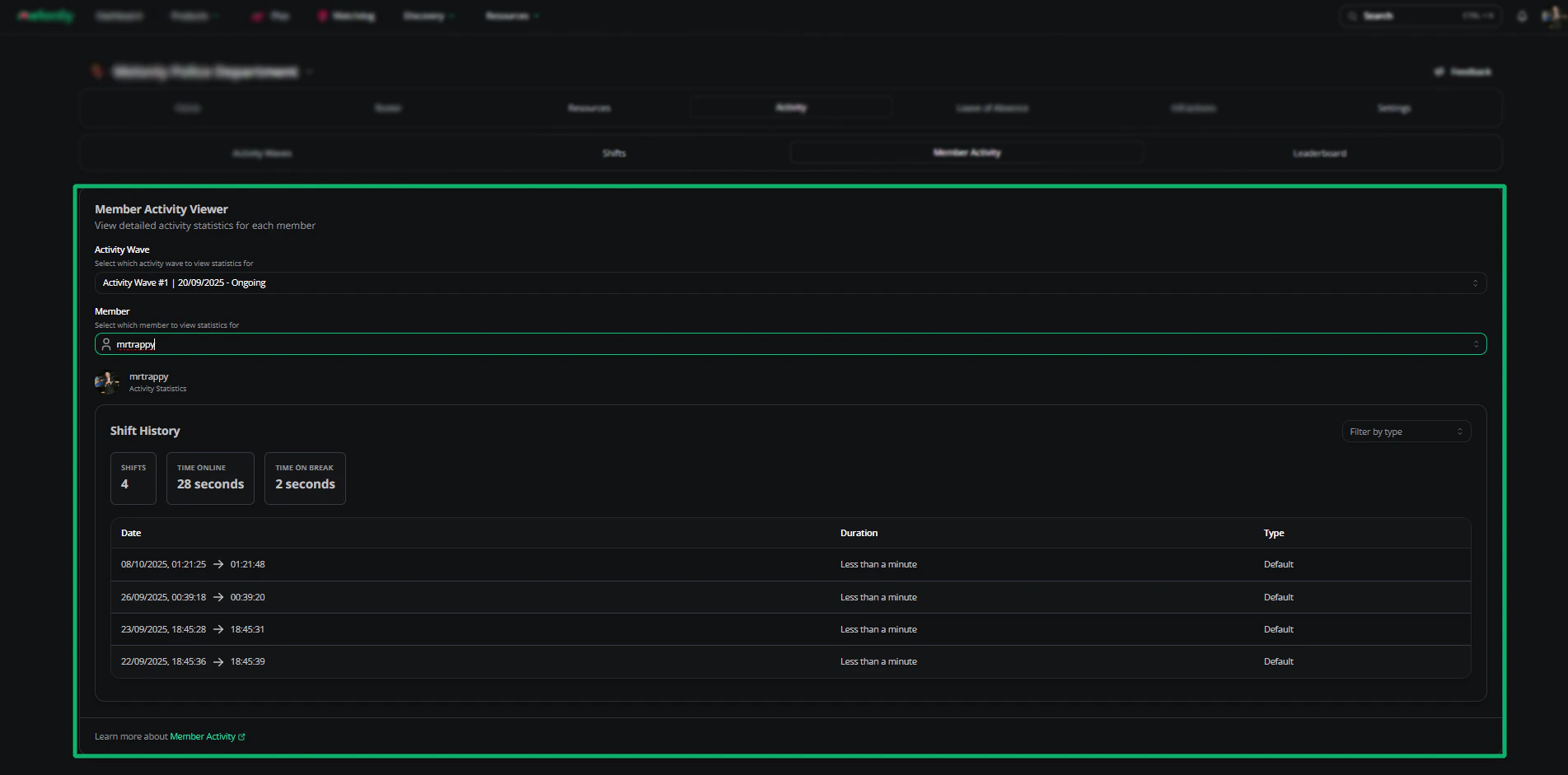
Leaderboard
The leaderboard ranks shift hours per wave.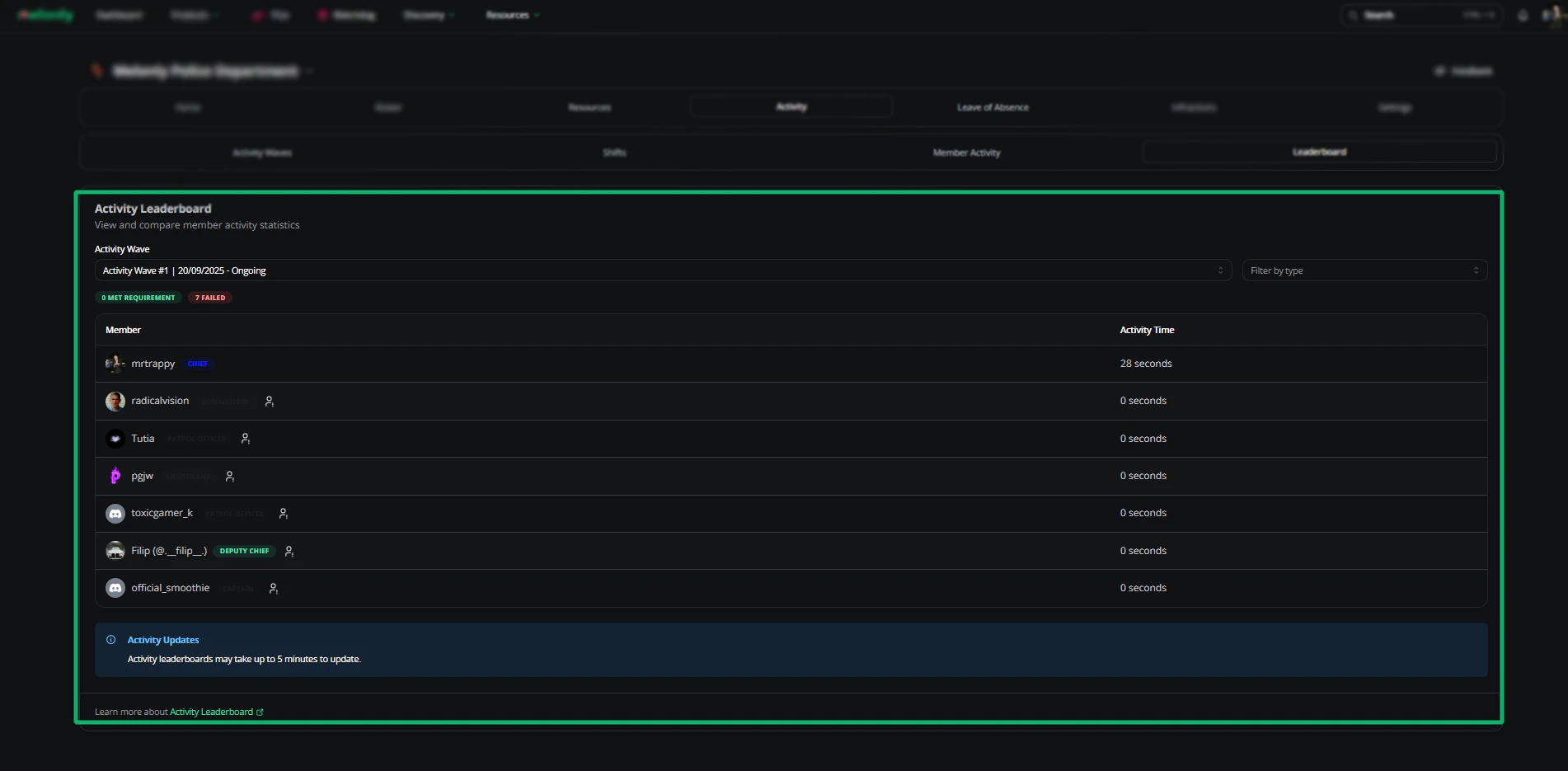
Logs
Promotion logs
View every promotion in the department — who was promoted, by whom, when, and to which rank.Need help?
Still have questions? Join our Discord server for support from the Melonly team.