
The Department home page brings shifts, shouts, and quick actions into one screen. Members can clock in, read announcements, and reach key tools without leaving the page.Documentation Index
Fetch the complete documentation index at: https://docs.melonly.xyz/docs/llms.txt
Use this file to discover all available pages before exploring further.
Home page overview
Your home page may show different sections depending on your pinned actions.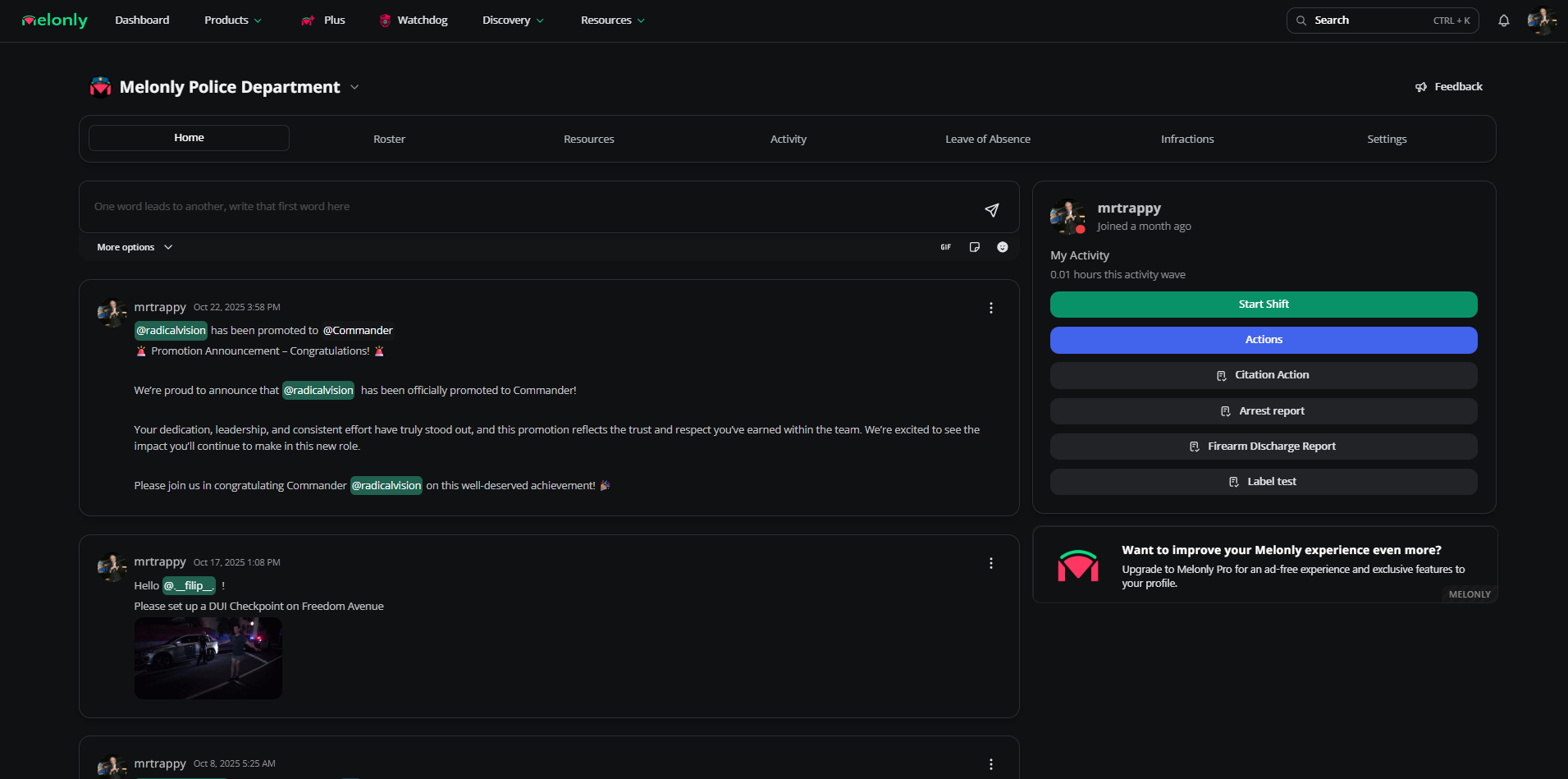
Shifts
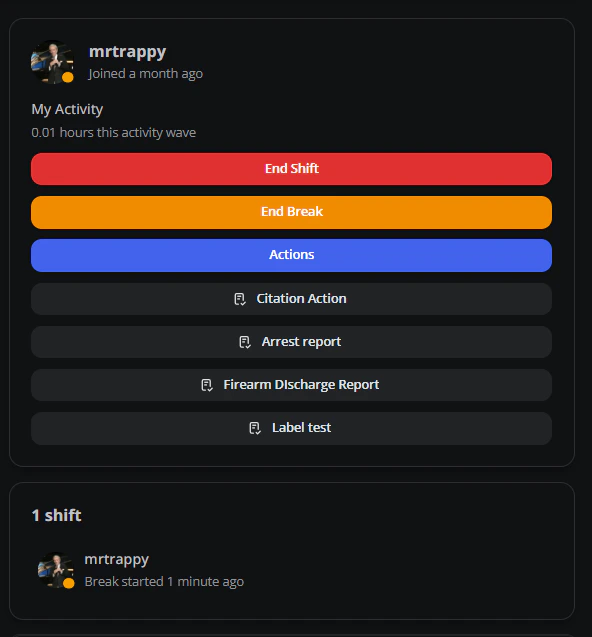
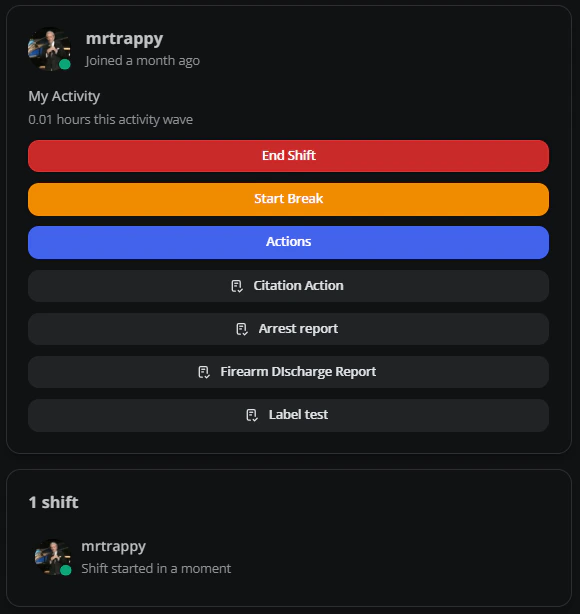
Members can view, start, pause, and end shifts directly from the home page.- Start a shift
- Take a break
- End a shift
Click Start Shift to clock in and record the start time.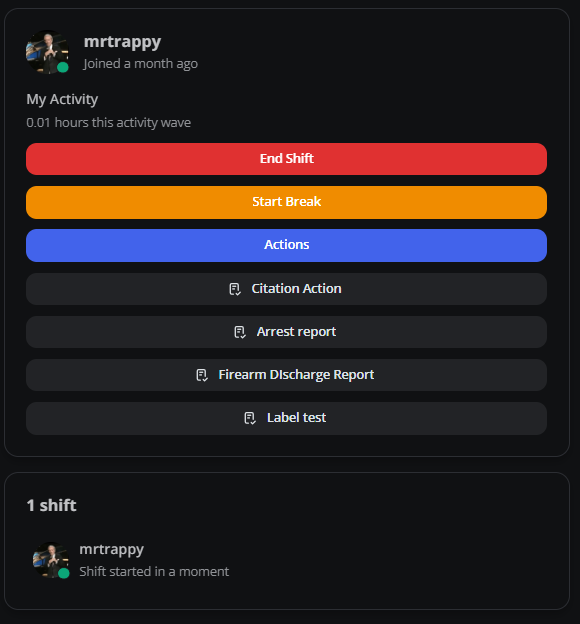
Pinned buttons
Pinned buttons surface important actions, links, documents, forms, or actions on the home page. Configure them in settings.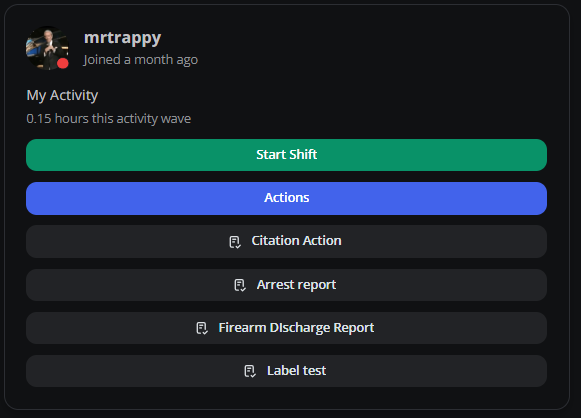
Shouts
Shouts are department-wide announcements from leadership.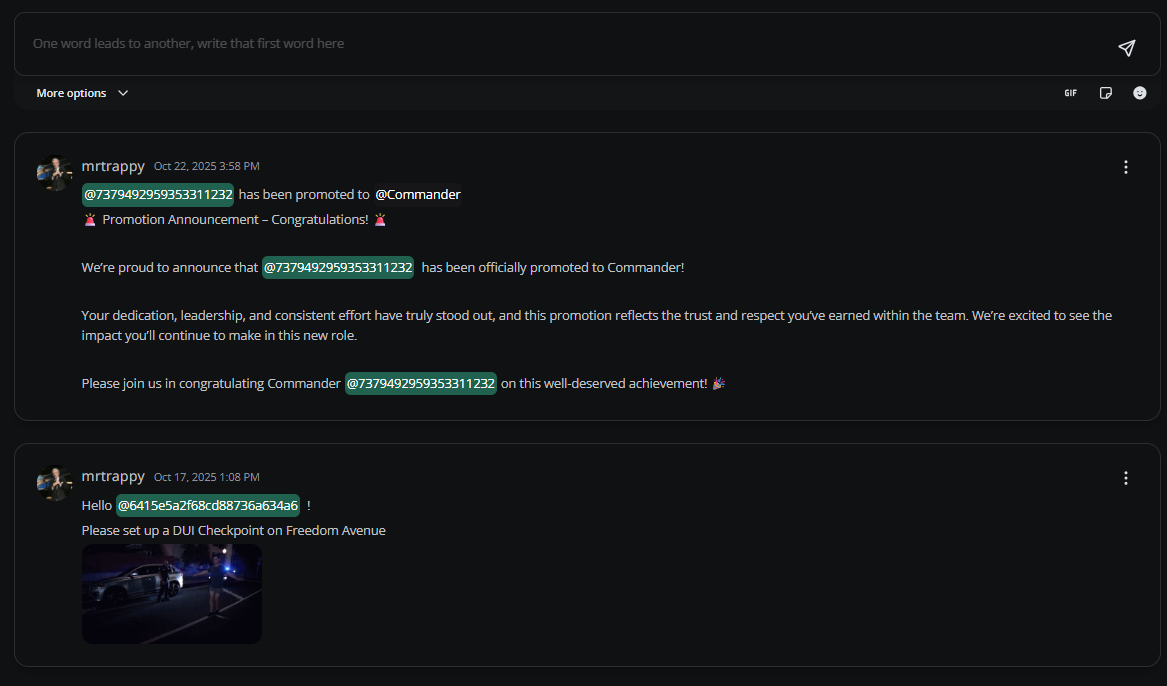
Shout options
Attach files, link Resources, change visibility, or schedule for later.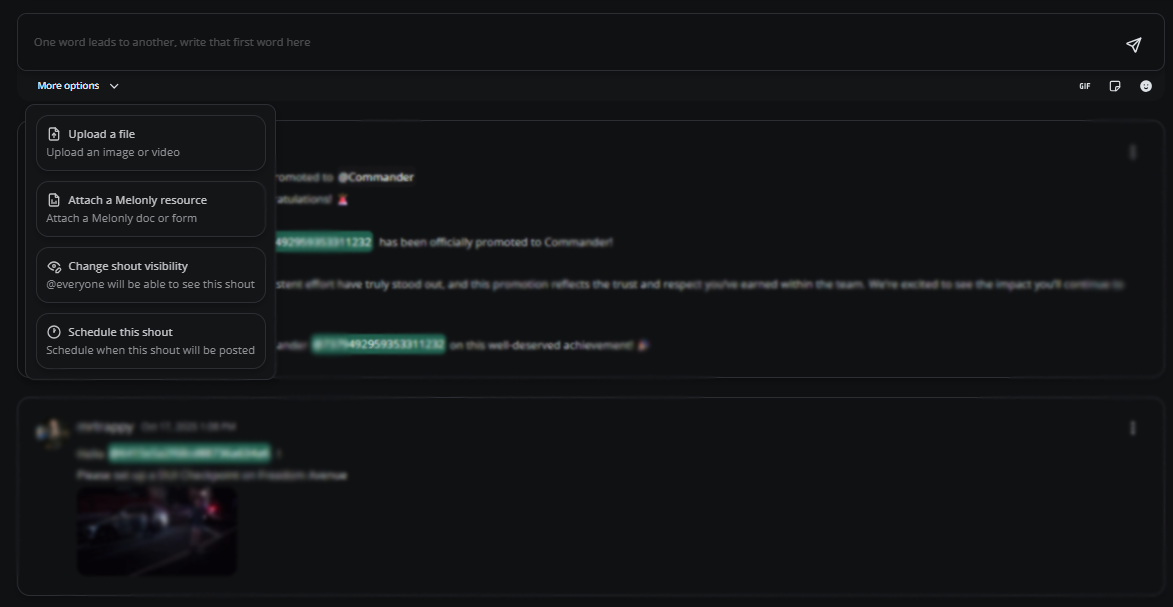
| Option | Description |
|---|---|
| Upload Files | Attach files (great for images) |
| Attach Resources | Link to a Melonly resource |
| Change Visibility | Restrict the shout to specific users or ranks |
| Scheduled Shouts | Post the shout at a future date and time |
Menu items
| Item | Description |
|---|---|
| View My Shifts | Personal shift history and details |
| Manage LOA | Submit and manage Leave of Absence requests |
Toolbar
Add GIFs, stickers, and emojis directly from the shout composer.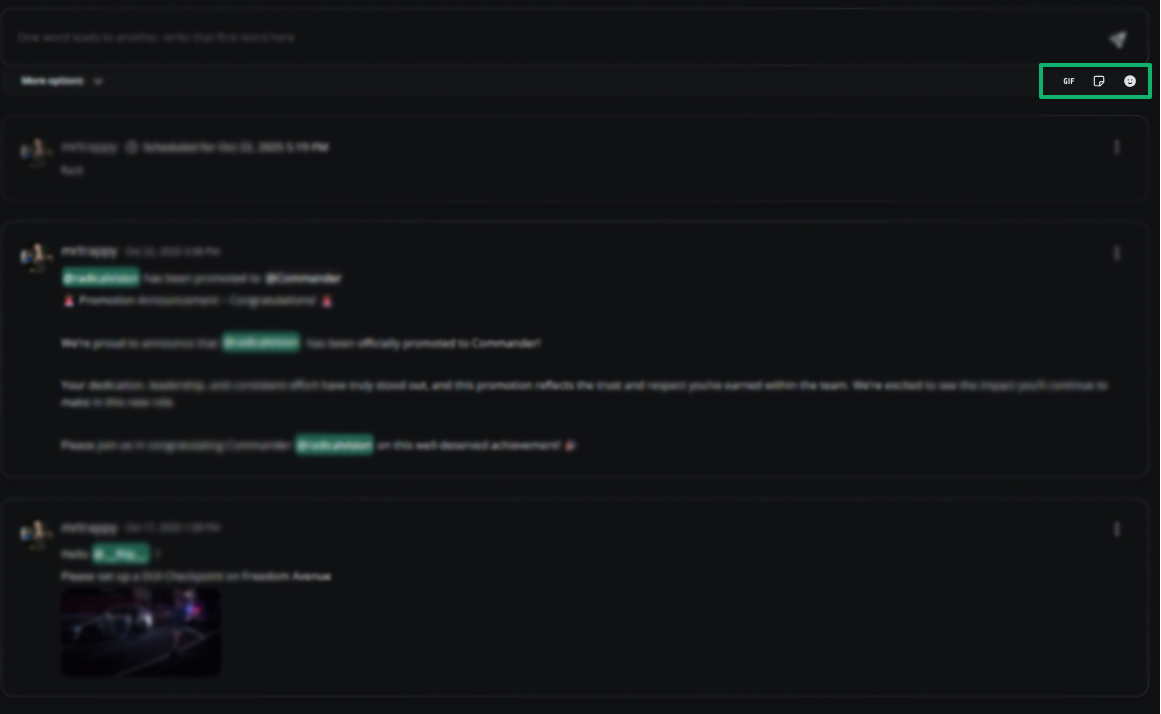
| Tool | Description |
|---|---|
| GIFs | Attach a GIF |
| Stickers | Attach a sticker |
| Emojis | Insert emojis |
Need help?
Still have questions? Join our Discord server for support from the Melonly team.