
The Department module brings every roleplay department to life — realistic, fictional, or completely unique. It pairs Melonly’s core feature set with a hierarchy-based roster, shared Resources, and real-time Shouts.Documentation Index
Fetch the complete documentation index at: https://docs.melonly.xyz/docs/llms.txt
Use this file to discover all available pages before exploring further.
Create a department
Open your dashboard
Open your Melonly dashboard, click New, and select Department.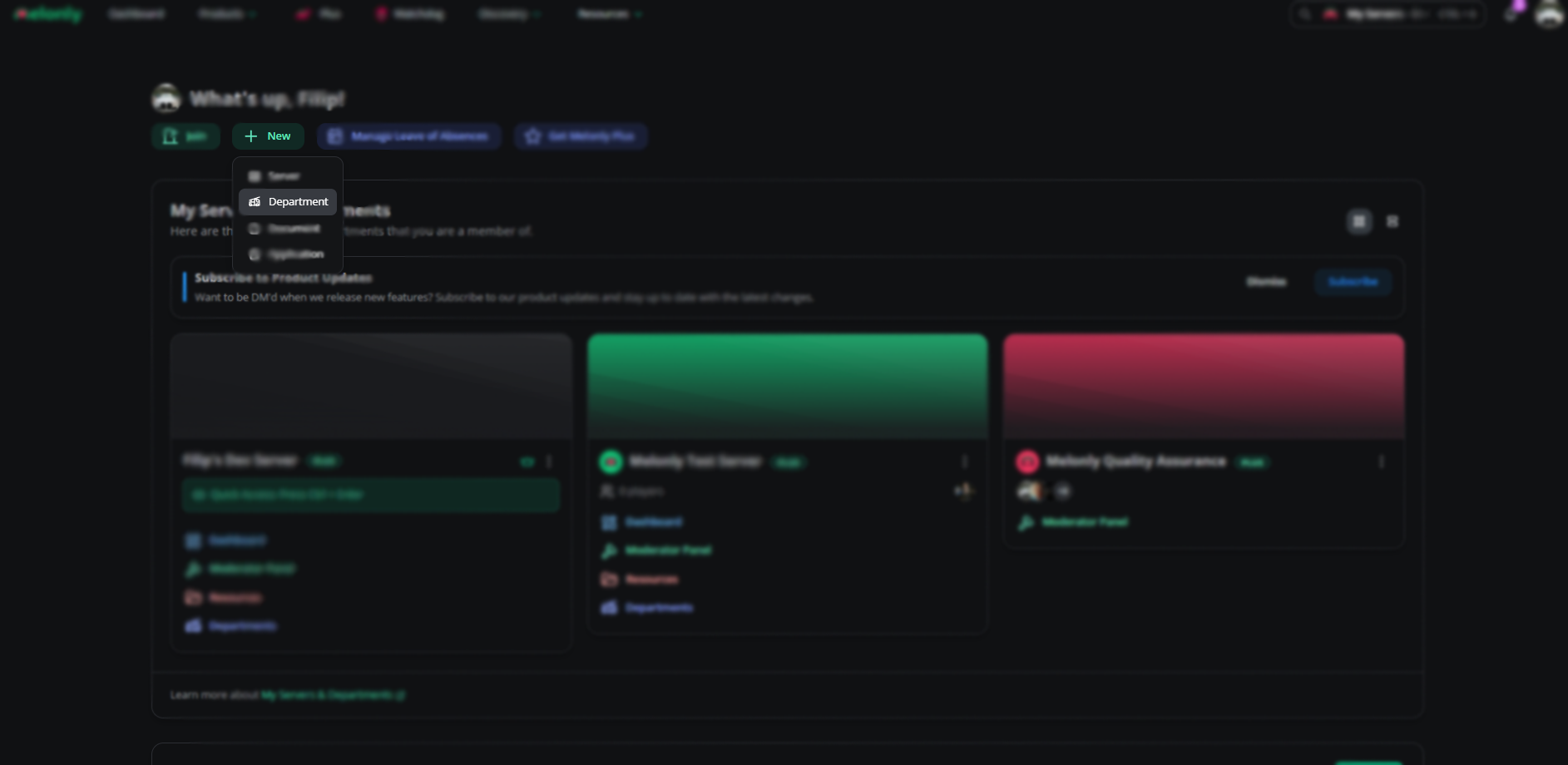
Information and parent server
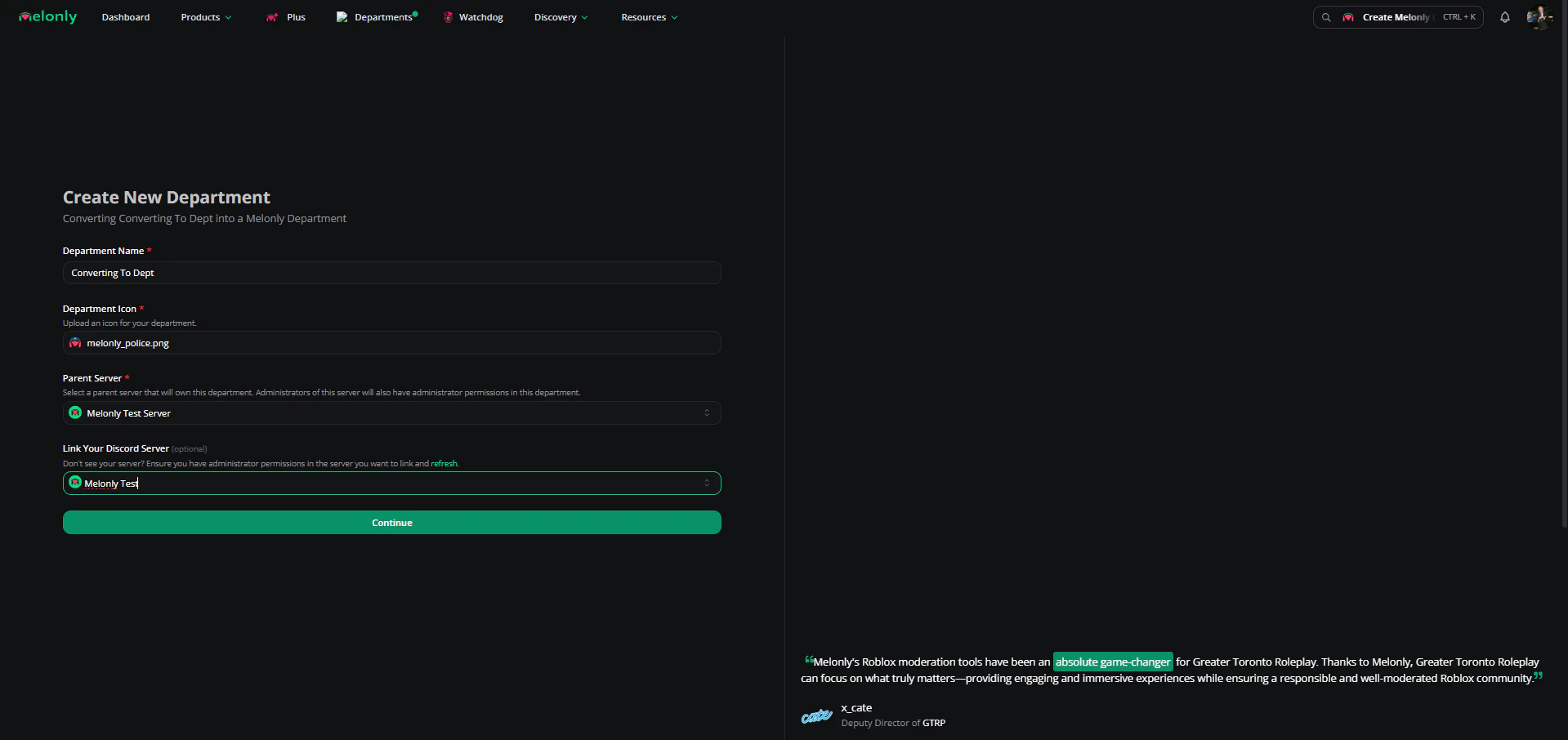
Fill in the required info, pick your parent server (the main Melonly server for your ER:LC private server), and link your department’s Discord server.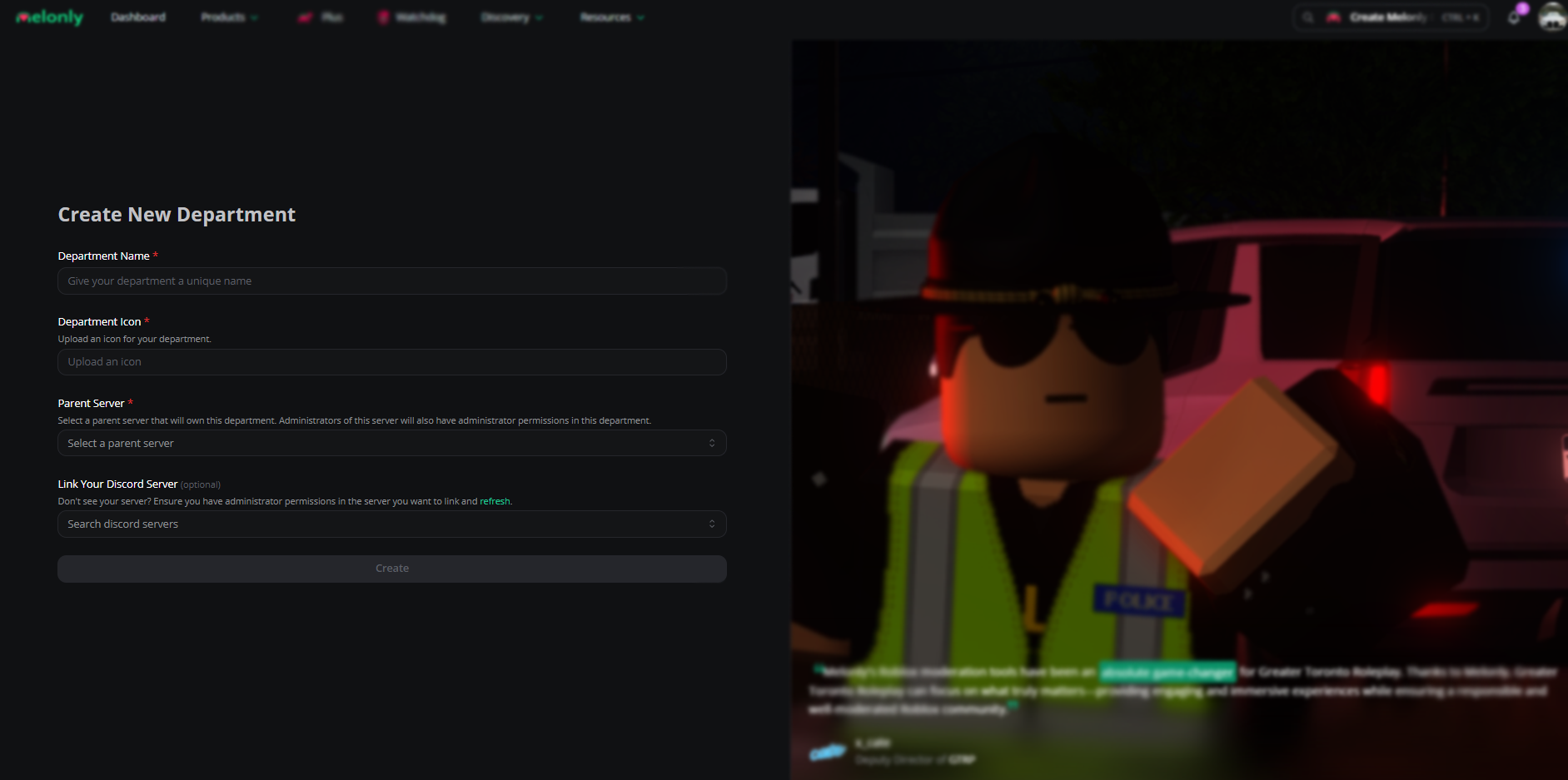
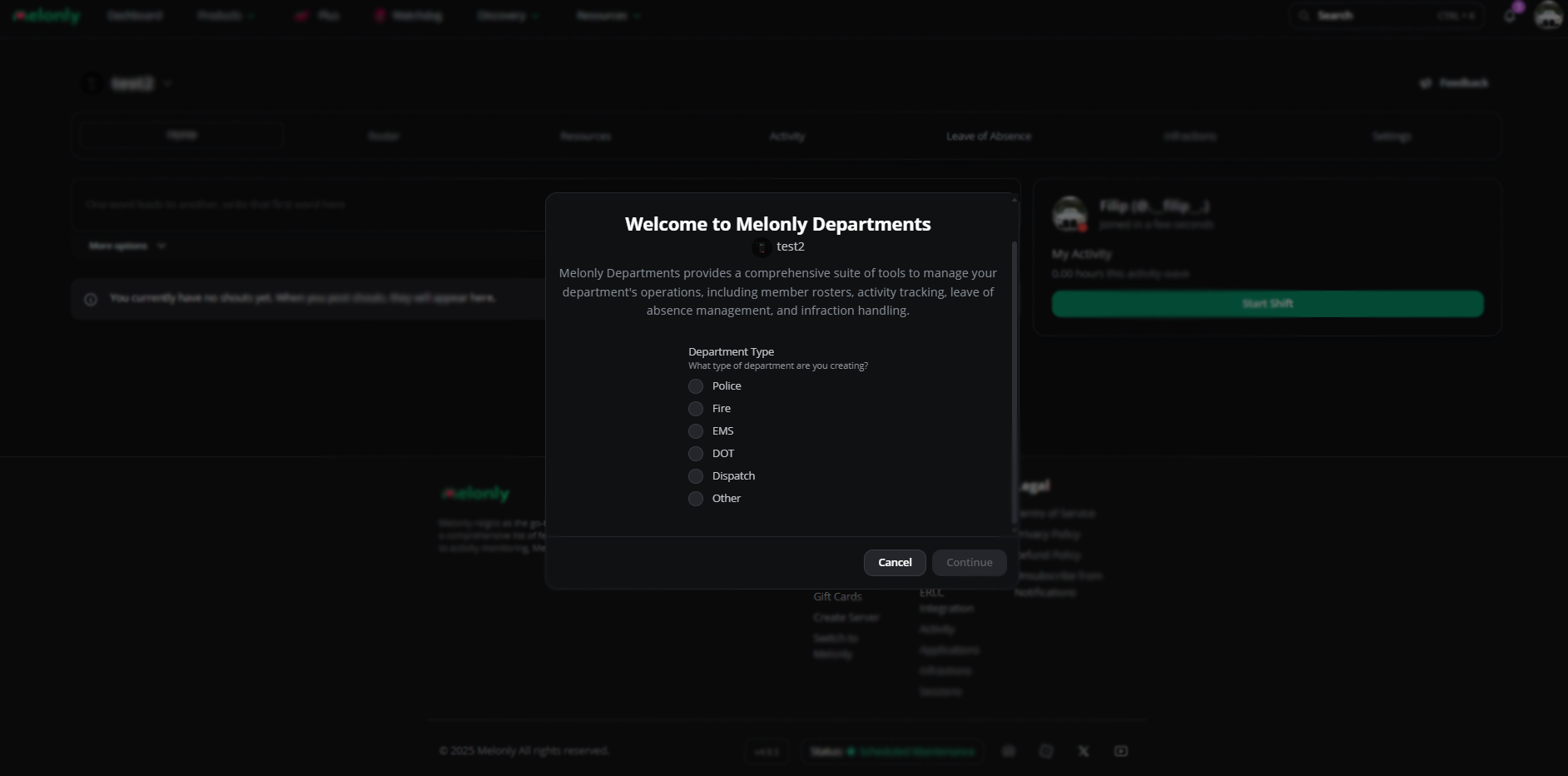
Done
Your department is live on your dashboard.
Convert an existing server
Open your dashboard
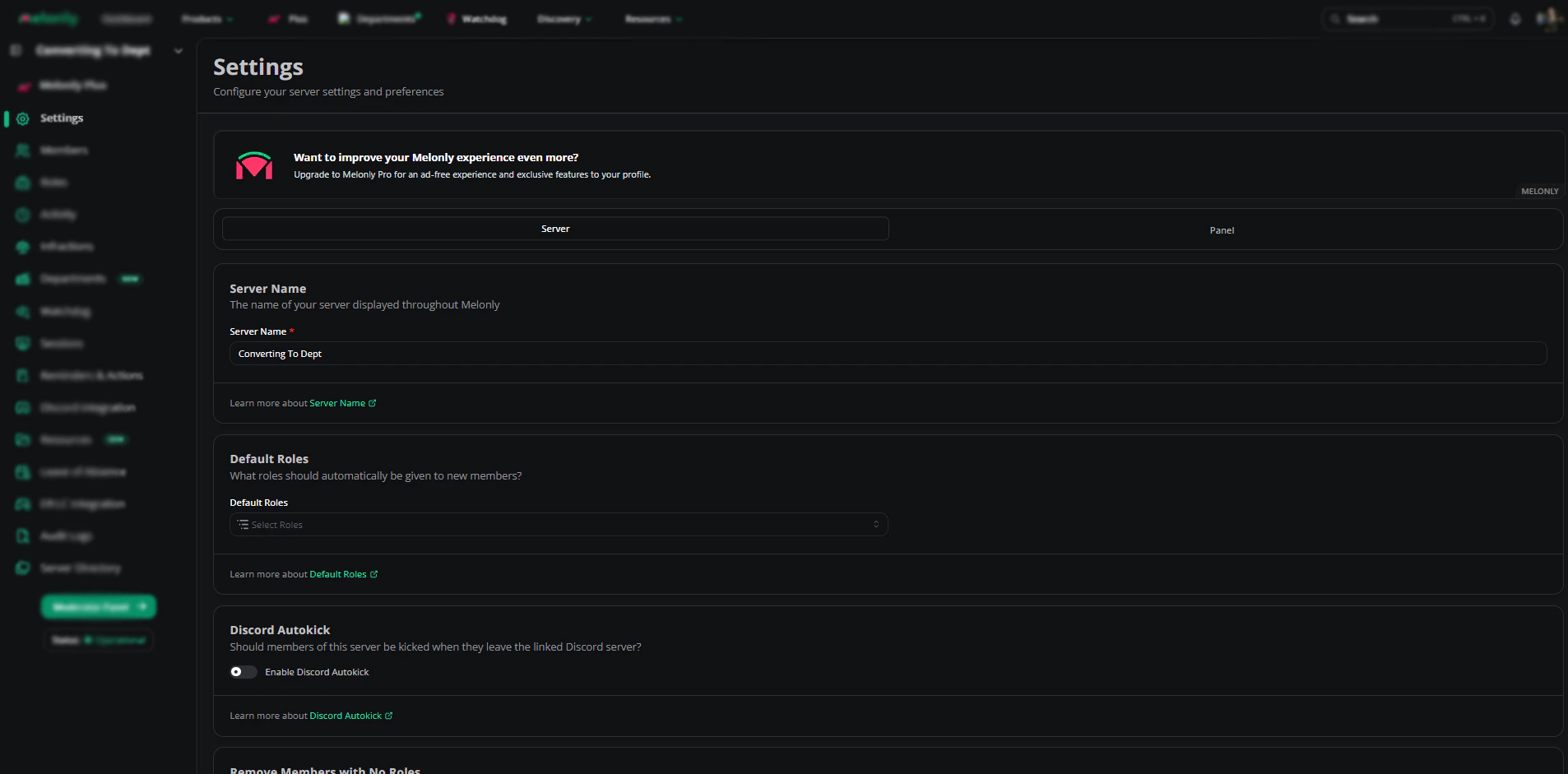
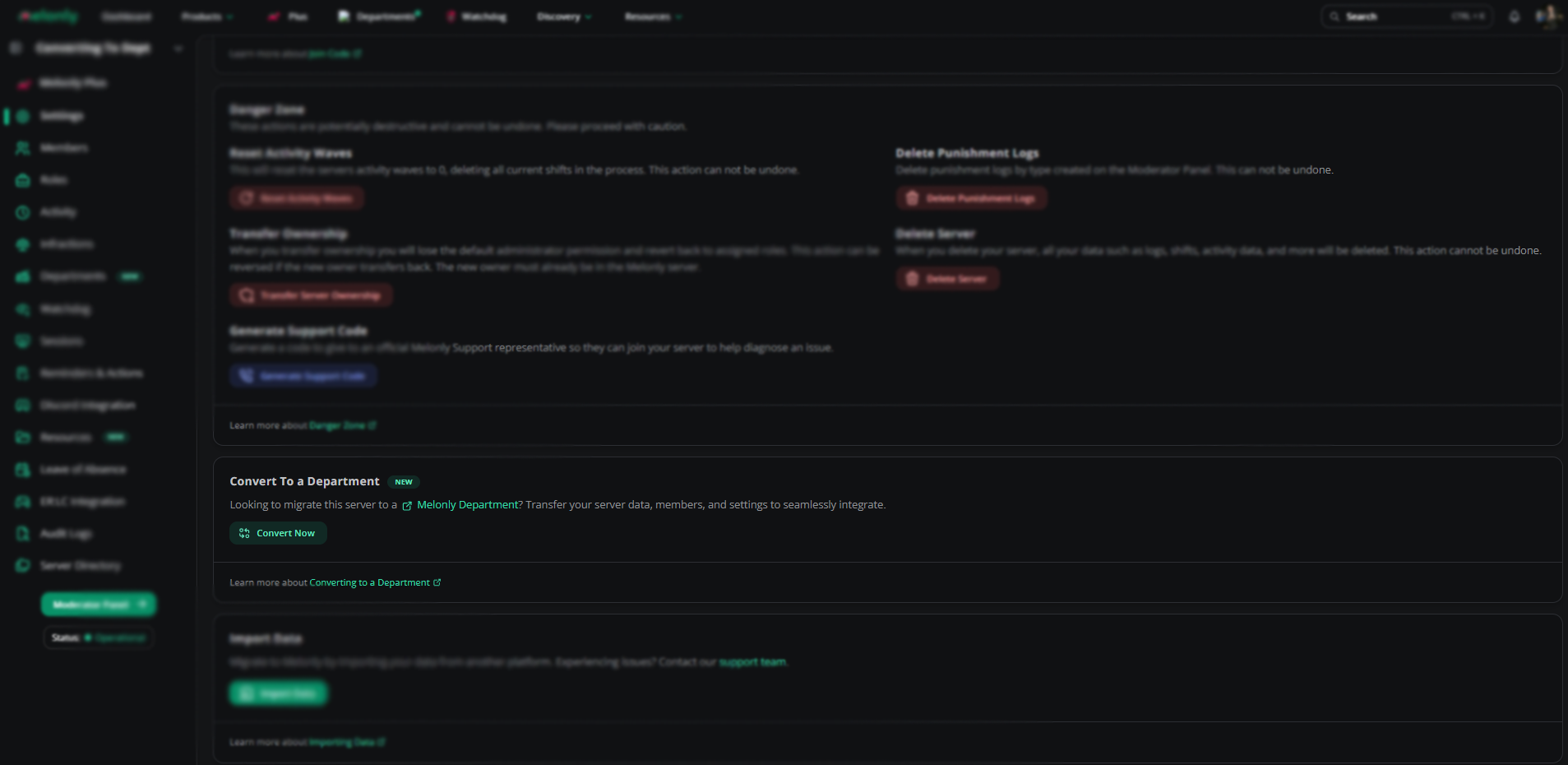
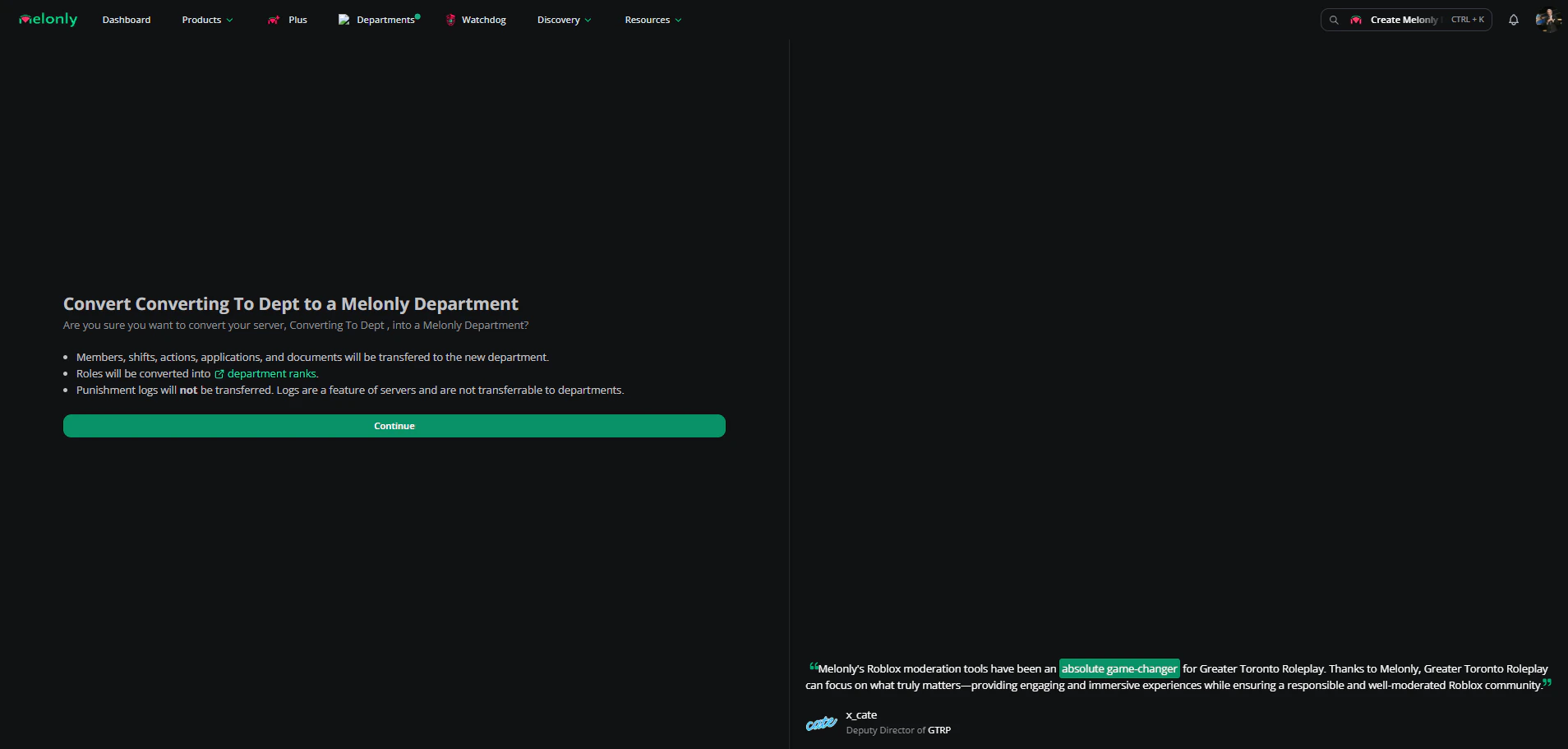
Open your Melonly dashboard and select the server you want to convert.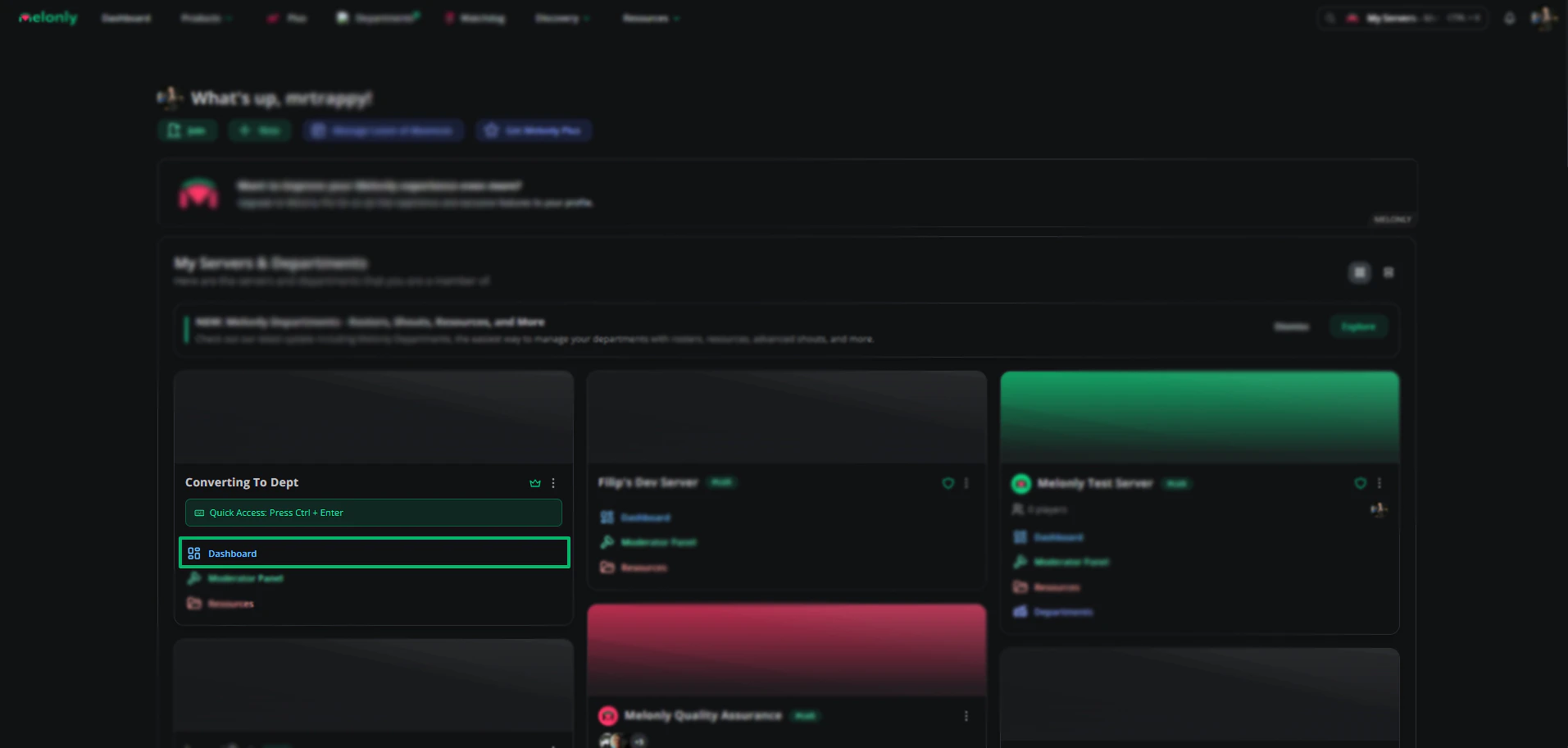
Need help?
Still have questions? Join our Discord server for support from the Melonly team.