
What are Game Logs?
The What’s happening in game? feed, in the middle column, shows everything going on in your ER:LC server as it happens.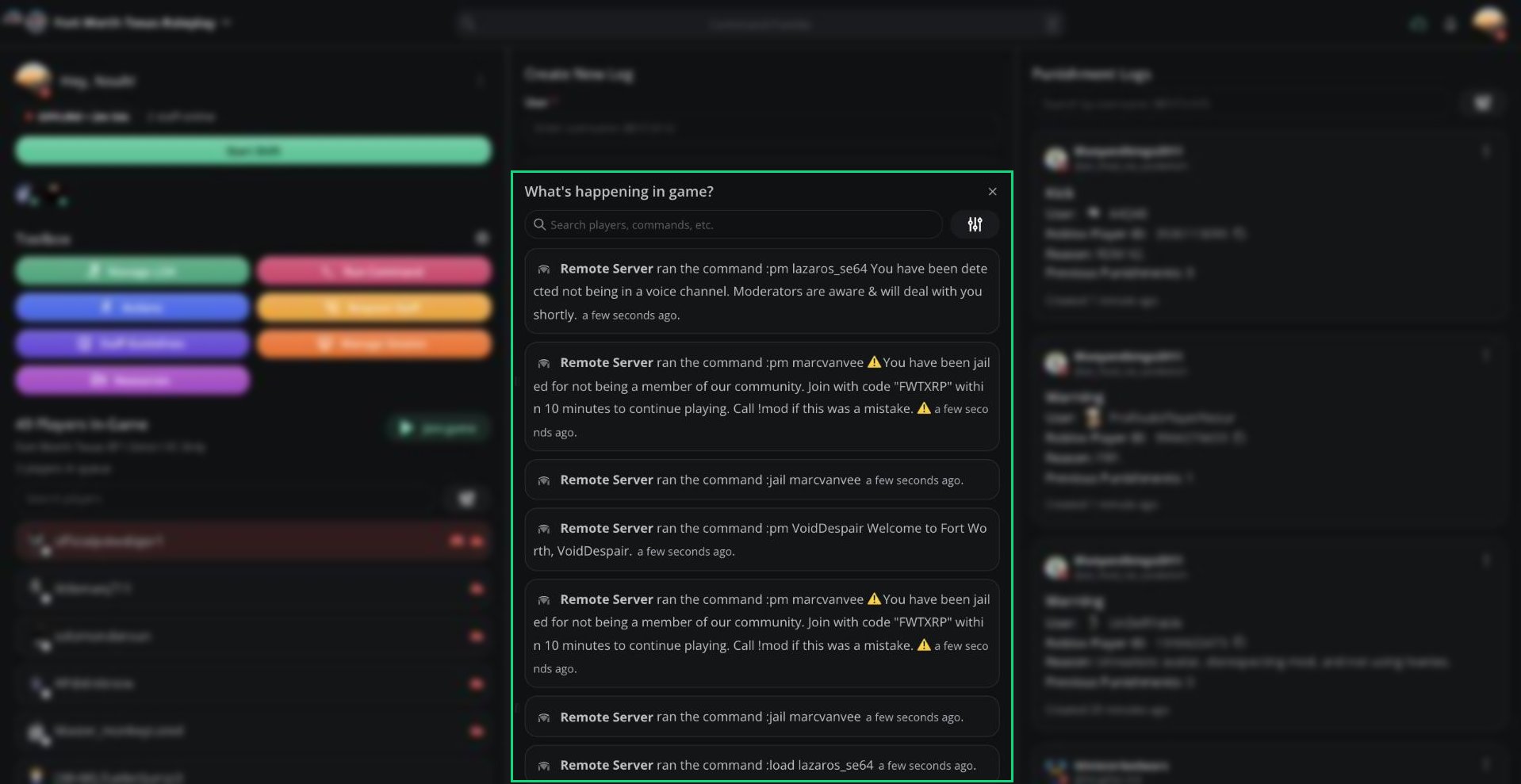
What's happening in game?
Click a player’s name to see their info, or
Ctrl + click to open their User Panel.
Searching and Filtering
Type in Search players, commands, etc. to search by player, Roblox ID, or command text. Click the filter button to show only certain log types.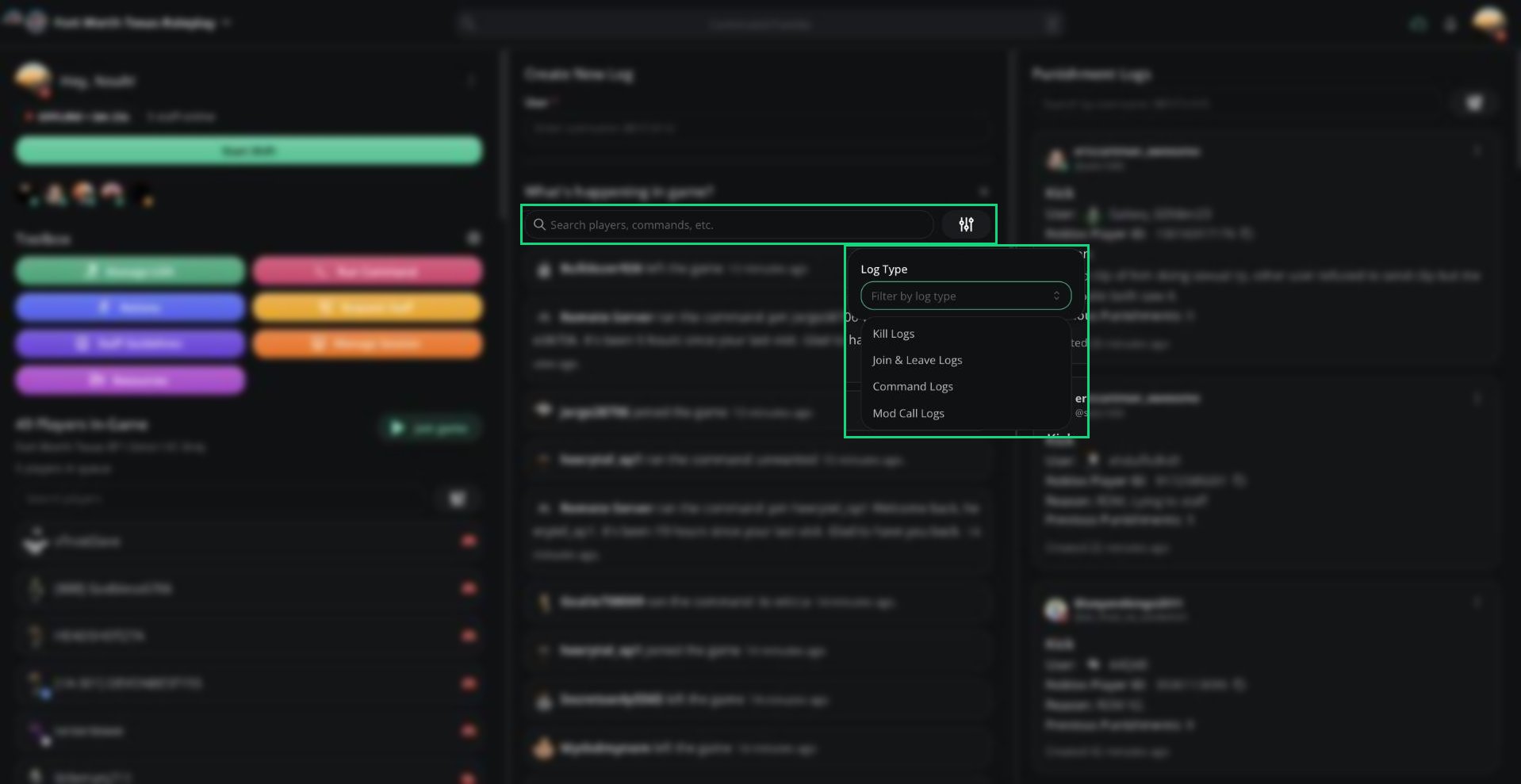
Log type filter
Kick Rejoin Timers
With a rejoin timer, Melonly punishes kicked players who rejoin too soon. If a kick was a mistake, you can void that kick’s timer.Requires Melonly Plus, a rejoin timer set in Dashboard → ER:LC, and the Delete Log permission.
1
Find the kick
Find the
:kick command in the game feed. While its timer is running, a clock icon appears next to it.2
Void the timer
Click the clock icon. Enter a Reason, then click Void timer.
Pending Requests and Verdicts
Two buttons can appear under the search bar.Priority requests
The pending priority requests button appears when your server uses priority requests. Click it to review them. See Priority Requests.Watchdog verdicts
The pending Watchdog verdicts button appears when your server uses Watchdog. It counts detections that arrive while you have the panel open. Click it to review them. Click Accept to apply the punishment, or Decline to dismiss it. You can also teleport to, bring, or wanted the player first, if your Roblox account is linked.Need help?
Still have questions? Join our Discord server for support from the Melonly Team.