
What is the Players List?
Players In-Game, at the bottom of the left column, lists everyone in your ER:LC server and flags players who may be breaking your rules.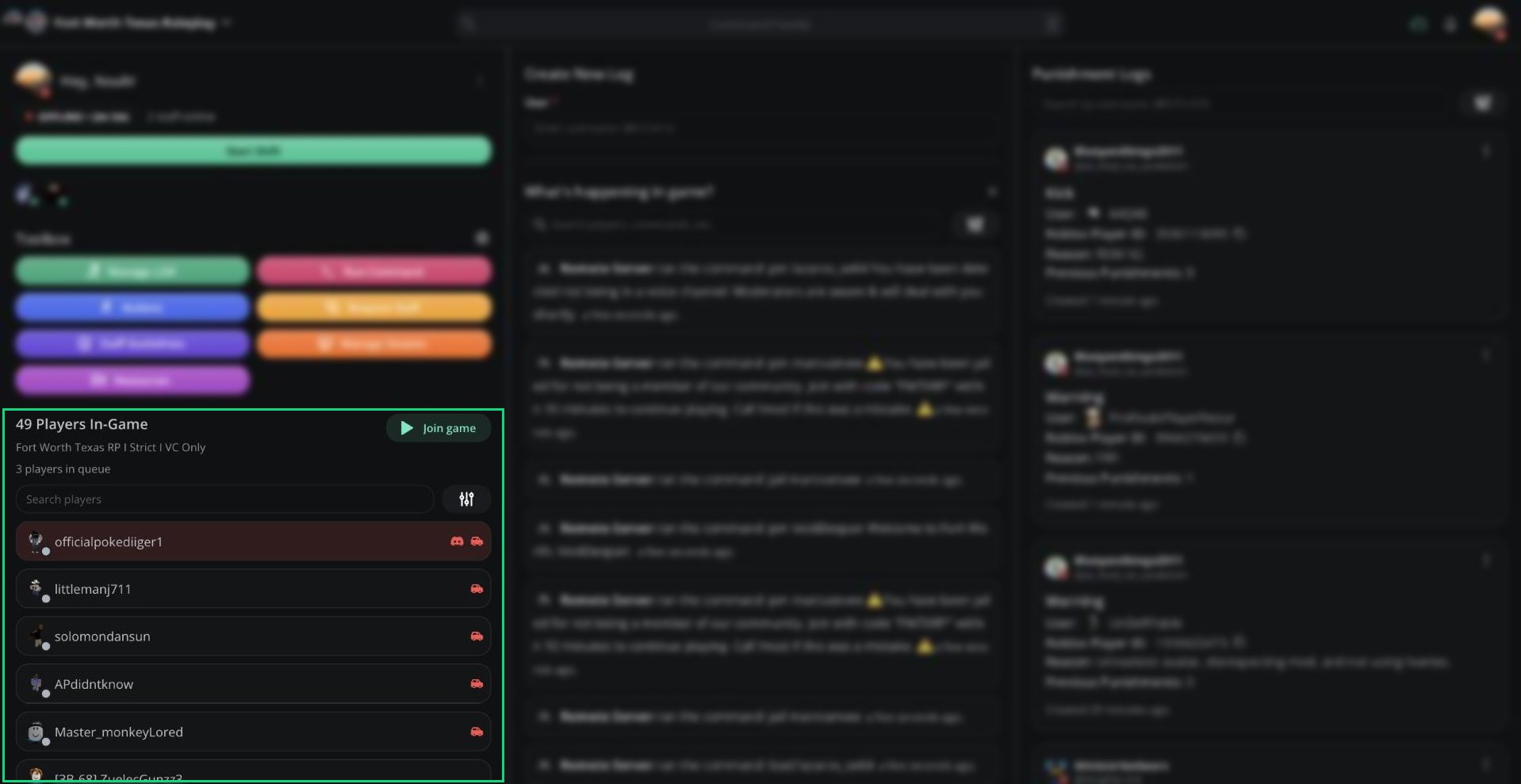
Players In-Game
Player Alerts
Players with possible issues are sorted to the top and show red icons.
Hover over a player to see their alerts in full.
Vehicle restrictions are set in Dashboard → ER:LC. AOP and jurisdiction alerts come from your session settings.
Searching and Filtering
Type in Search players to find a player by username, callsign, or Roblox ID. Click the filter button to show only certain teams.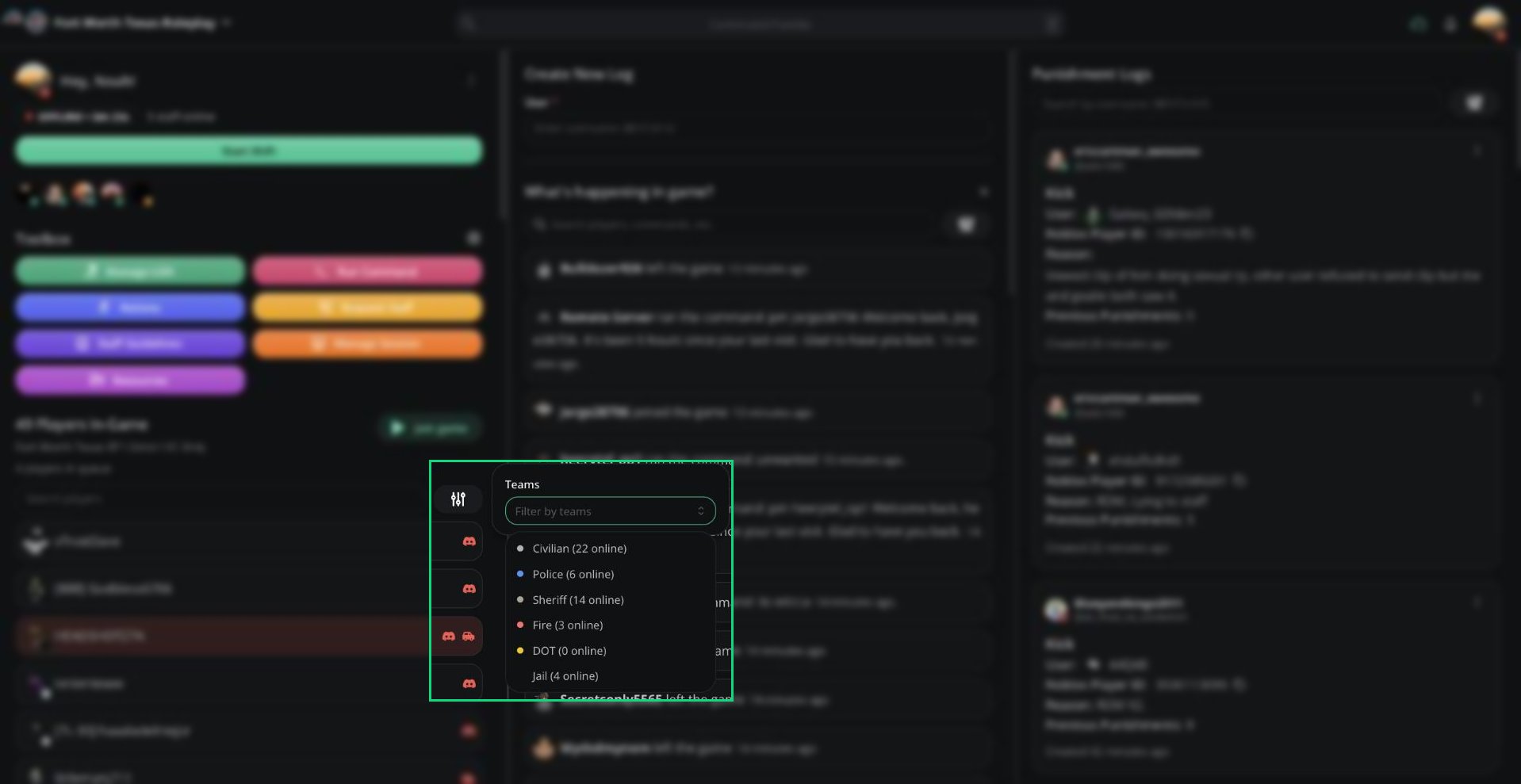
Team filter
Player Info
Click a player to see a quick profile without leaving the list.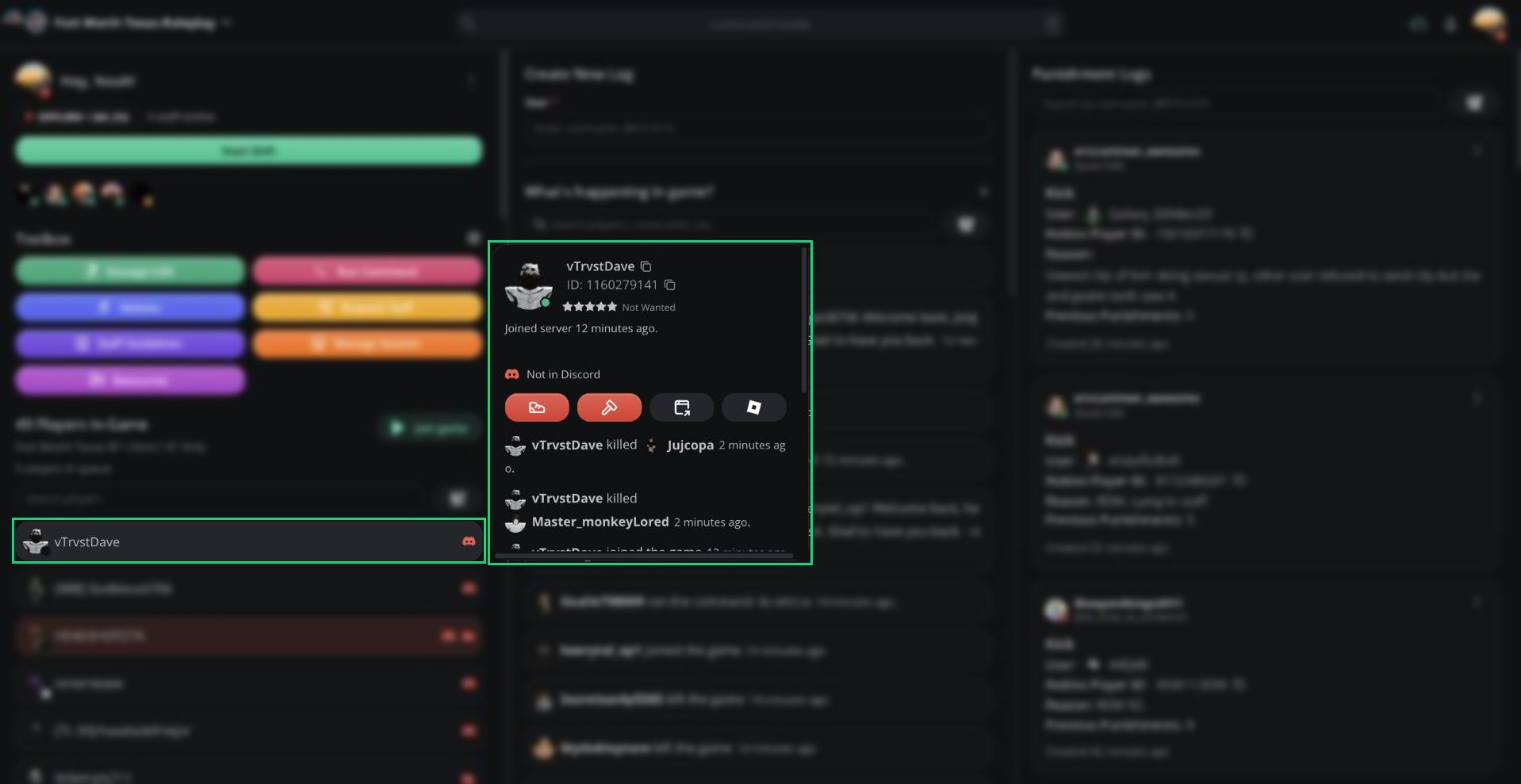
Player info
You can also drag a player’s name into the log form’s User field to fill it in.
Kicking and Banning
Kick requires the ER:LC mod permission. Ban requires ER:LC admin.
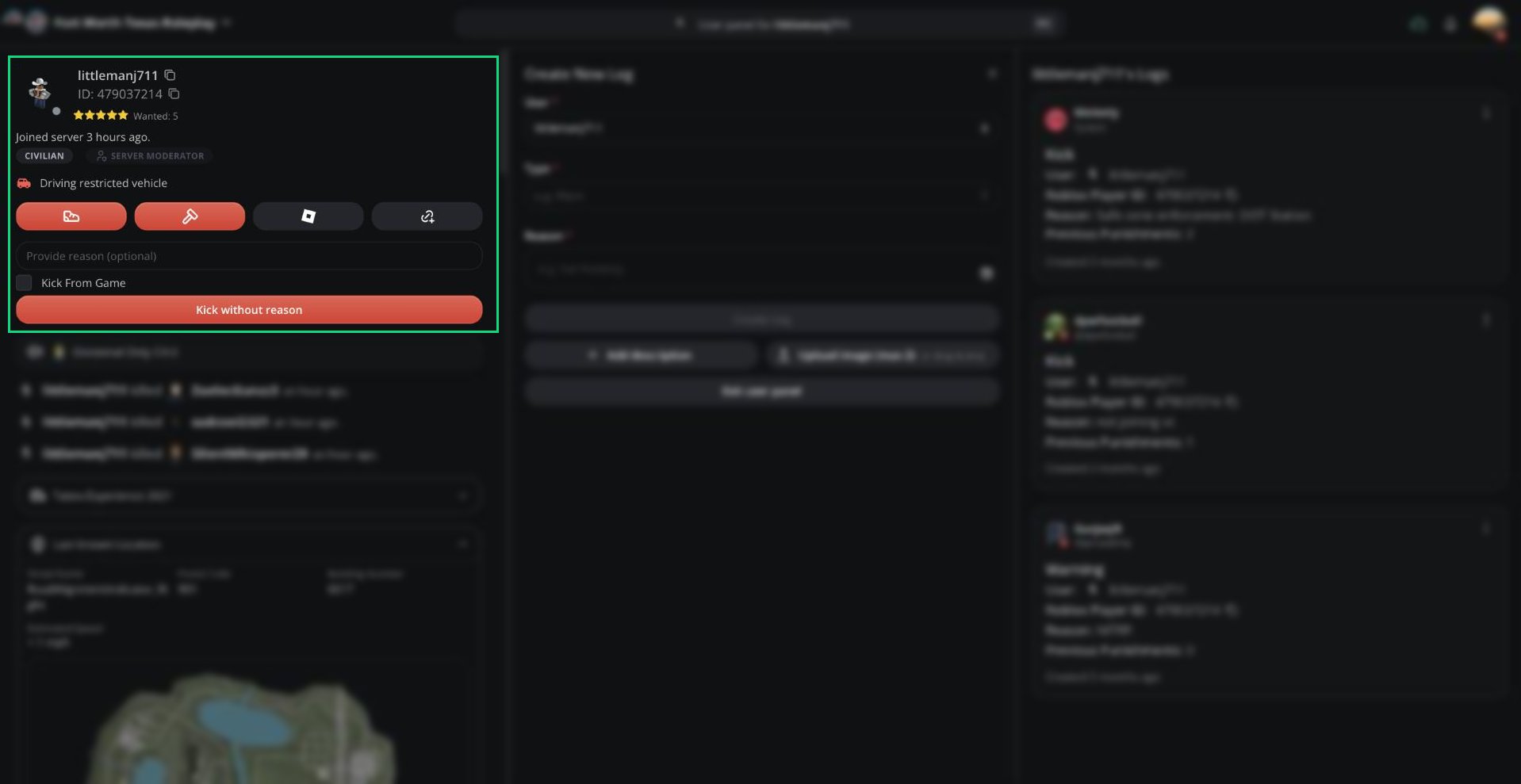
Kicking a player
1
Click Kick or Ban
Click the kick (shoe) or ban (hammer) button on the player’s info card or User Panel.
2
Add a reason
Type a reason. This is optional.
3
Confirm
Click the confirm button or press
Enter.Queue
Click [N] players in queue under the player count to see who’s waiting to join.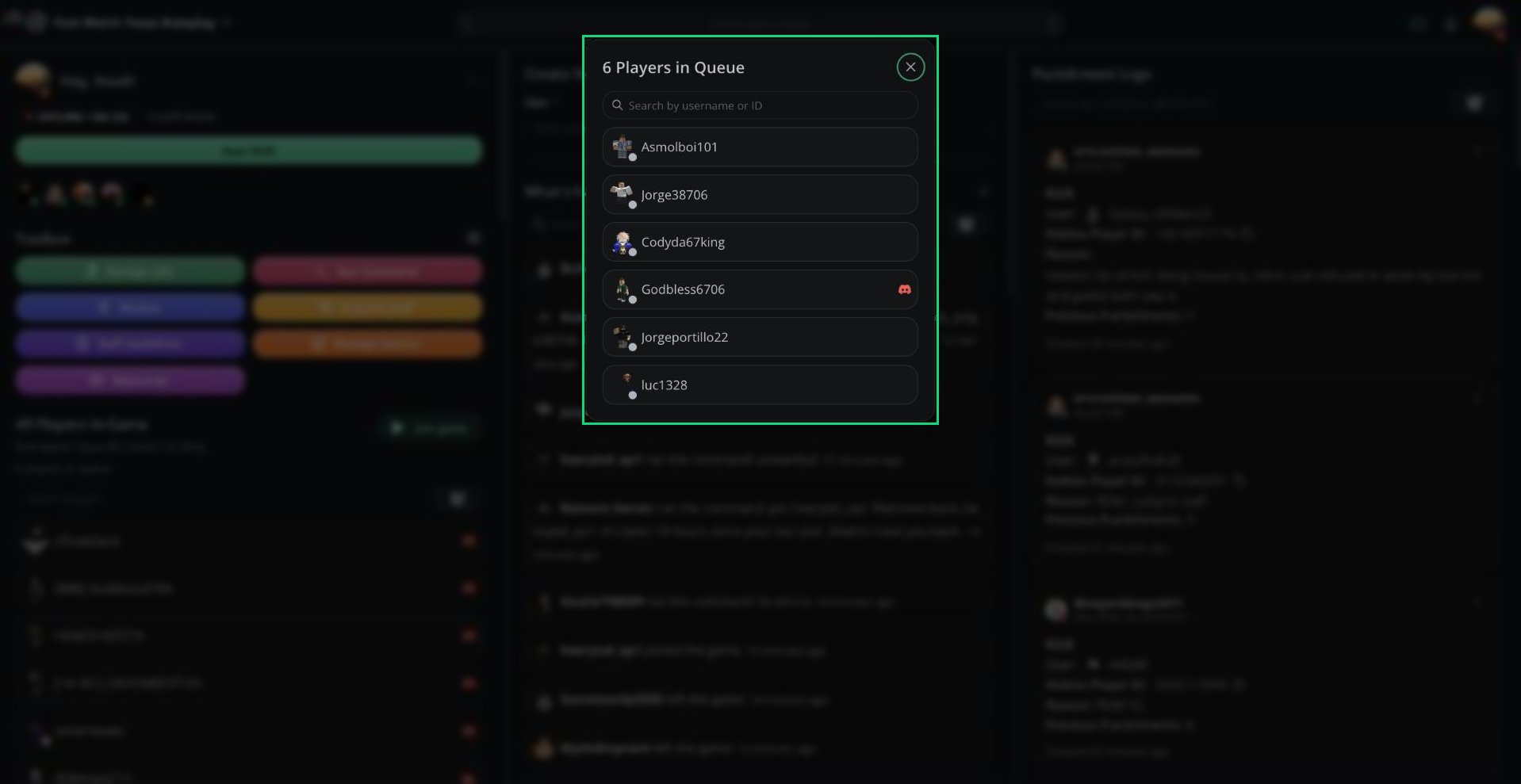
Queue
Need help?
Still have questions? Join our Discord server for support from the Melonly Team.