
Utility blocks create values, do math and transform data inside workflows.
They don’t start workflows or perform actions themselves. Instead, they support the blocks that do.
How Utilities Work
Utilities take input values, process them and return a result that other blocks can use. For example:- Adding two numbers together
- Finding the larger of two values
- Inverting a true or false result
- Getting a property from an object
Utilities
Each utility performs one operation and returns the result.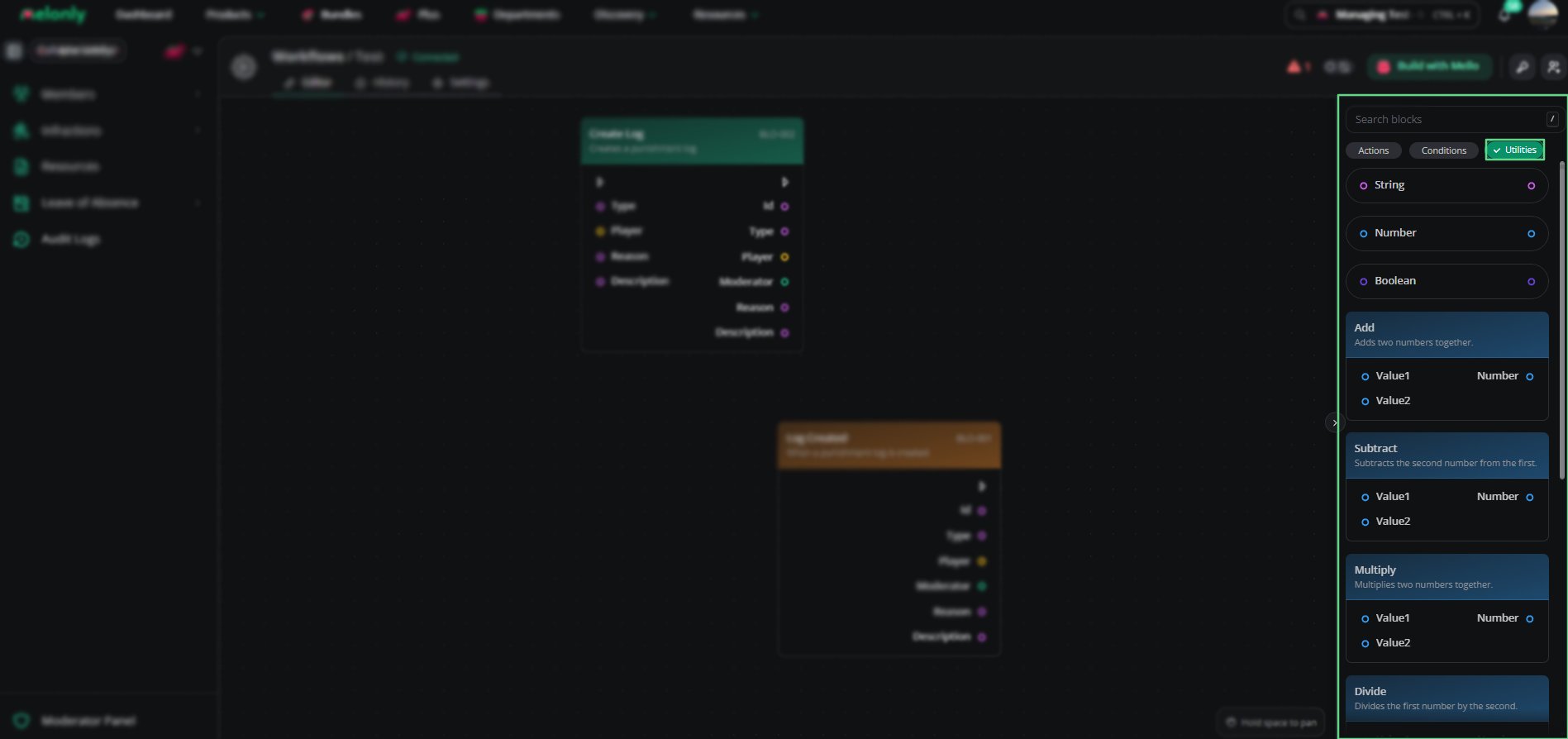
Utilities Overview
Working With Utilities
Utilities let you calculate and transform values between other blocks. When designing workflows, keep in mind:- Data Flow: Utilities can pass values between triggers, actions and conditions.
- Reuse: Use utilities to simplify complex logic and avoid repetition.
- Data Types: Make sure math blocks get numbers, not text.
- Testing: Check utility outputs before connecting them to actions.
Example Workflow Flow
- A player leaves your ER:LC server and the trigger starts the workflow.
- A utility calculates how long the player was in the server.
- A condition checks whether that time is over a threshold.
- If true, an action sends a Discord message.
Need help?
Still have questions? Join our Discord server for support from the Melonly Team.