
Folders
Folders group multiple documents and forms into a single location.Create a Folder
Press New on your Resources page and select Folder.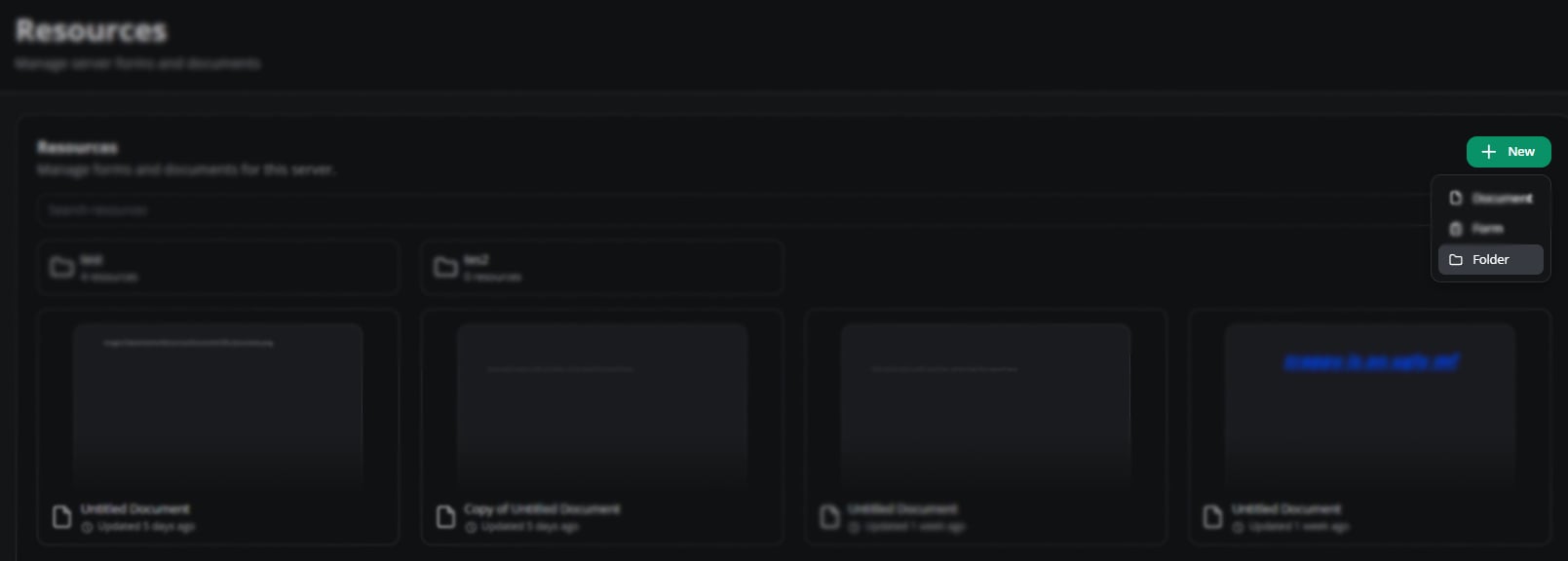
Create a folder
Configure a Folder
Convert it to a workspace or rename it from the configuration menu.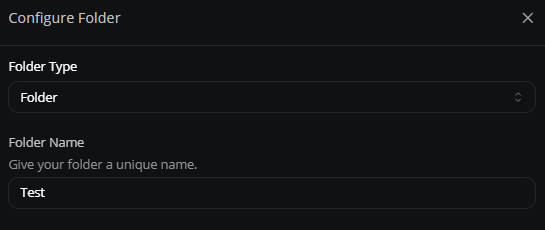
Folder configuration
Share a Folder
Restrict folders to specific roles or members. Use Copy Link to distribute the folder.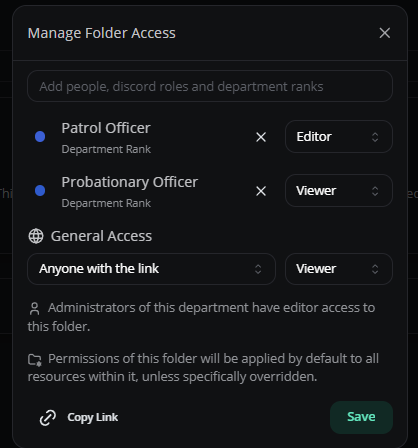
Folder sharing
Move Documents Into a Folder
Drag and drop documents. Sync permissions to inherit the folder’s access settings.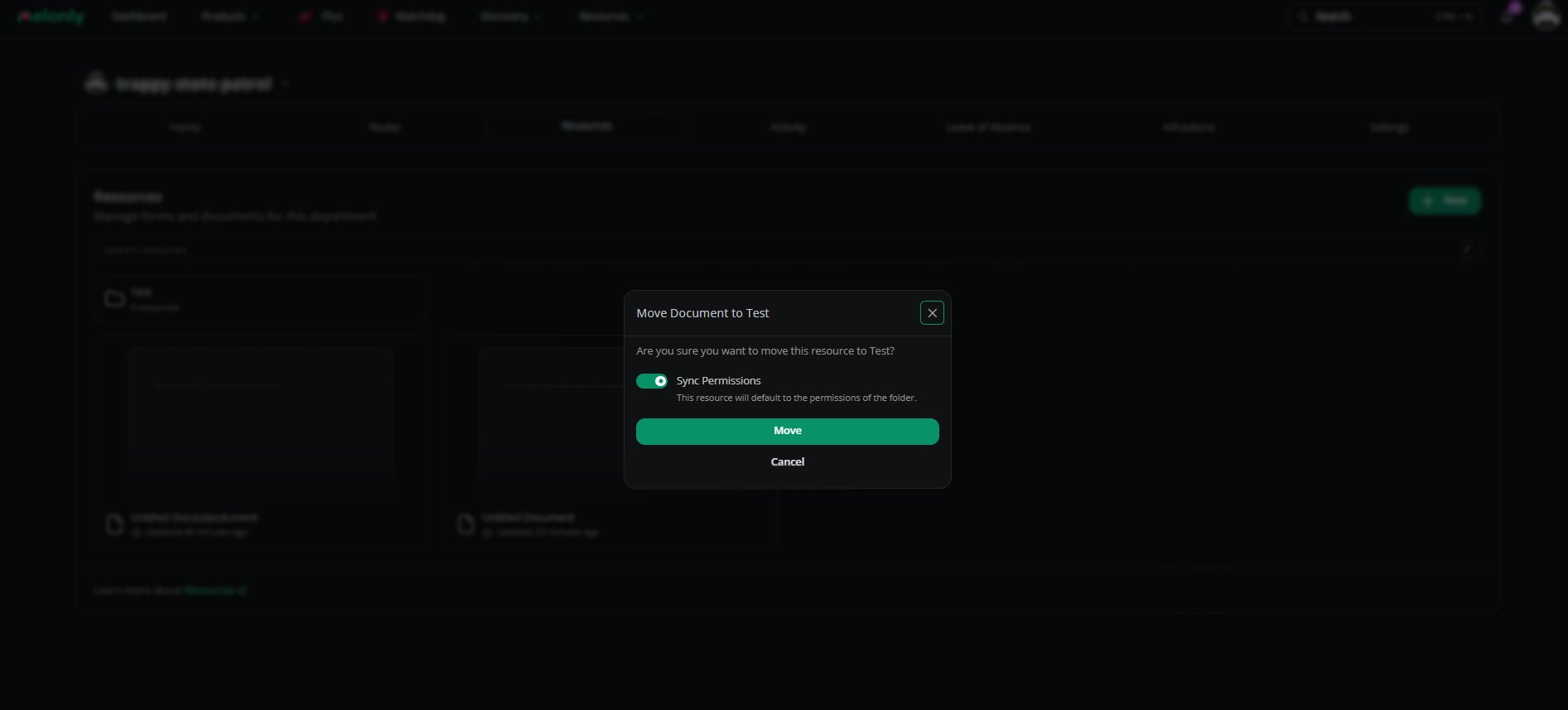
Move documents into a folder
Workspaces
Workspaces are advanced folders with sidebar navigation and grouped content.Create a Workspace
Press New, select Folder, then switch the Type to Workspace.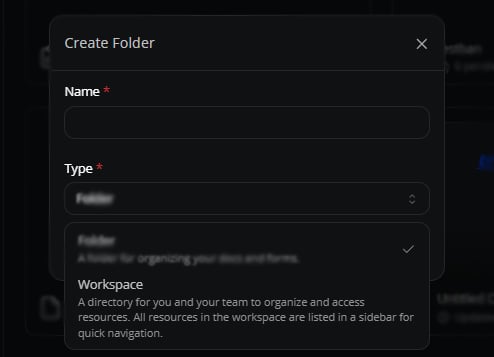
Create a workspace
Configure a Workspace
Convert it back to a folder, rename it, or set up a sidebar with grouped documents and links.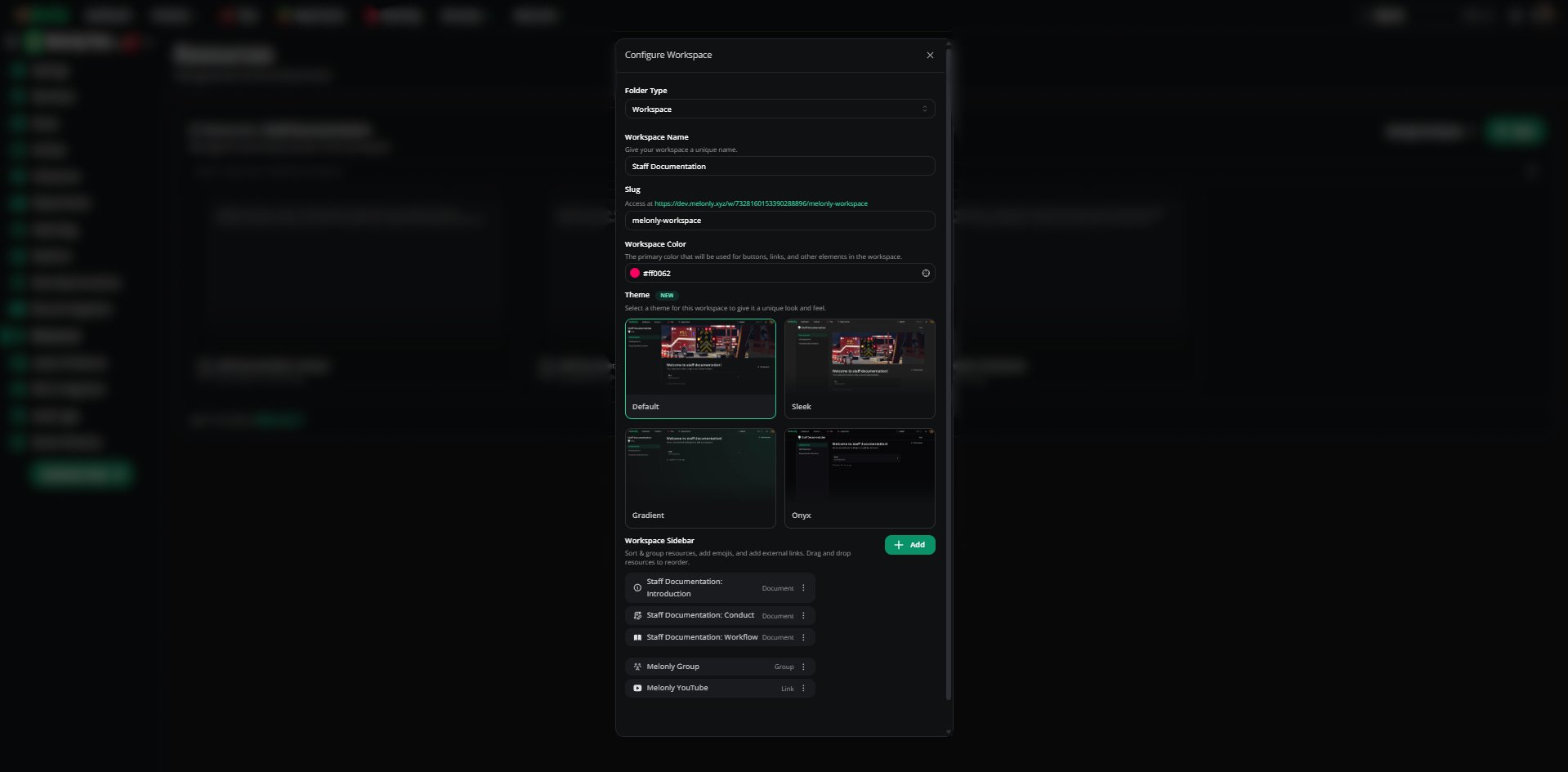
Configure a workspace
Share a Workspace
Same as folders — restrict by role or member, or share via link.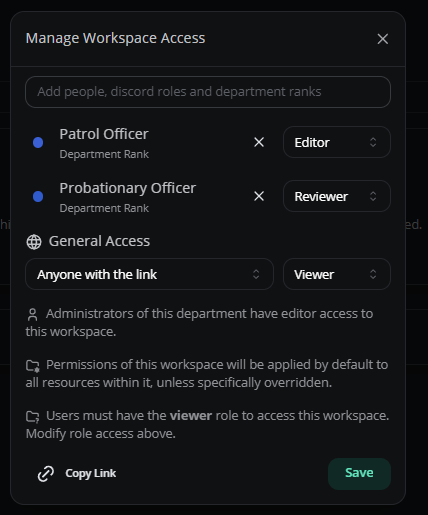
Workspace sharing
Move Documents Into a Workspace
Drag and drop. Sync permissions to inherit workspace access.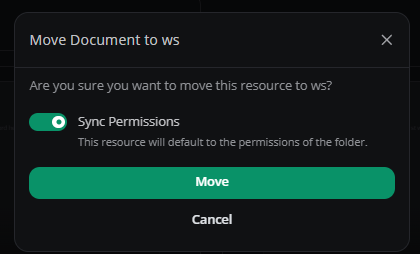
Move documents into a workspace