
They support automatic role assignment, staging, internal commenting, and more.
Why Not Google Forms
Melonly Applications are purpose built for ER:LC.Discord and Roblox info is collected automatically, role assignment runs on accept or deny, and you get features like required roles, copy/paste detection, and quizzes.
Standout Features
- Application
- Ban Appeals
- Paste Detection
- Tab In & Out
- AI Detection
Automatic Discord and Roblox info collection.
Create an Application
Open the dashboard
Open your server’s dashboard.
Open Applications
Navigate to the Resources page.
Build it
Click New Form, name it, choose Application or ER:LC Ban Appeal, then customise.
Response Types
- Character types
- Selection types
- Numerical types
- Upload/Selection types
Application Responses
The Responses tab splits into pending, staging, approved, and denied.Response Presets
Create a preset
Open the application’s settings -> Manage Application Response Presets.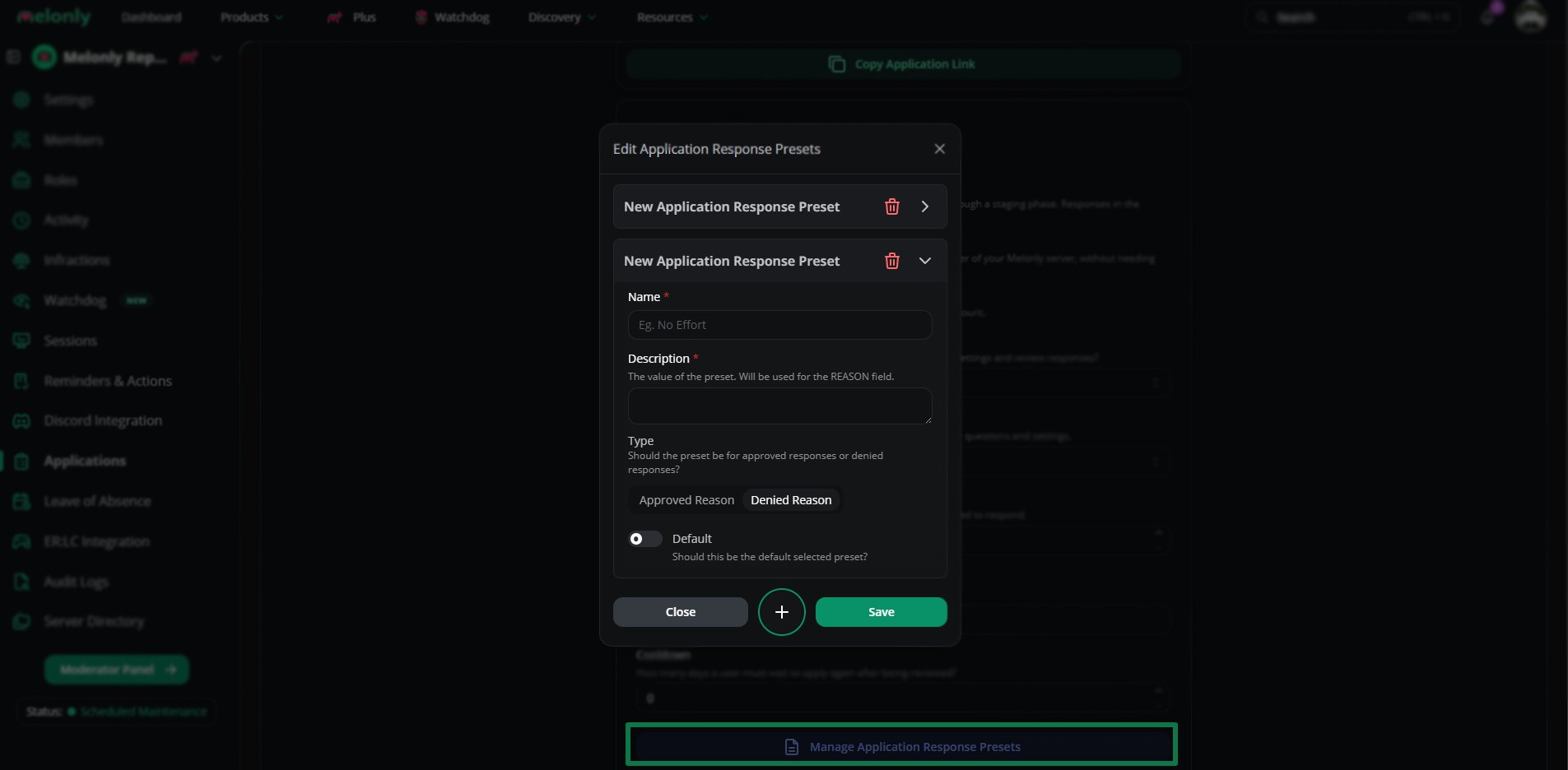
Create a preset
Use a preset
Type the preset name into the Reason field.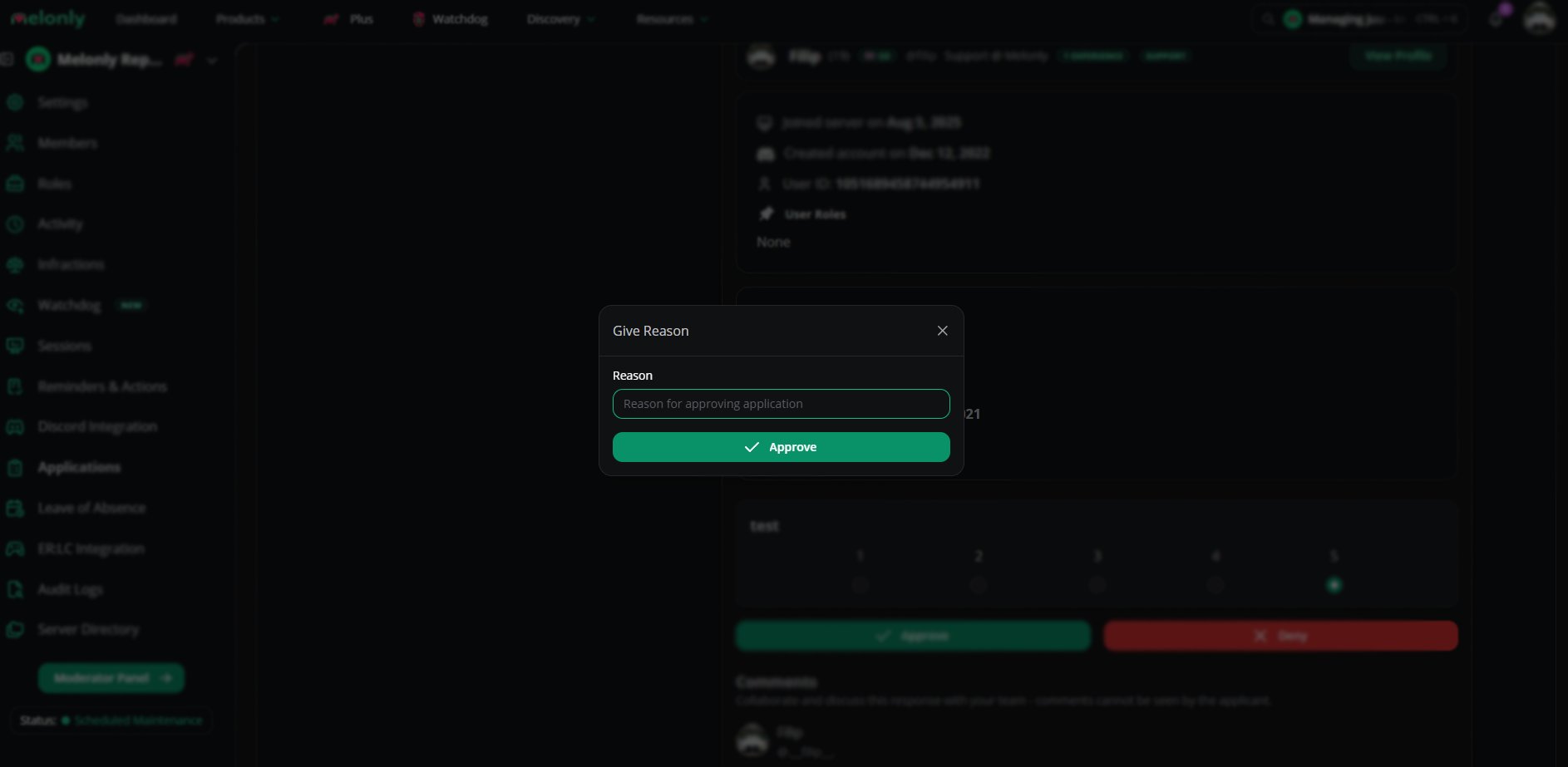
Use a preset
AI Detection
AI detection
AI tools read application responses to flag AI-generated content.
AI detection in action
Application Settings
General
Editor & Reviewer
Additional
Quiz
Discord Integration
Advanced
Need help?
Still have questions? Join our Discord server for support.