
What is the Recent page?
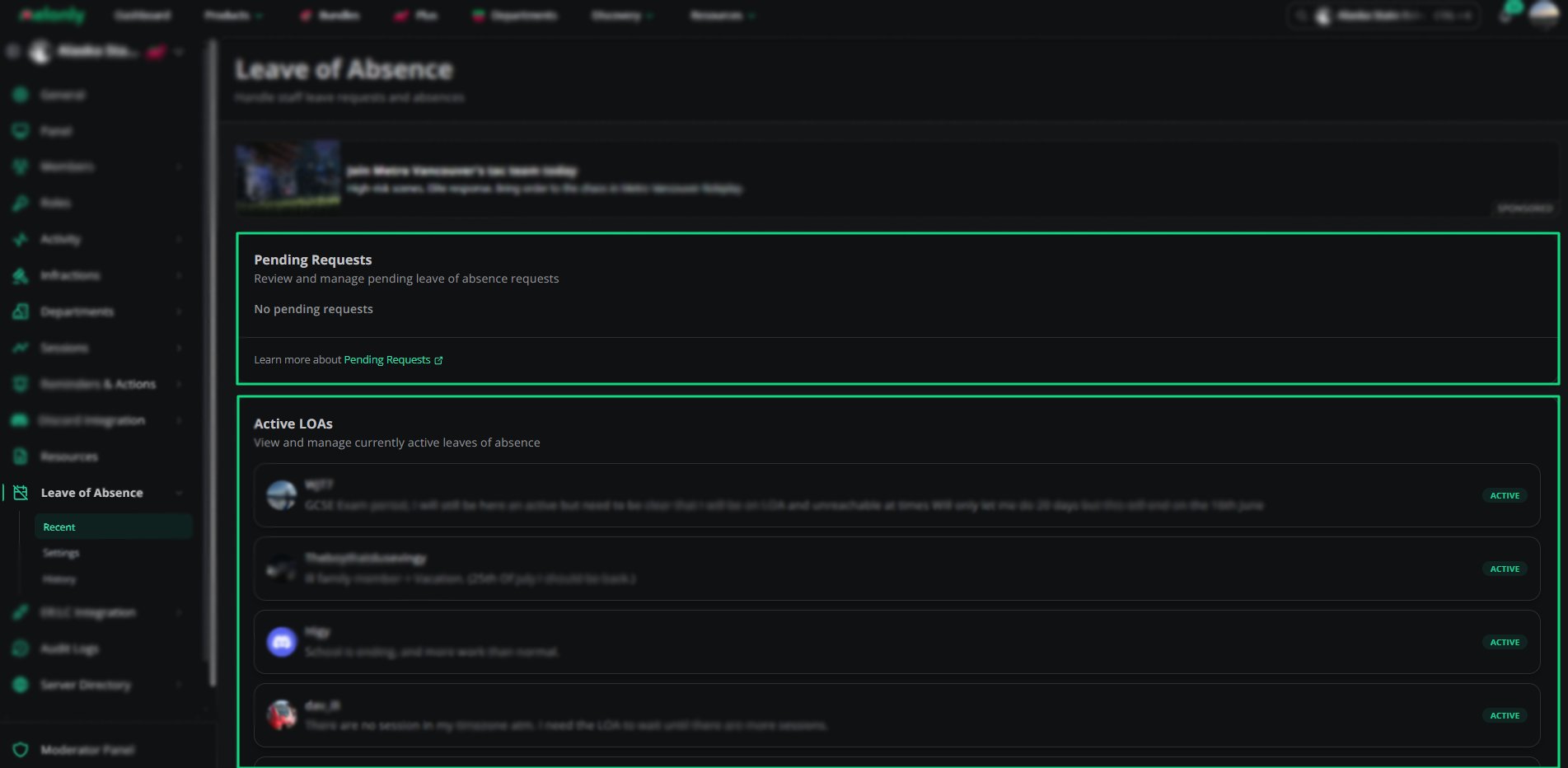
The Recent page shows all recent Leave of Absence activity for your staff team.You can view pending requests, active LOAs, and recently completed leaves. This helps you track staff availability and understand who is currently away.
Recenets Overview
Pending Requests
Pending requests are LOA submissions that have not yet been approved or denied.Staff members must wait for a supervisor to review their request before it becomes active. If no requests are pending, this section will be empty.
Active LOAs
Active LOAs show staff members who are currently on approved leave.Each entry includes:
- Staff member name
- Reason for leave
- Status
- Duration (Start / End Date & Time)
- Approving Staff
How LOAs Work
1
Staff Submit a Request
Staff members submit an LOA request with a reason and expected end date.
2
Supervisors Review the Request
A supervisor approves or denies the request based on the provided information.
3
LOA Becomes Active
Approved requests appear in the Active LOAs section until the leave ends.
Why LOAs Matter
LOAs help maintain fairness and clarity in activity expectations.They ensure staff are not penalised for being unavailable during approved leave periods. They also help supervisors plan staffing and understand team availability.
Need help?
Still have questions? Join our Discord server for support from the Melonly Team.