
What are Licence Suspension Charges?
Licence suspension charges are the reasons officers pick when suspending a licence from the Police panel. Each one sets how long the suspension lasts and any demerit points. You can have up to 50.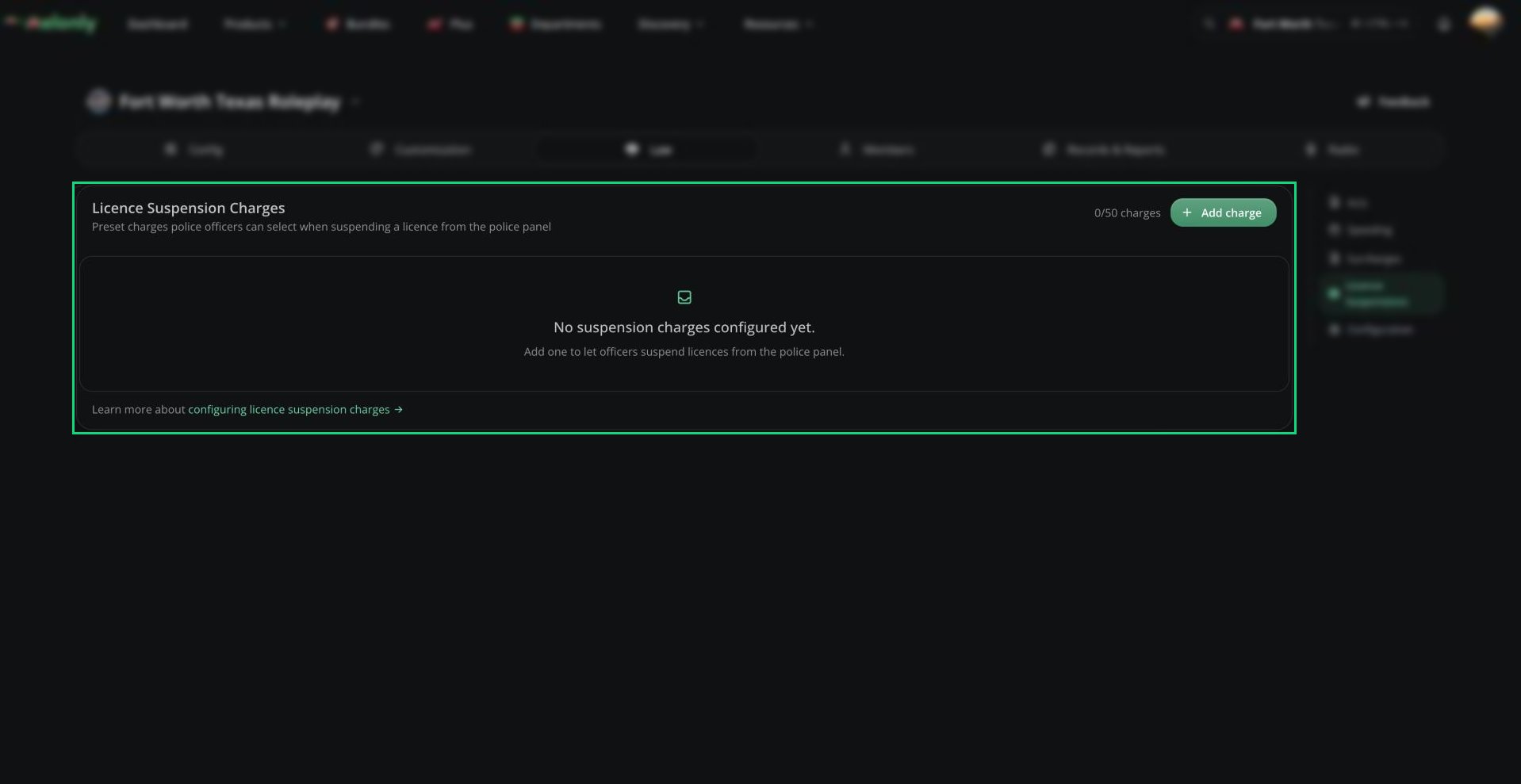
Licence Suspensions
Adding a Suspension Charge
1
Open Licence Suspensions
In the CAD admin panel, open Law → Licence Suspensions.
2
Add a charge
Click Add charge and fill in the fields below.
3
Save
Click Save Changes (
Ctrl + S). Officers can use it straight away.
RP days run at the speed set by RP Day Time Scale in Law Configuration.
Using Them in Templates
Record templates can use these charges too, through a licence suspension section. If you delete a charge a template uses, that template can’t be filed until it’s updated. See Template Editor. For how officers suspend a licence, see Suspending a Licence.Need help?
Still have questions? Join our Discord server for support from the Melonly Team.