
Speeding and Surcharges
Speeding classes and surcharges decide how fines are worked out on records. Find both under Law in the CAD admin panel. Changes are kept as a draft until you click Save Changes (Ctrl + S).
The currency symbol and speed units come from Regionality.
Speeding Classes
Speeding classes work out the fine and licence points for a speeding charge based on how far over the limit someone was. You can have up to 10, for example a Default and a School Zone class (both included on new servers).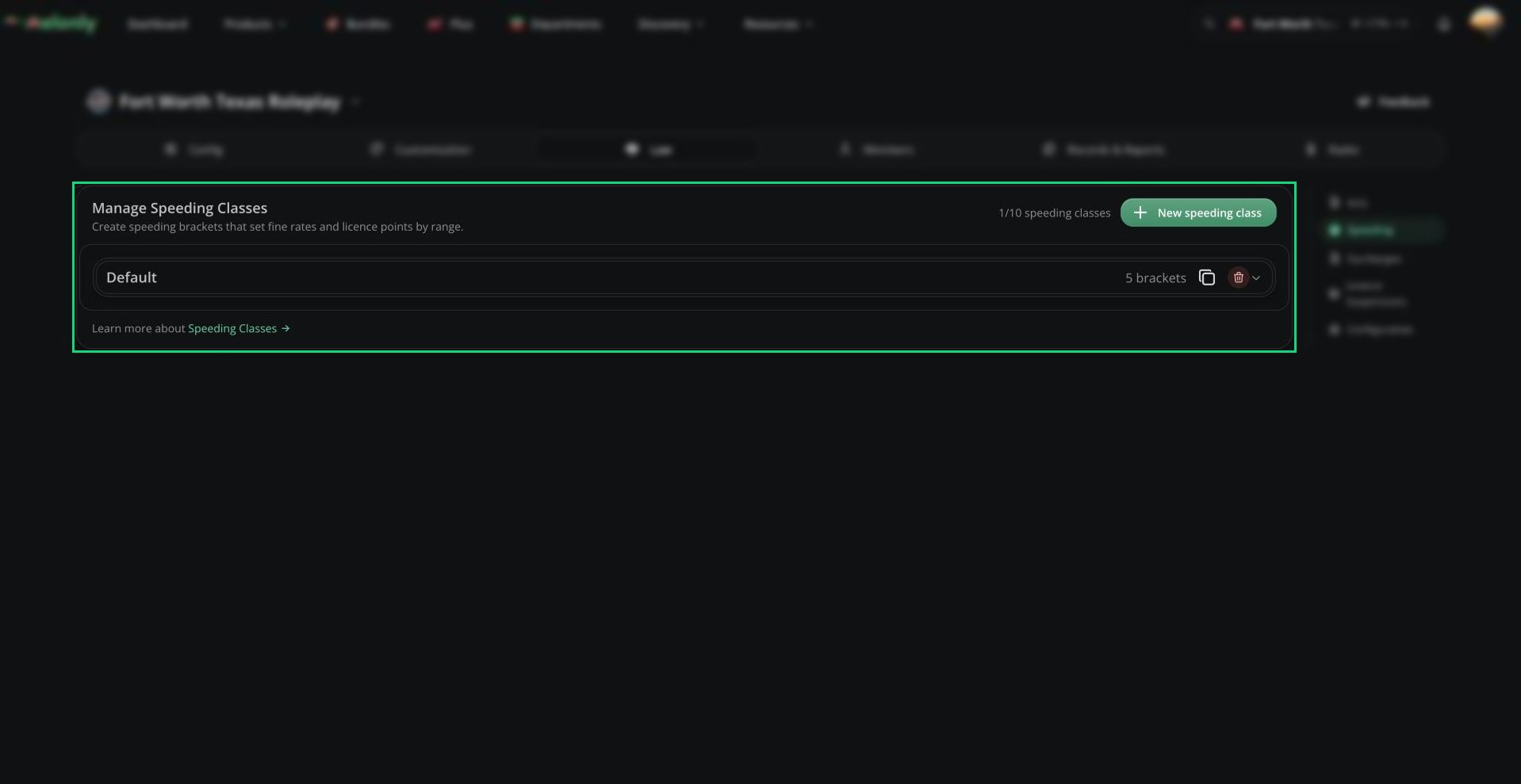
Speeding
Brackets
Each class has brackets. A bracket starts at a number of speed units over the limit and sets a fine rate (per unit over) and licence points (0 to 50). The highest bracket reached is used.Surcharges
Surcharges add an extra amount to fines, either fixed or a percentage, based on how big the fine is. You can have up to 10.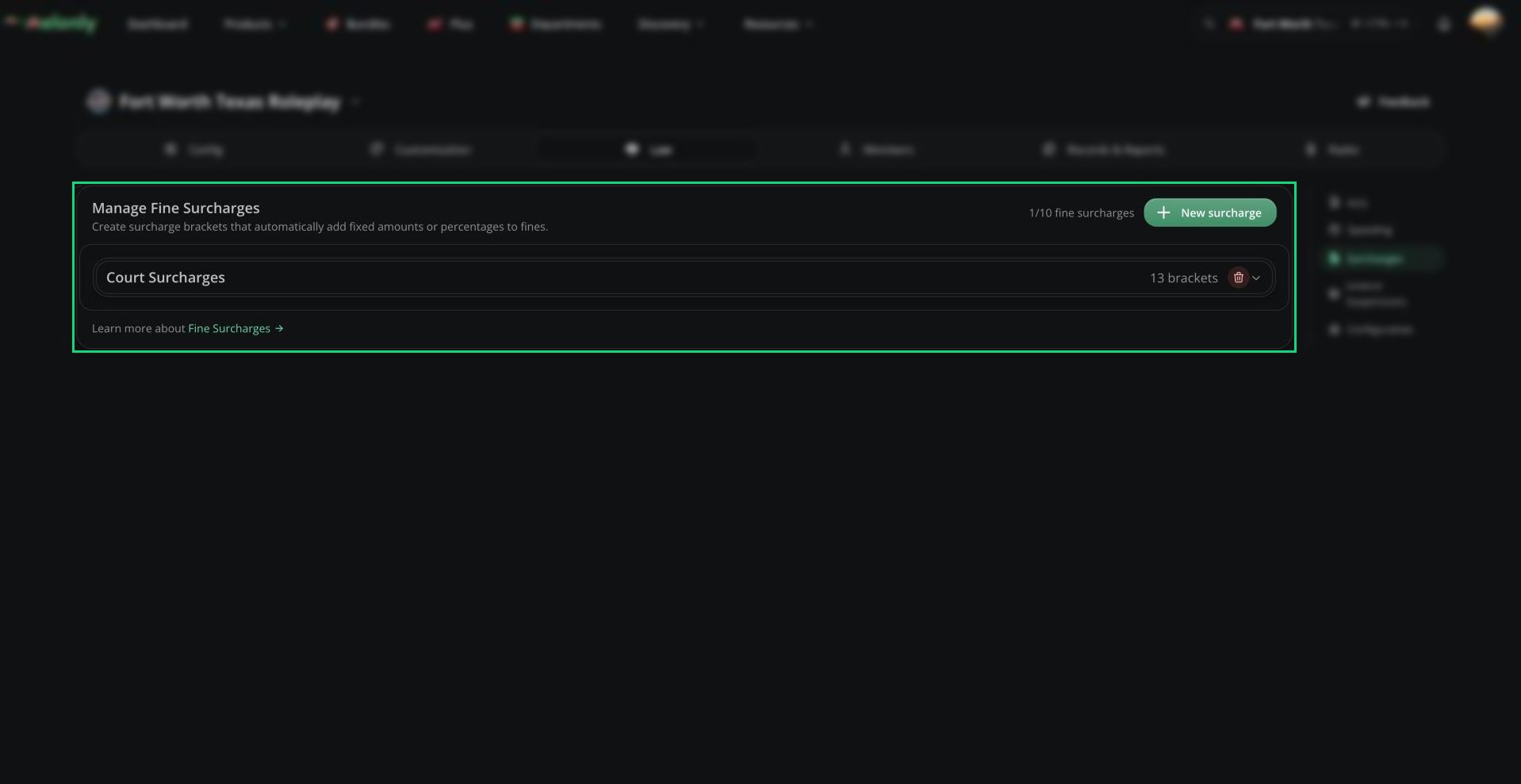
Surcharges
Each bracket starts at a fine amount and adds either a fixed amount or a percentage of the fine. Surcharges are worked out per charge using that charge’s own fine, and each one shows as its own line on records and PDFs.
Need help?
Still have questions? Join our Discord server for support from the Melonly Team.