
What are Acts?
Acts are the laws officers charge people under, like a traffic code or penal code. Each act has its own charge classes (like Misdemeanor or Felony) and a list of charges. You can have up to 20 acts with up to 1,500 charges each. Open Law → Acts in the CAD admin panel. Changes are kept as a draft until you click Save Changes (Ctrl + S).
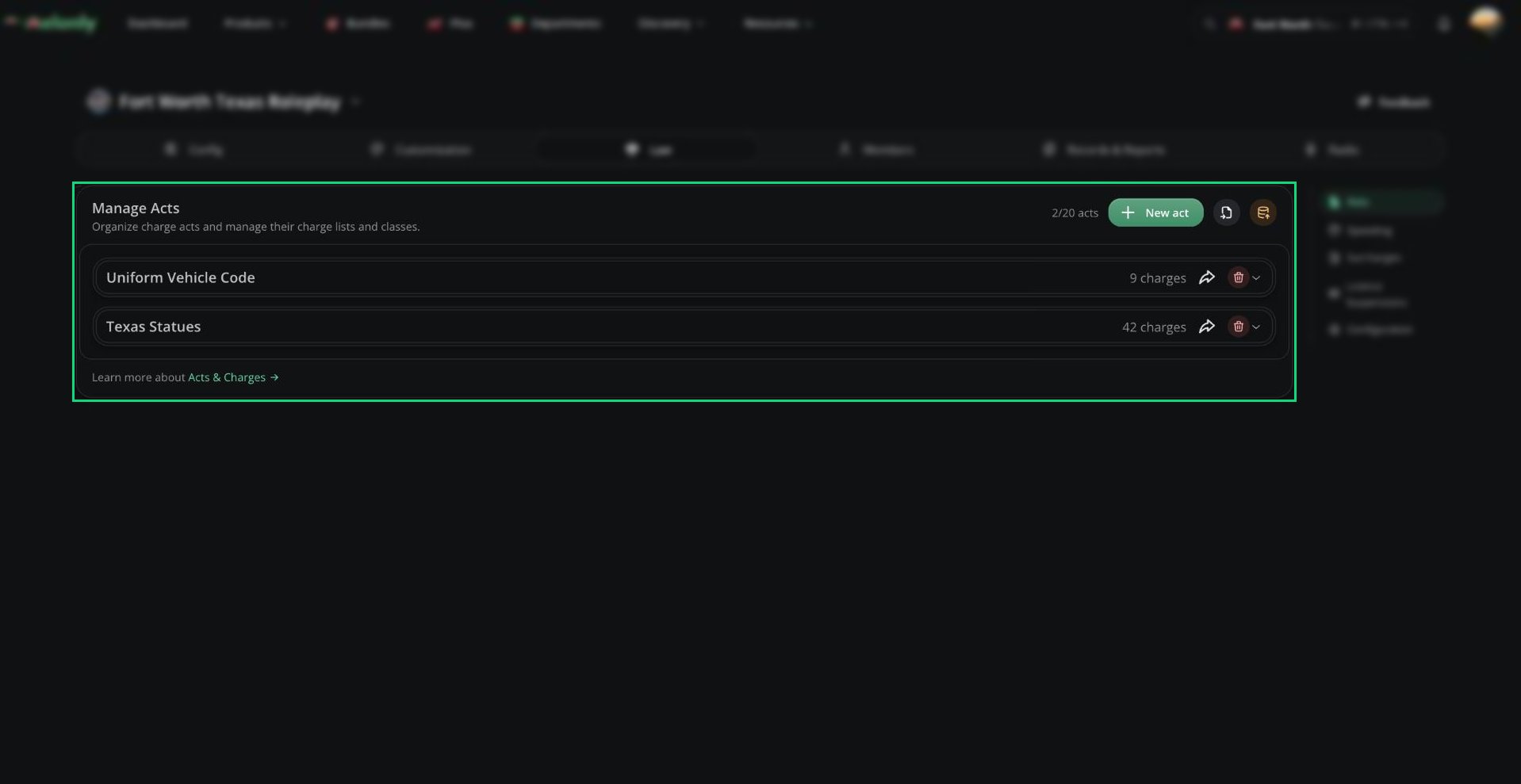
Acts
Creating an Act
New servers start with a Uniform Vehicle Code and a General Penal Code you can edit.1
Add the act
Click New act and name it.
2
Add charges
Click Add charge for each charge and fill in the fields below.
3
Save
Click Save Changes.
Charges
When Hold For Bond is Yes, the person is held and a bond hearing is created for a judge. Bond fields are turned off when Auto Prosecution is on.
Sharing and Importing Acts
Import from Sonoran CAD
Import from Sonoran CAD
Export your penal codes from Sonoran CAD as a JSON file. Click Import from Sonoran CAD, upload the file and click Import penal codes. The acts are added to your list and saved straight away. Sonoran has less detail than Melonly, so check the imported charges and fill in any gaps.
Need help?
Still have questions? Join our Discord server for support from the Melonly Team.