Use this file to discover all available pages before exploring further.
The EMS panel is your main coordination hub on duty — monitor your status, review calls, track lookouts, trigger panic, and run record checks. The radio is always available, no matter which page you’re on.
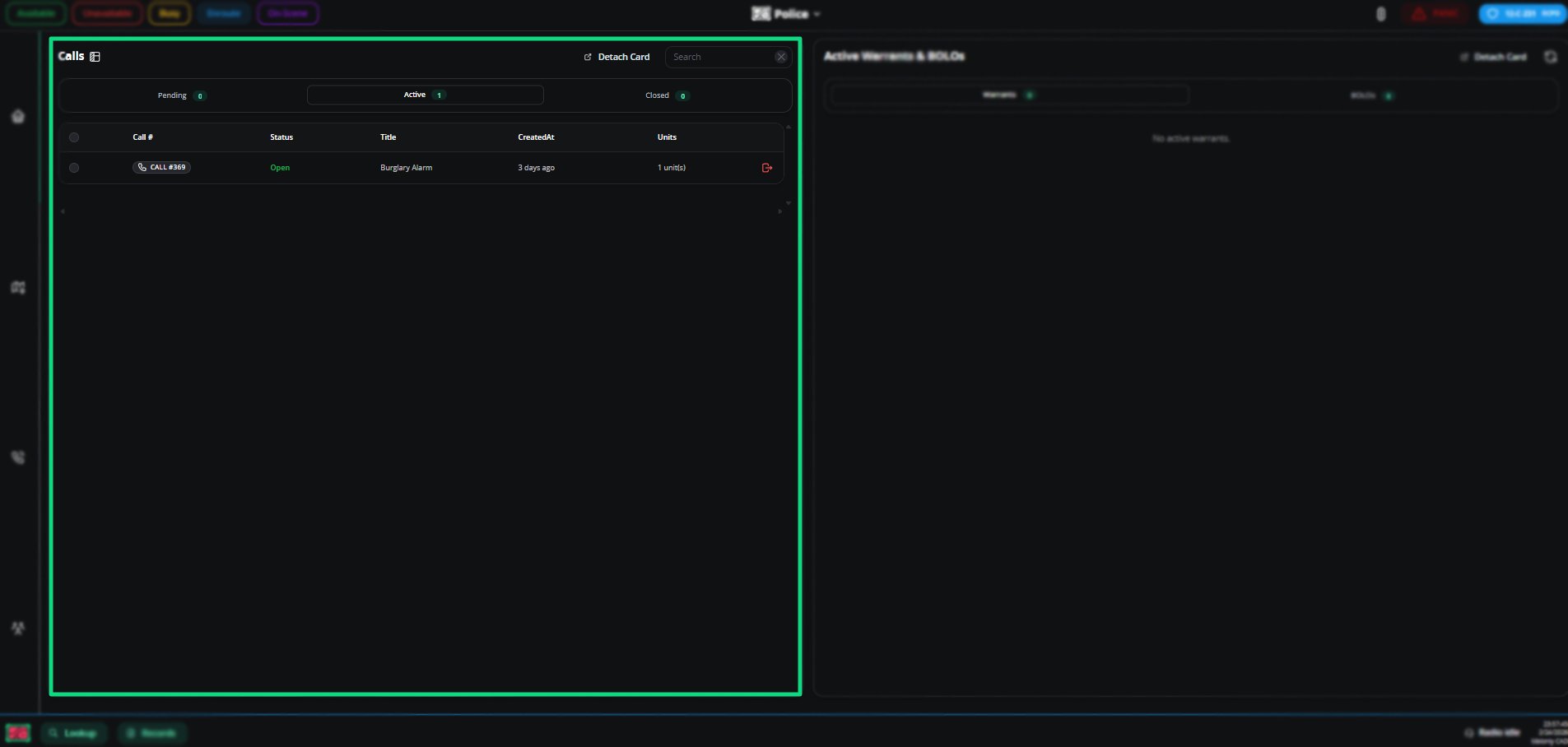
Merge related calls into one destination call to keep everything organized.
Topic
Description
What happens on merge
Units reassign to the destination call, notes merge with [MERGED] prefix, source call closes
Notifications
Assigned units get a CAD alert plus a TTS notification
How to merge
Use the context menu, drag and drop, or select multiple calls with checkboxes
The Active Units card lists every unit connected to the CAD with their info — number, name, agency, subdivision, rank, equipment.The Active Trucks card shows in-use trucks. Toggle layout to switch between standard and grid views.
Set your status (Available, Unavailable, Busy, Enroute, On Scene) in the top-right by clicking or pressing your hotkey. Status auto-changes to Enroute when attached to a call.Page elements change colour to reflect your status.
Configure hotkeys in Preferences. See CAD actions.
Search Names, Vehicles, Licenses, Identifiers, or any specific Record ID. Advanced mode lets you specify start-with, partial, or exact matches. History is saved.
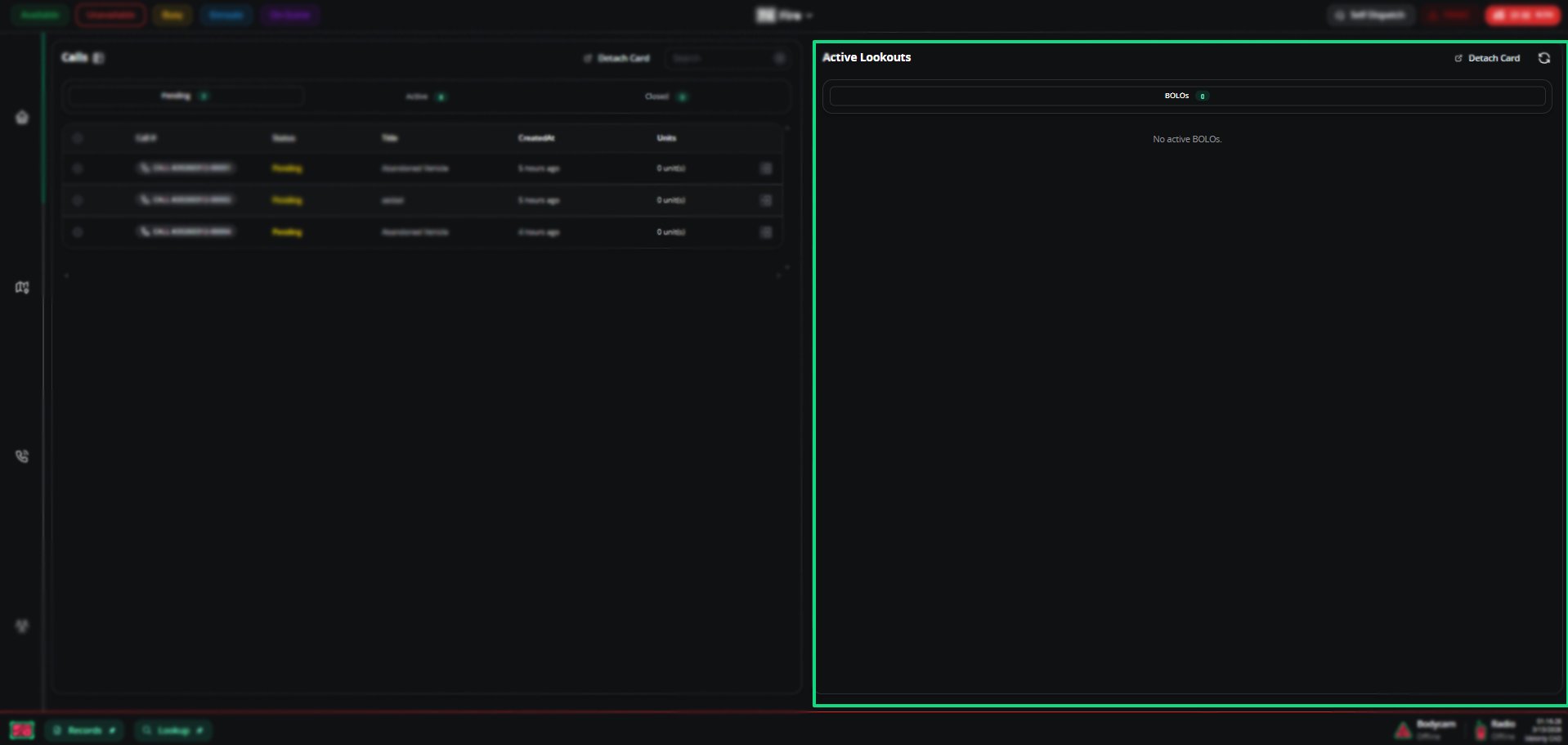
View Warrants and BOLOs, create new records, and pull call info by incident number. Includes a Supervisor Centre for review and a My Files tab for your records.