
The Customization page is where you tailor the CAD to your community — regional words, 10-codes, tones, agencies, groups, and address shortcuts.Documentation Index
Fetch the complete documentation index at: https://docs.melonly.xyz/docs/llms.txt
Use this file to discover all available pages before exploring further.
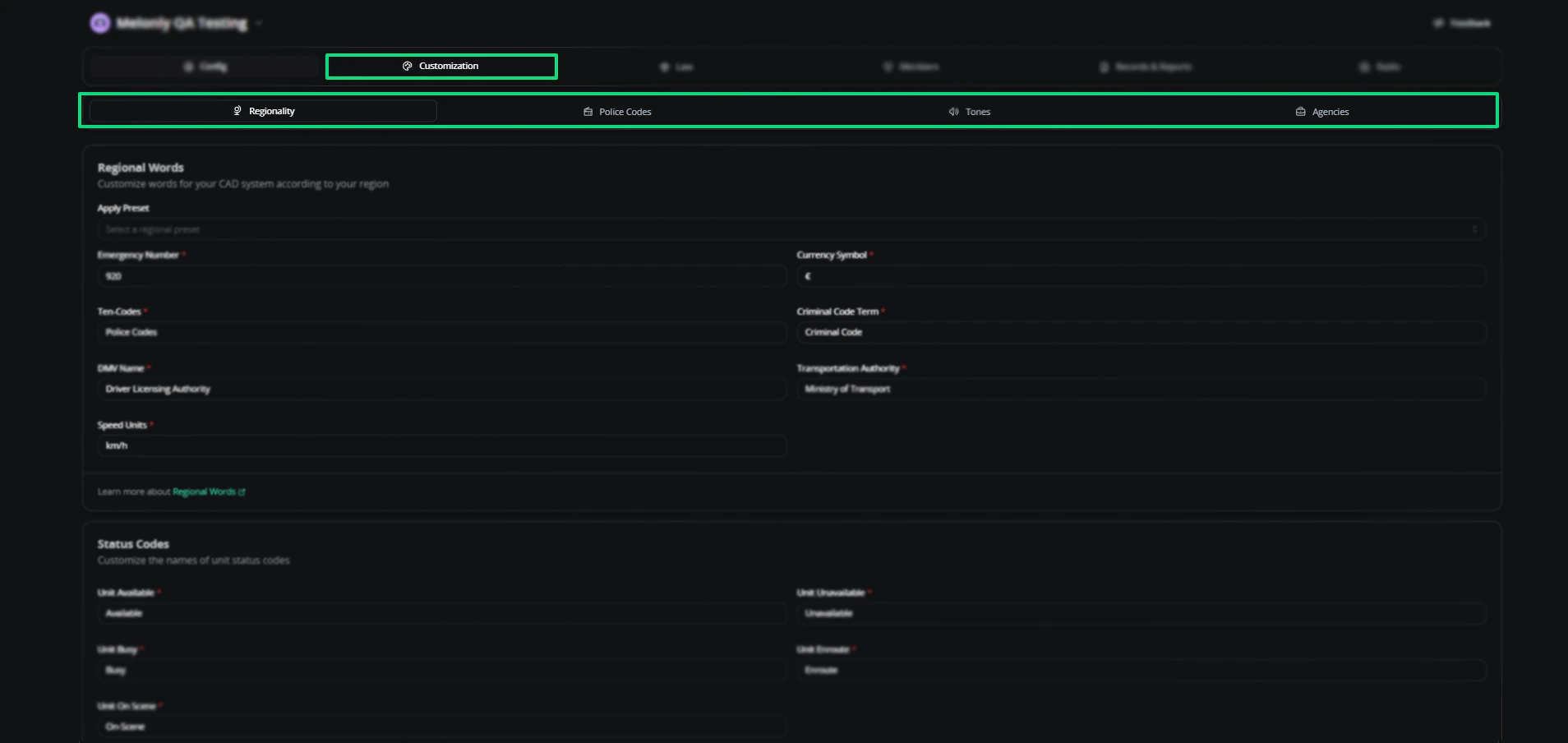
- Regionality
- 10 Codes
- Tones
- Agencies
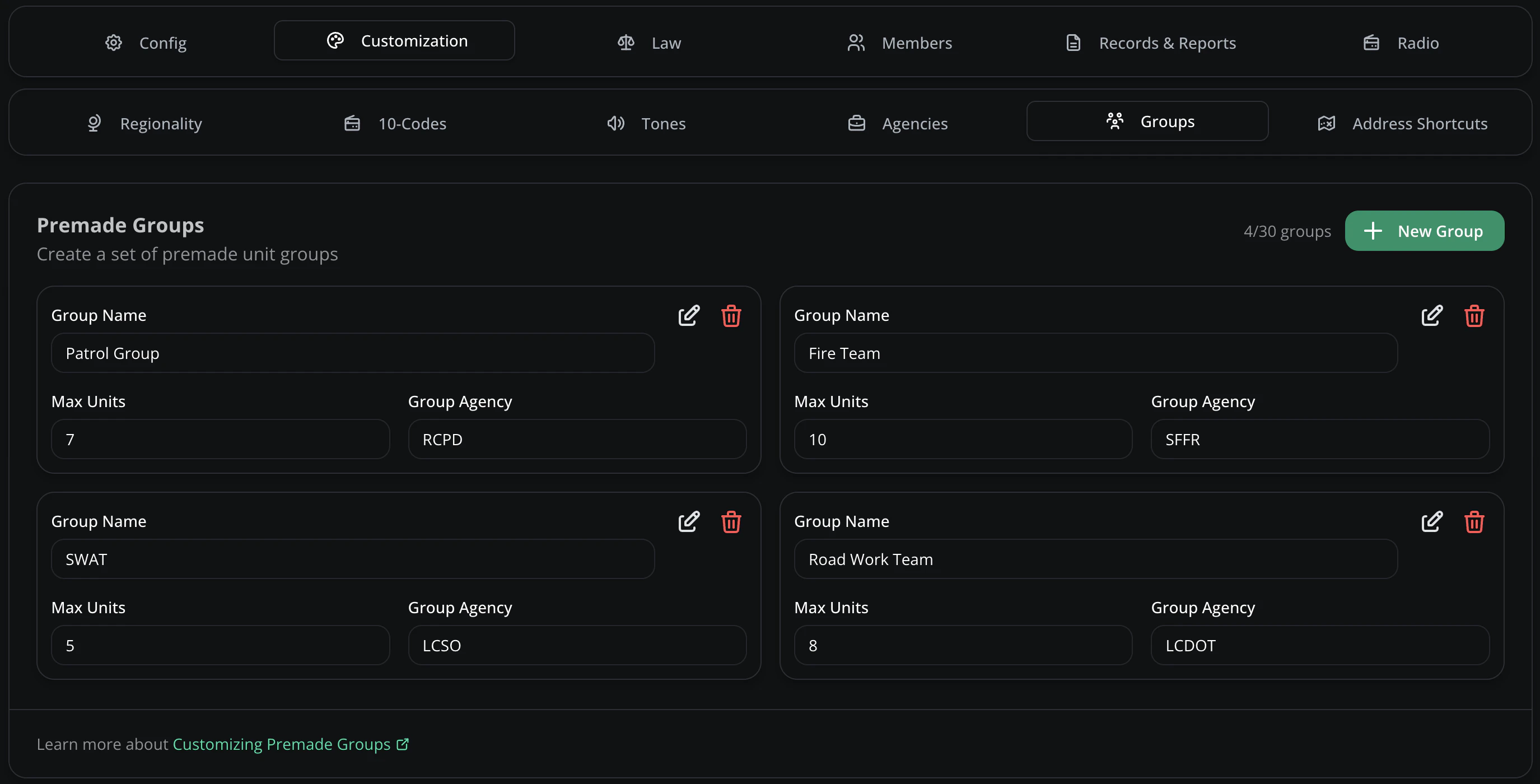
- Groups
- Address Shortcuts
Configure region-specific labels — emergency number, currency, status codes, speed units, and more.
Apply preset
Presets are ready-made regional configurations applied in one click. Tweak fields after applying.Available presets: United States, Canada, United Kingdom, Europe, Germany, France, Spain, Italy, Netherlands, Sweden, Norway, Switzerland, Australia, New Zealand, Japan, China, India, Mexico, South Africa, Singapore, Hong Kong, Ireland, Portugal.Regional words
| Field | Description |
|---|---|
| Emergency Number | Primary contact number — 911, 999, 112, or any custom value |
| Currency Symbol | Symbol shown alongside monetary values |
| Ten Codes | Shorthand radio communication codes |
| Criminal Code Term | Label for your legal code (e.g. “Penal Code”) |
| DMV Name | Label for the vehicle and licensing authority (e.g. DMV, DVLA) |
| Transportation Authority | Name of your transportation/transit agency |
| Speed Units | MPH or KPH |
Status codes
Status codes label what units are doing. All five can be renamed to match your department.| Status | Description |
|---|---|
| Unit Available | Free and ready for assignment |
| Unit Unavailable | Off-duty or unable to take calls |
| Unit Busy | Tied up with an active call |
| Unit Enroute | Travelling to a call or task |
| Unit On Scene | Arrived at the call location |
Need help?
Still have questions? Join our Discord server for support from the Melonly team.