Documentation Index
Fetch the complete documentation index at: https://docs.melonly.xyz/docs/llms.txt
Use this file to discover all available pages before exploring further.
The Law page is your community’s law book — every act, charge, speeding class, surcharge, and configuration setting that powers realistic enforcement.
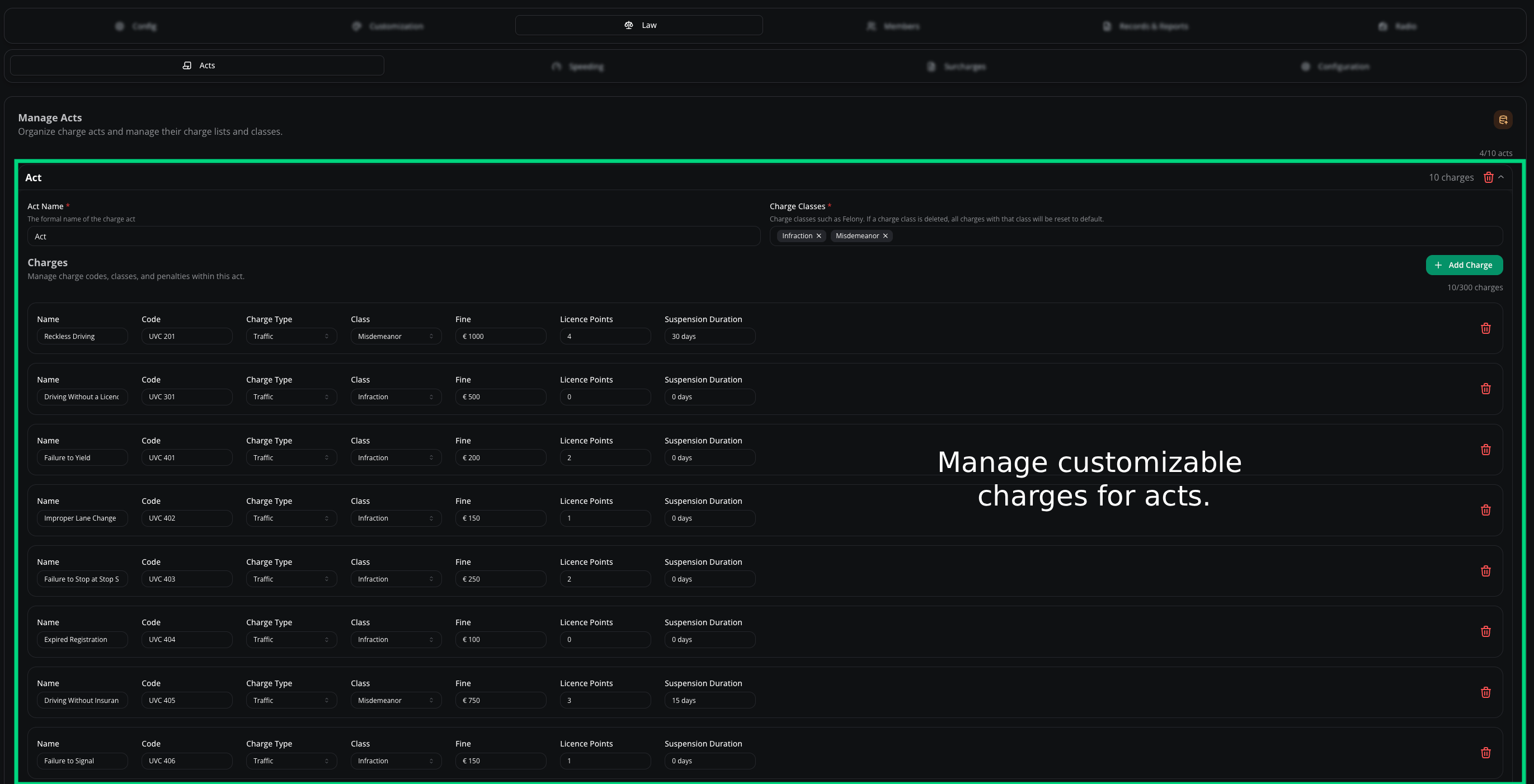
Acts
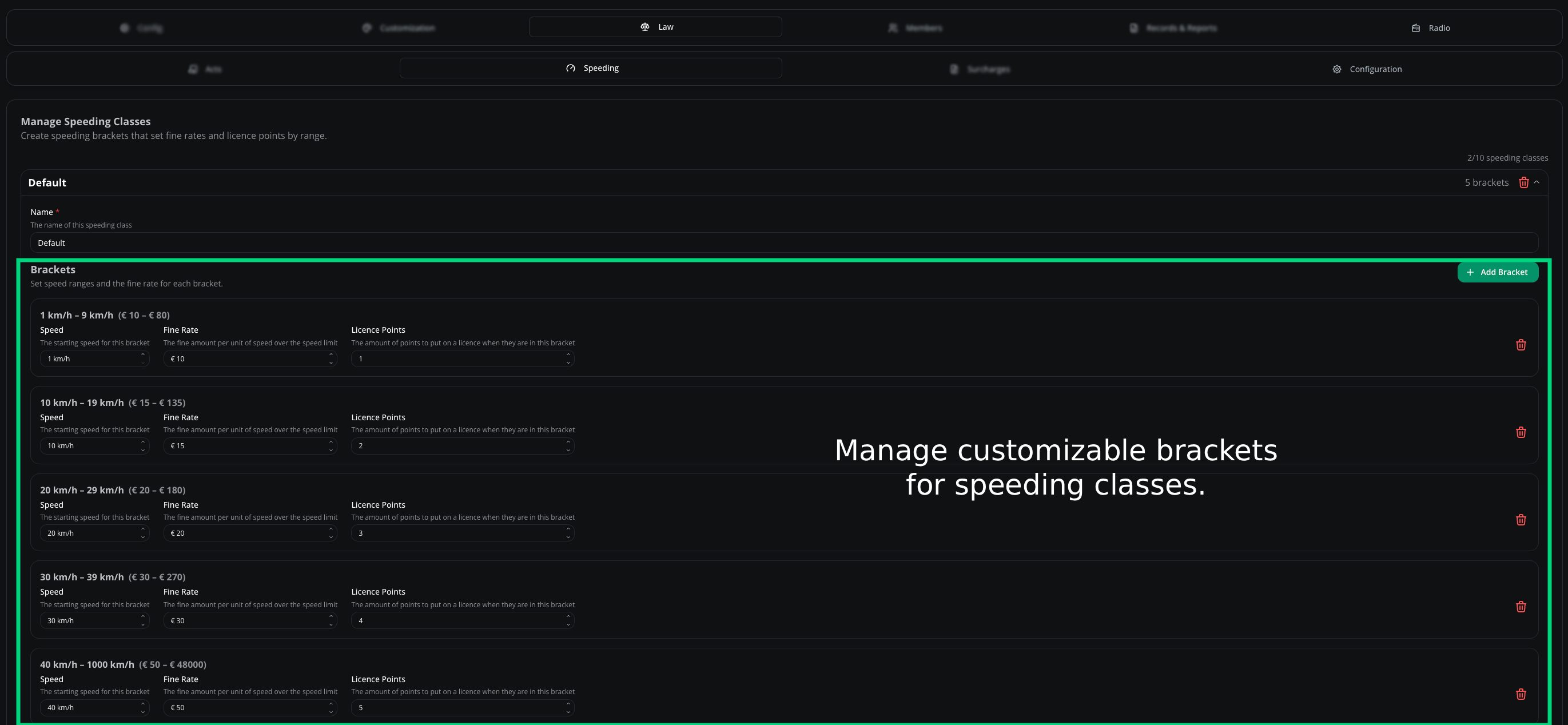
Speeding
Surcharges
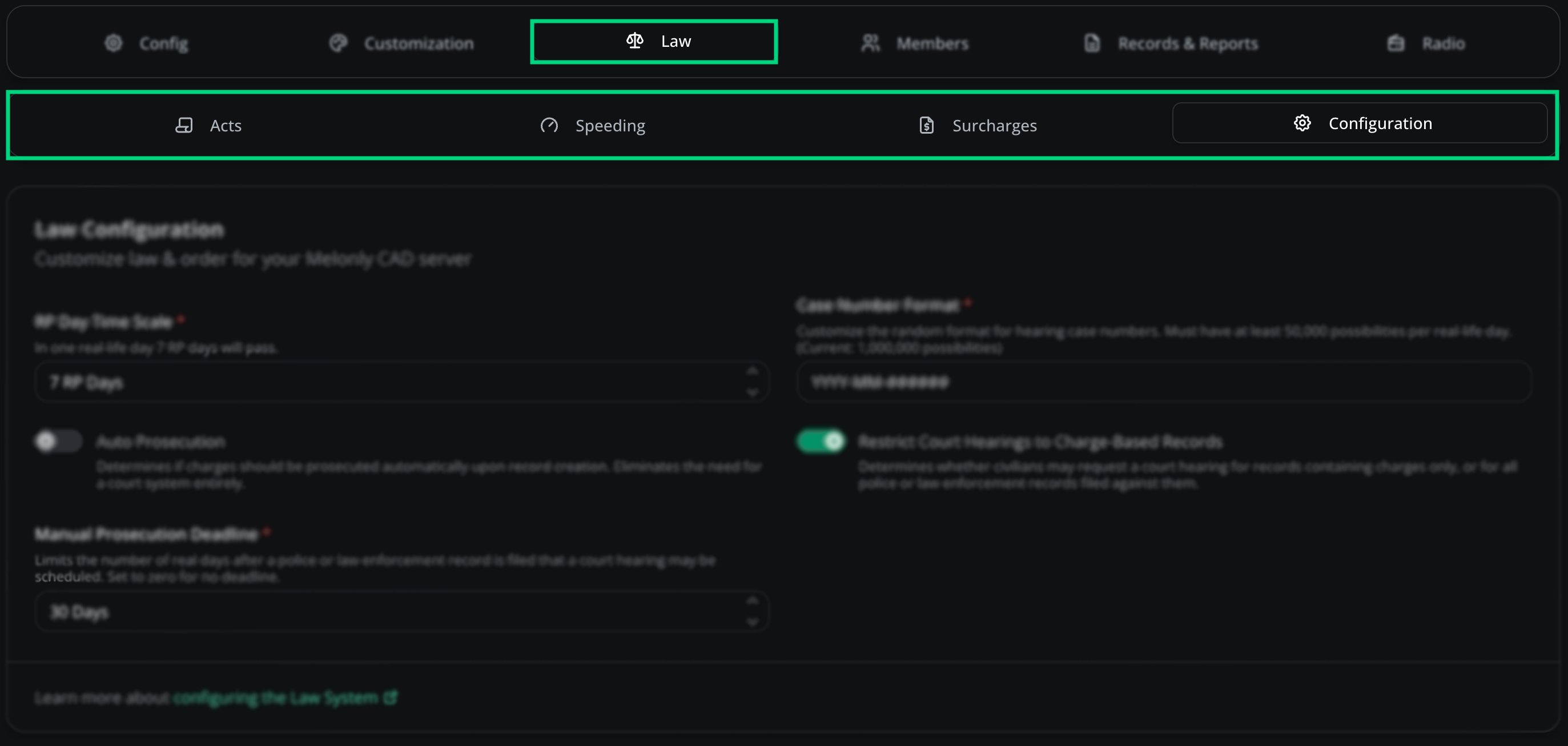
Configuration
Acts are the laws officers reference — categories like “Traffic Code” or “Penal Code” that hold individual charges.Add an act
Open the Law page
CAD admin panel → Law.
Fill in the details and save
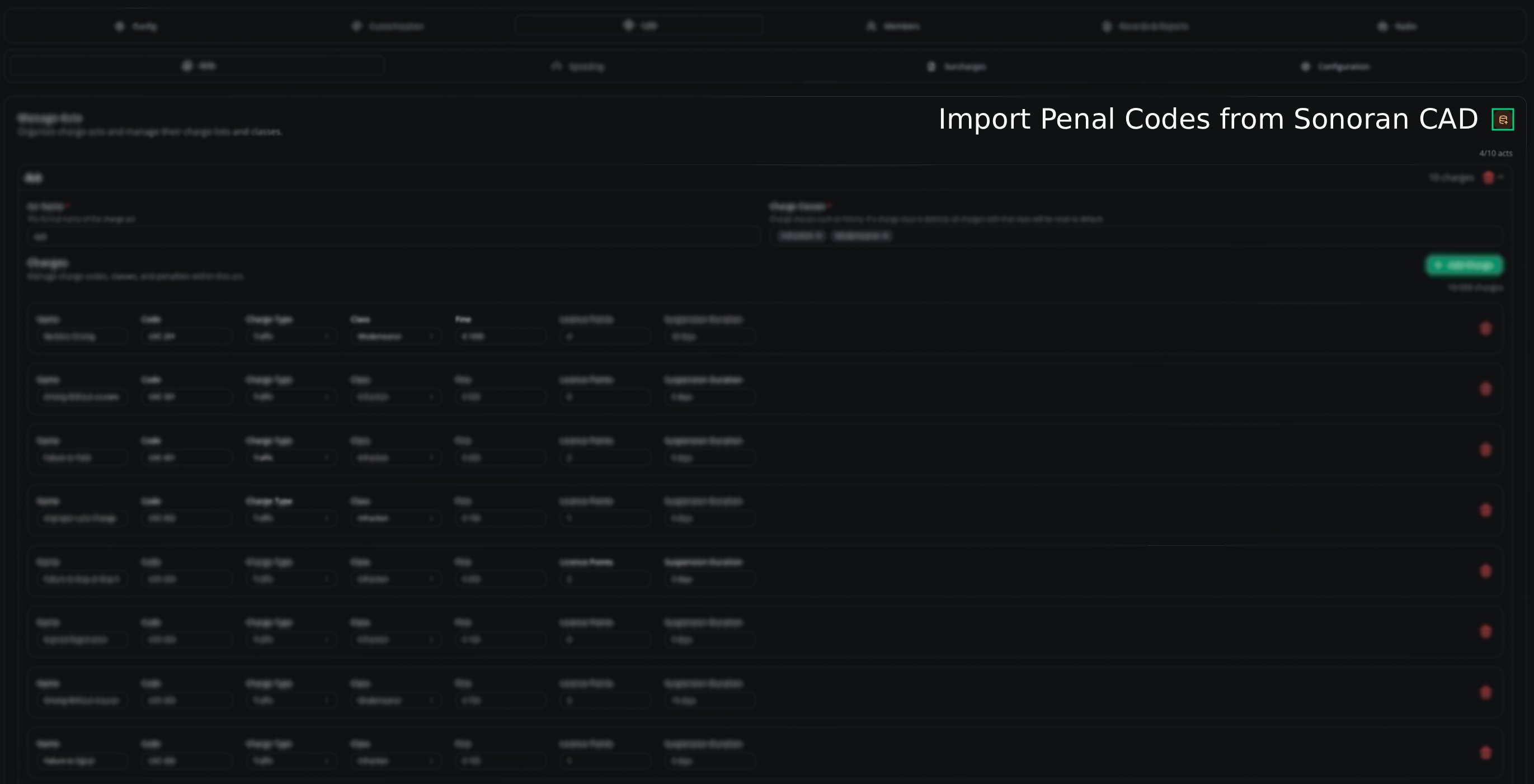
Complete the form and click Save Changes. Import from Sonoran CAD
Migrating? Skip the rebuild.Open the Law page
CAD admin panel → Law.
Click Import
Select your Sonoran CAD export file. Charges
Charges live inside acts — “Speeding” or “Reckless Driving” under “Traffic Code” — each with its own severity, penalty, and code.| Field | Description |
|---|
| Name | The charge name (e.g. “Reckless Driving”) |
| Code | Reference code |
| Charge Type | Punishment type (fine, arrest, etc.) — press Enter after typing |
| Class | Criminal classification (misdemeanor, felony) |
| Fine | Monetary penalty |
| Jail | Sentence length |
Add a charge
Open the Law page
CAD admin panel → Law.
Open the act
Click the act you want to add a charge to.
Add Charge
Click Add Charge, fill in the details, and click Save Changes.
Speeding classes group violations by how far over the limit a driver is going. Each class can be split into brackets with their own penalties.Set up a speeding class
Open the Speeding tab
CAD admin panel → Law → Speeding.
Add a class
Click + and fill in the details. Brackets
Brackets carve a class into smaller speed ranges with their own penalties — splitting a “1–10 mph over” class into “1–5” and “6–10”.| Field | Description |
|---|
| Speed | Speed range for the bracket |
| Fine Rate | Fine for this bracket |
| License Points | Points added to the driver’s record |
Surcharges stack extra fees on top of base fines — useful for offenses that need to hit harder.Set up a surcharge
Open the Surcharges tab
CAD admin panel → Law → Surcharges.
Add a surcharge
Click + and fill in the details.
| Field | Description |
|---|
| Name | Surcharge name |
| Abbreviation | Short form |
| Charge Types | Which charge types it applies to (Criminal, Traffic, Speed) |
| Charge Acts | Which specific acts it applies to |
Brackets
Split a surcharge into specific situations — charging more for a repeat offense than a first.| Field | Description |
|---|
| Name | Bracket name |
| Fine Rate | Percentage or fixed |
| Set Amount | Fixed dollar amount |
Deeper law-system settings — display formats and officer interaction.| Setting | Description |
|---|
| RP Day Time Scale | How time progresses in your roleplay environment |
| Auto Prosecution | Auto-prosecutes certain charges without a court hearing |
| Manual Prosecution Deadline | Maximum days after a record is filed that a hearing can be scheduled (0 = no limit) |
| Case Number Format | Format for generated case numbers |
Need help?
Still have questions? Join our Discord server for support from the Melonly team.