
Create a department
Open your dashboard
Open your Melonly dashboard, click New, and select Department.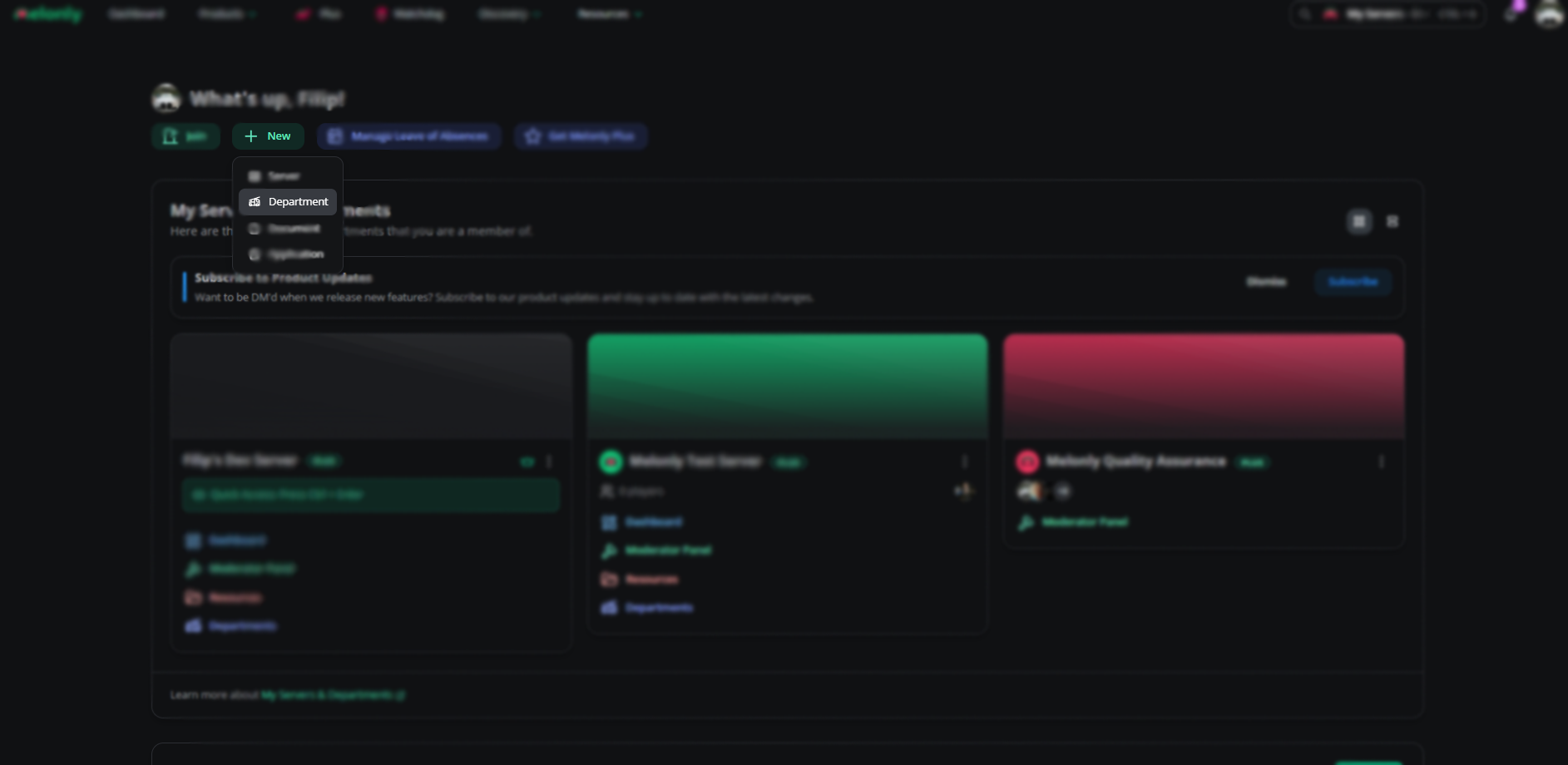
Initial creation
Information and parent server
Fill in the required info, pick your parent server (the main Melonly server for your ER:LC private server), and link your department’s Discord server.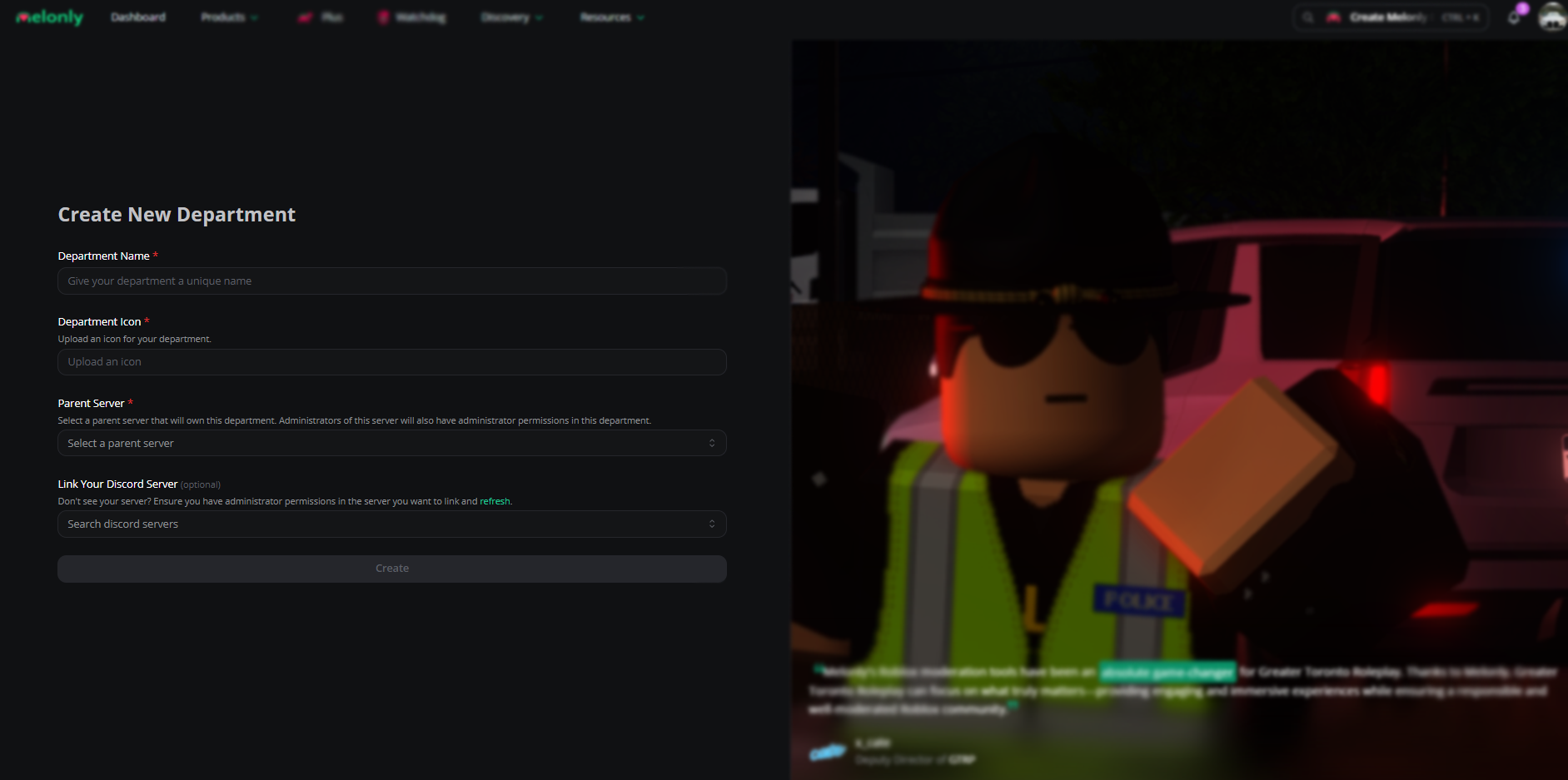
Department information
Department type
Pick a department type to unlock tools tailored for it.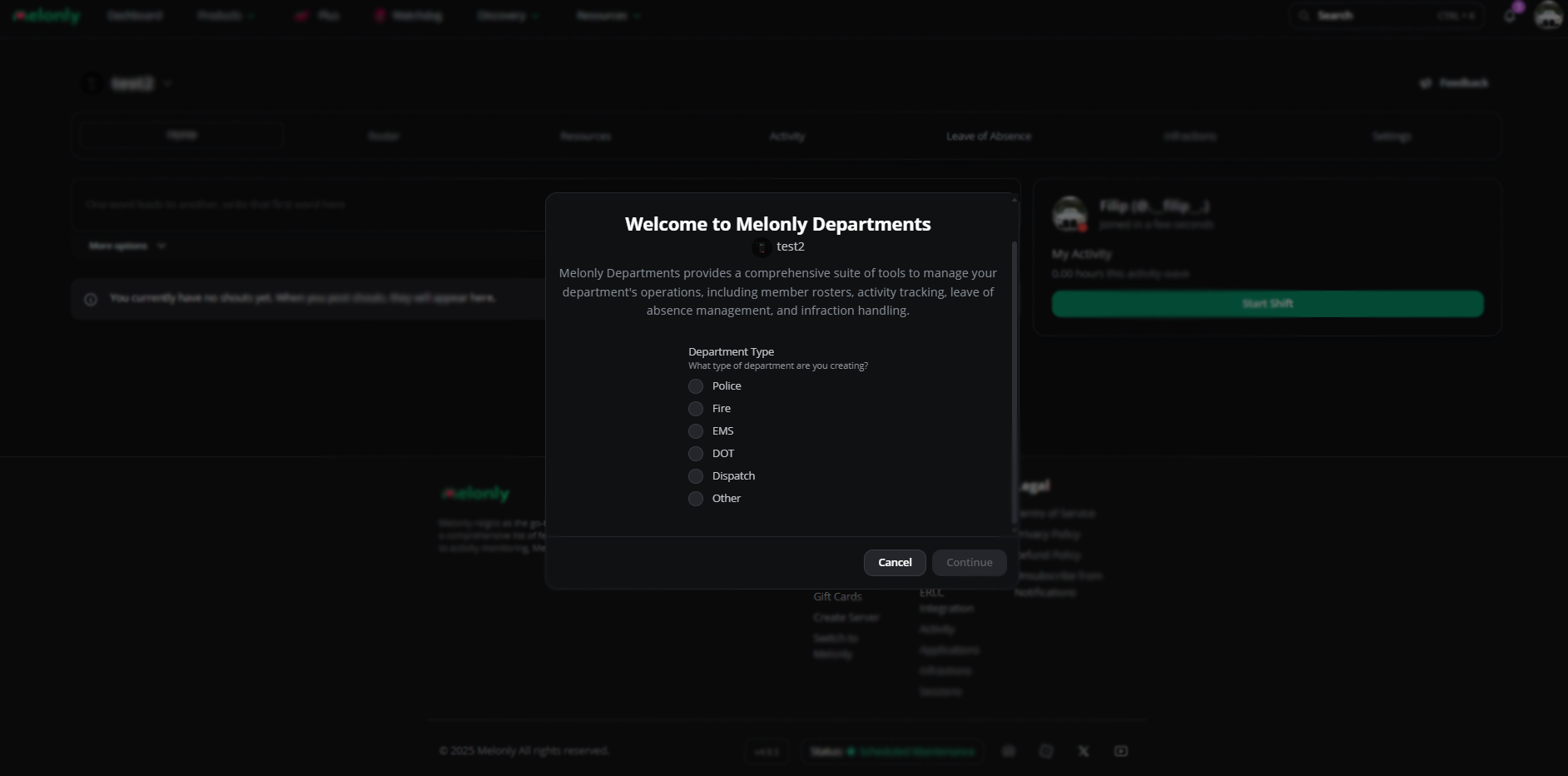
Department type
Done
Your department is live on your dashboard.
Convert an existing server
Open your dashboard
Open your Melonly dashboard and select the server you want to convert.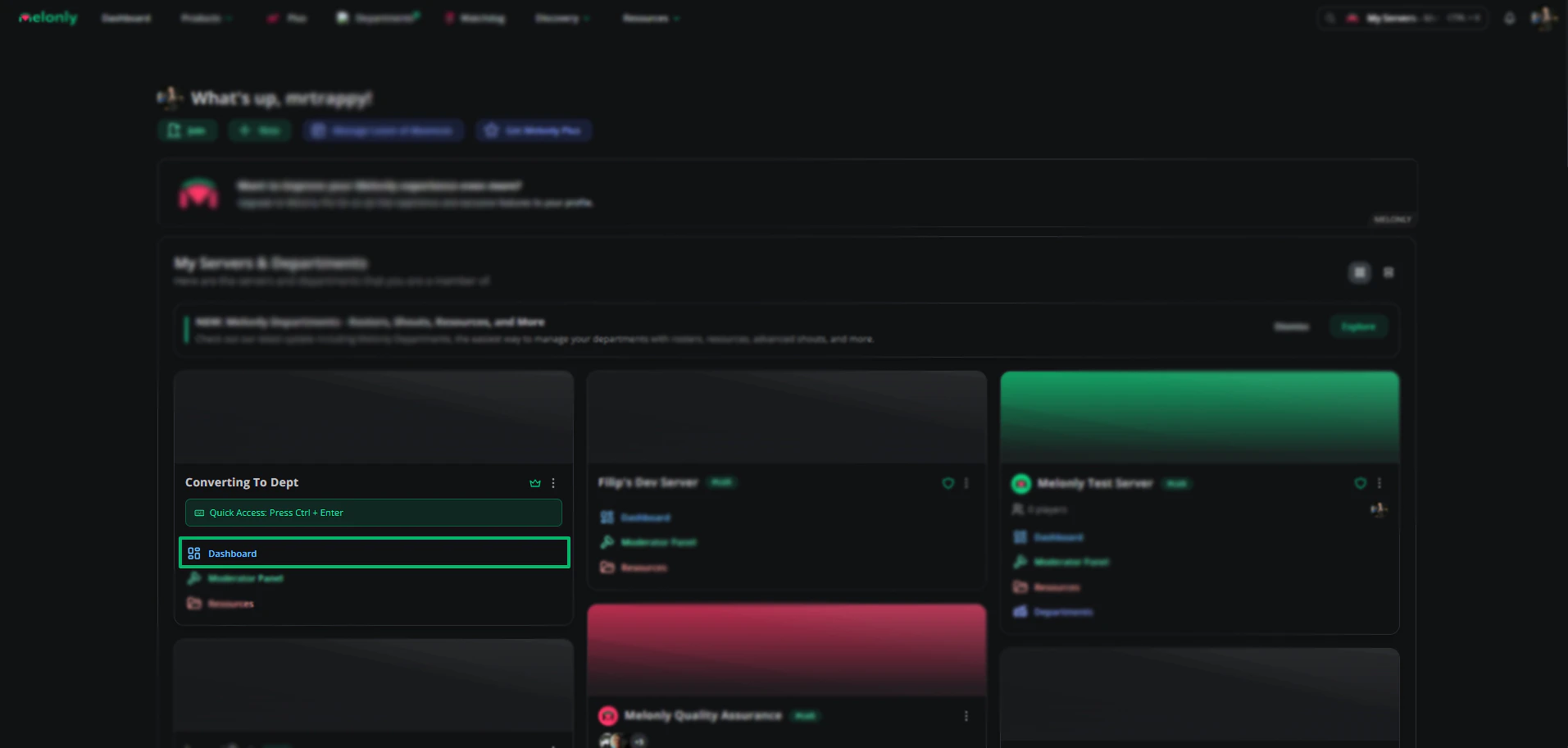
Select the server
Open settings
Scroll to Convert to Department in server settings.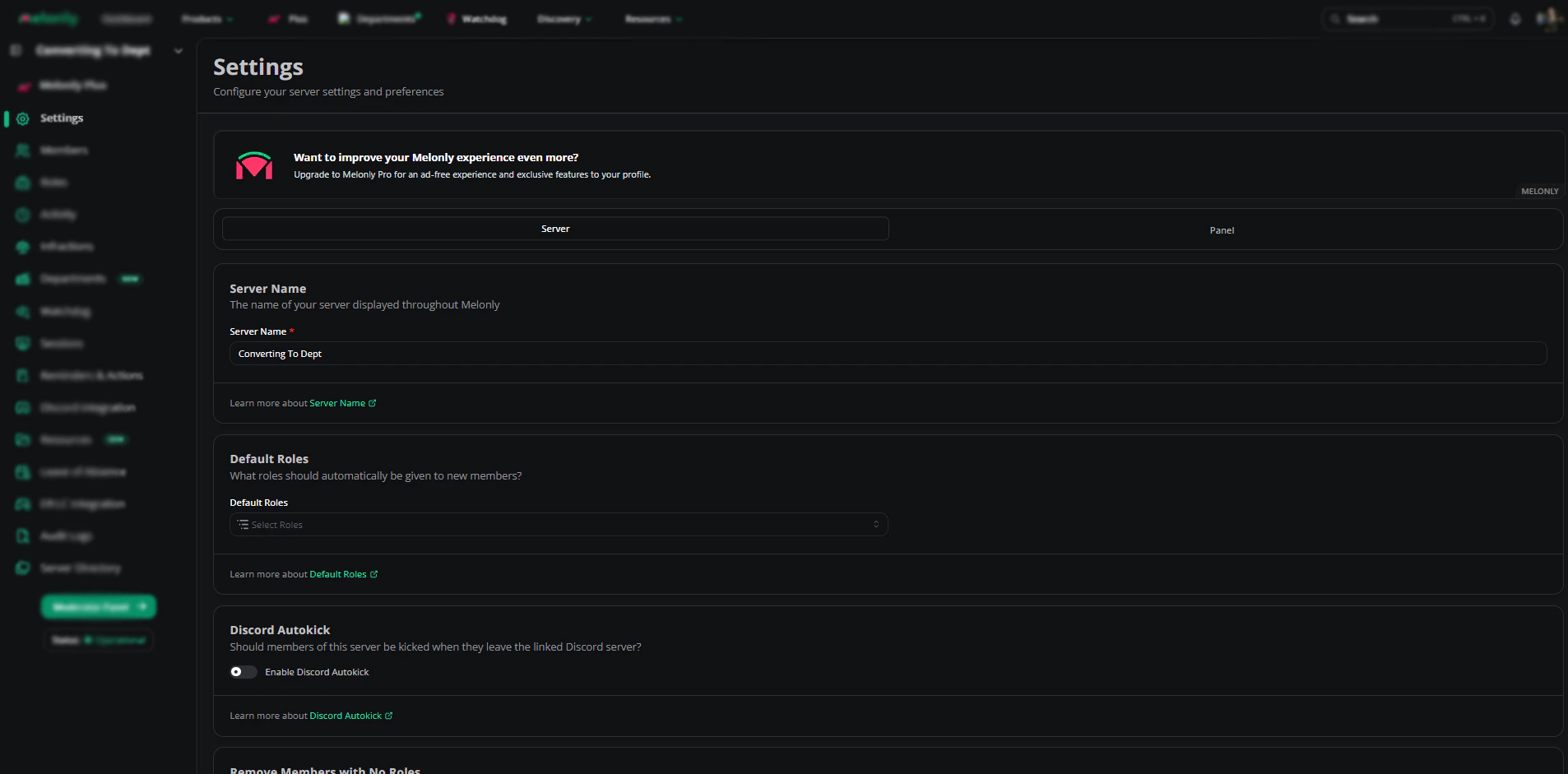
Settings page
Click Convert to Department
Click Convert to Department.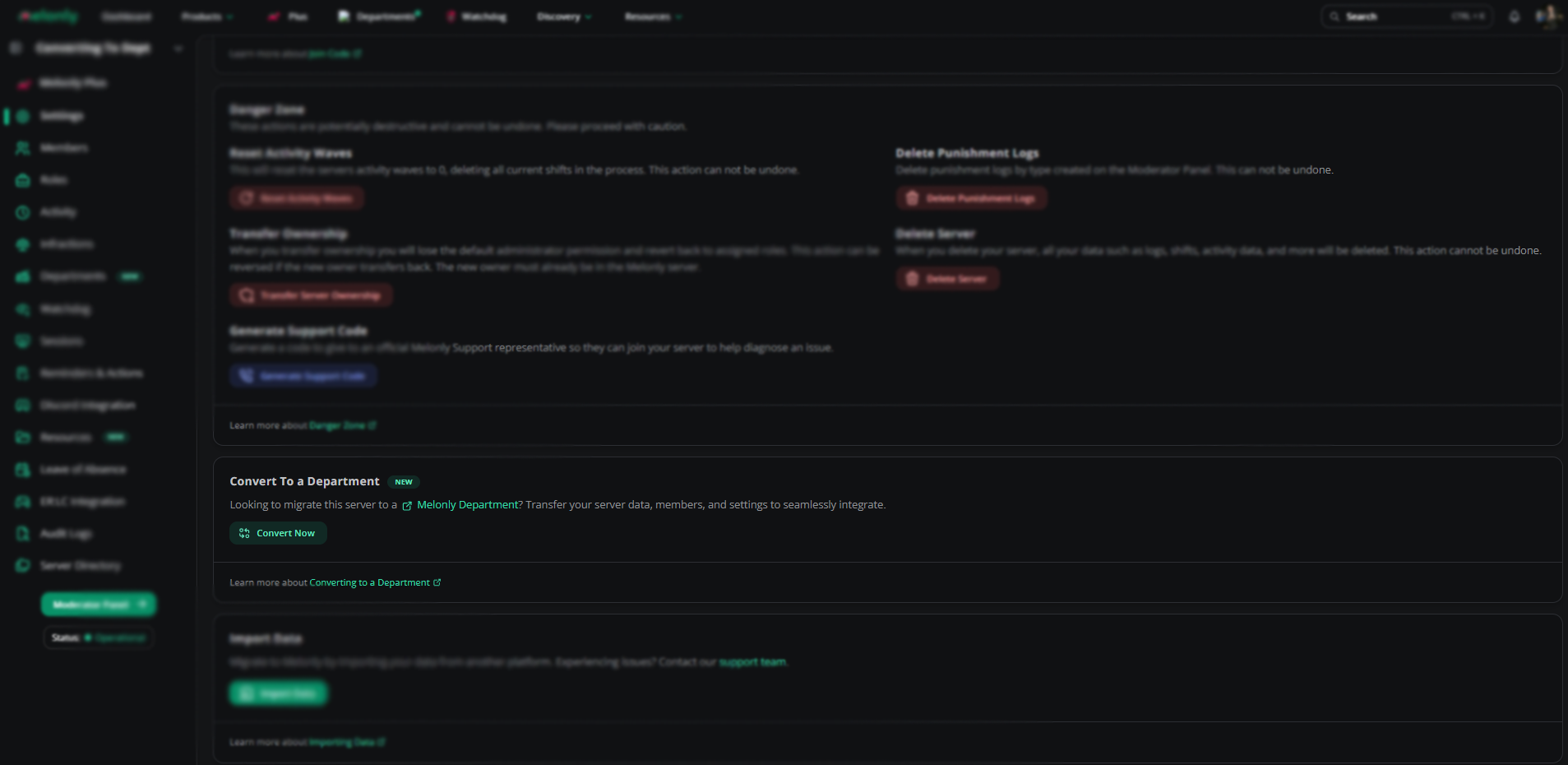
Convert to Department
Fill in the fields
Fill in the conversion fields.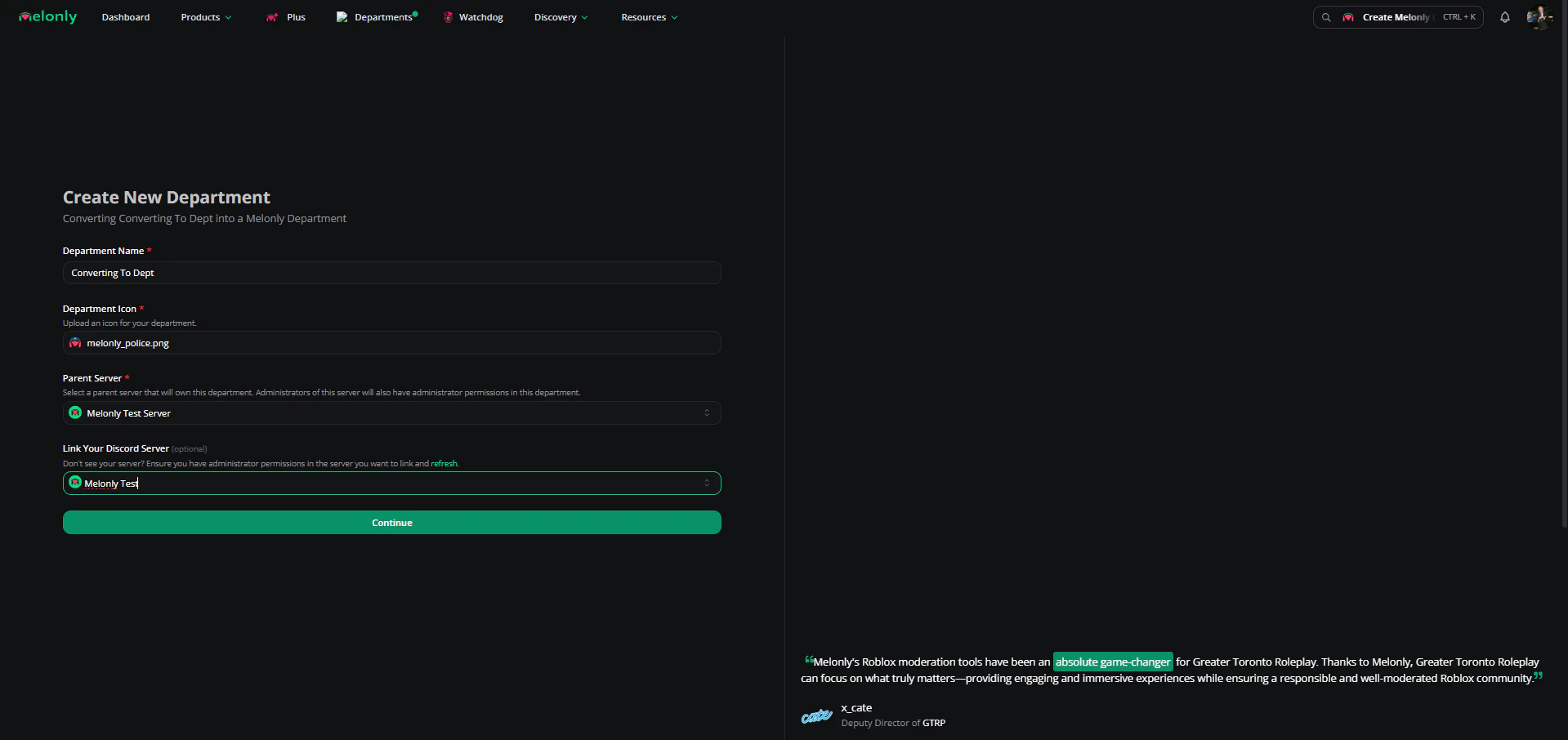
Fill the fields
Confirm
Confirm the conversion details to proceed.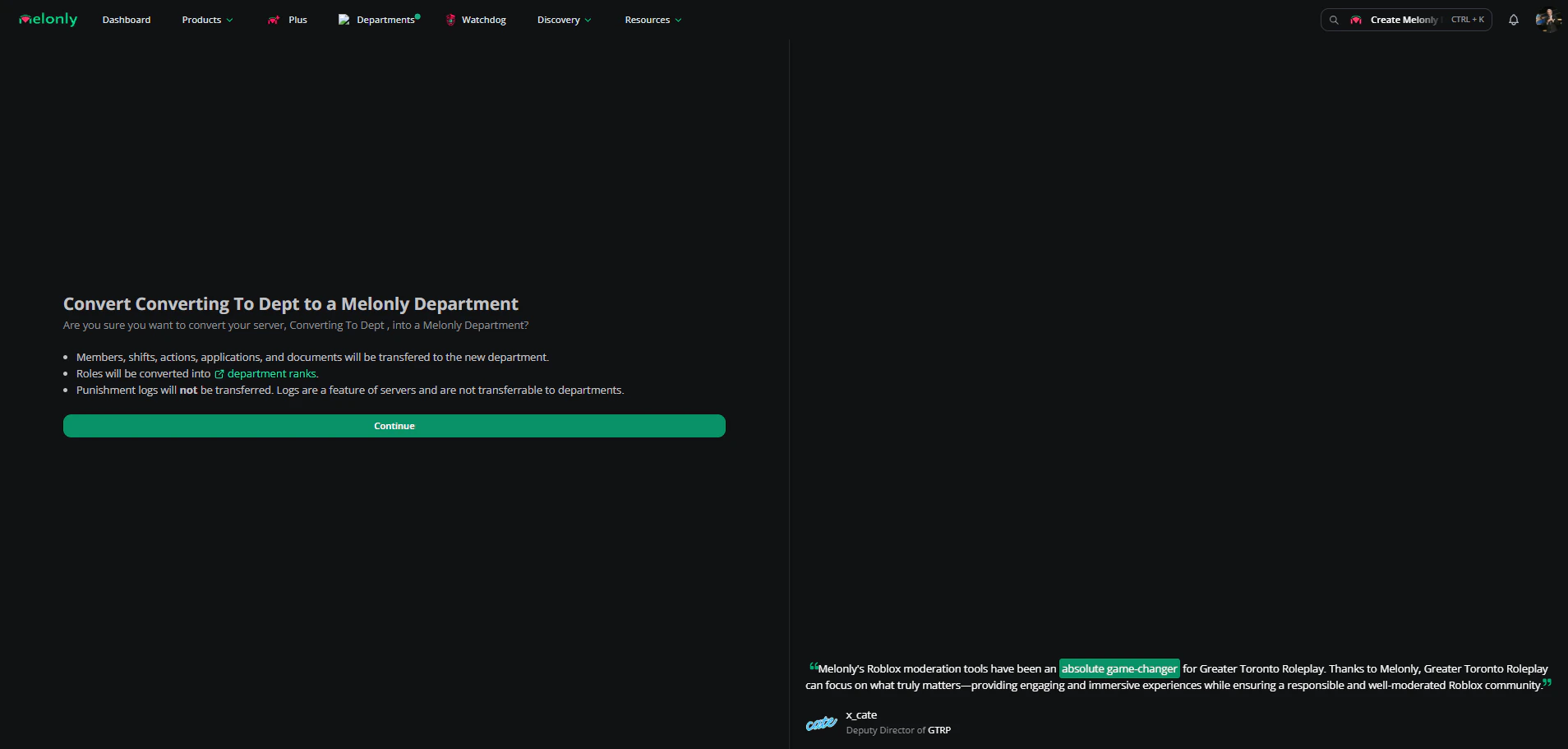
Confirm conversion
Select a plan
Pick the subscription plan that fits your department.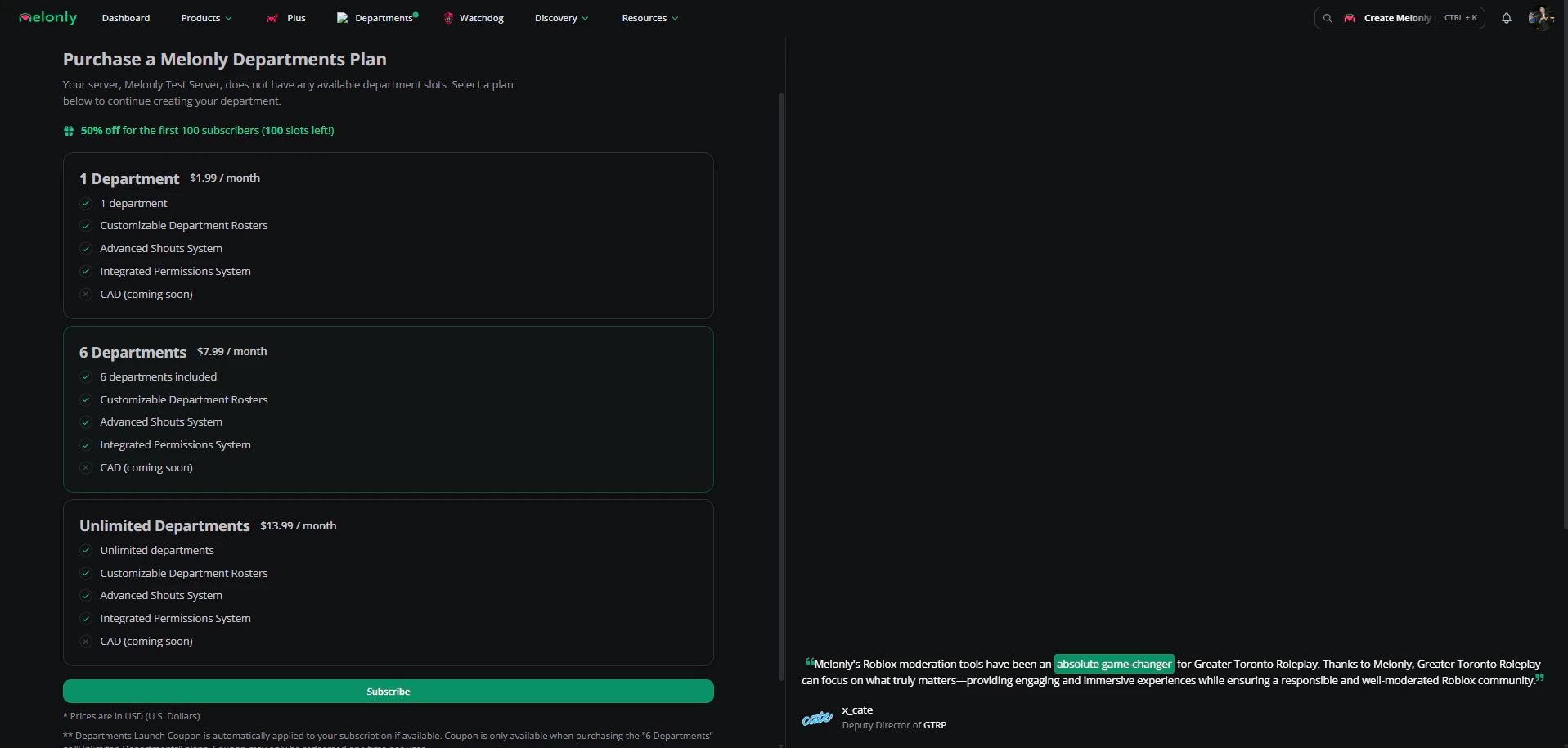
Subscription plans
Complete
Your server is now a Department, and every department feature is available.
Need help?
Still have questions? Join our Discord server for support from the Melonly team.