
What are Warrants and BOLOs?
Warrants let you request an arrest that a judge approves. BOLOs (Be On the Lookout) alert other units to watch for a person or vehicle. Both show up as alerts when someone runs a matching name or plate.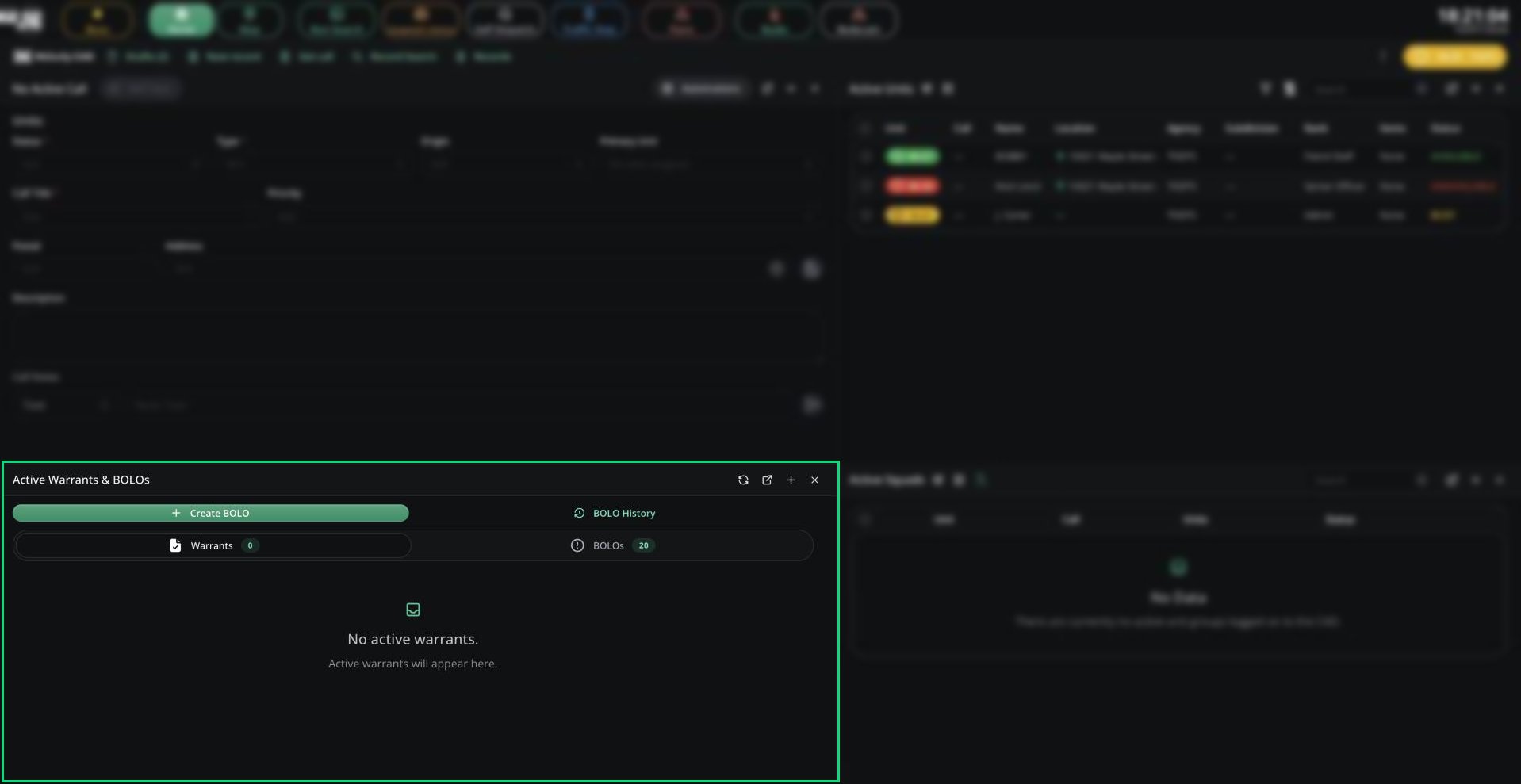
Active Warrants & BOLOs
Warrants
Create a warrant from New record and pick a warrant template. It starts as Pending. A judge on the Law panel has to approve it before it becomes Active. Only active warrants show up as alerts in runs and searches. To close a warrant, for example after an arrest, open it and click Close Warrant. This needs the police panel close warrant permission.BOLOs
Create a BOLO from New record or Create BOLO. Closing one needs the police panel edit permission. Dispatchers can always close and reopen BOLOs.Active Warrants & BOLOs Card
This card lists every active warrant and open BOLO on the server, from any agency. You can add it to your layout.- Switch tabs to see warrants or BOLOs.
- Expand an item to preview it.
- Open BOLO History for closed BOLOs.
Default Templates
New CADs come with these templates. Your admins can change them in Records & Reports.Need help?
Still have questions? Join our Discord server for support from the Melonly Team.