
What are Falcon Cameras?
Falcon Cameras are plate readers around the ER:LC map. When a player drives past one and their civilian has an open warrant or BOLO, Police and Dispatch get an alert. Cameras need a linked ER:LC server. For what officers see when a camera fires, see Falcon ALPR.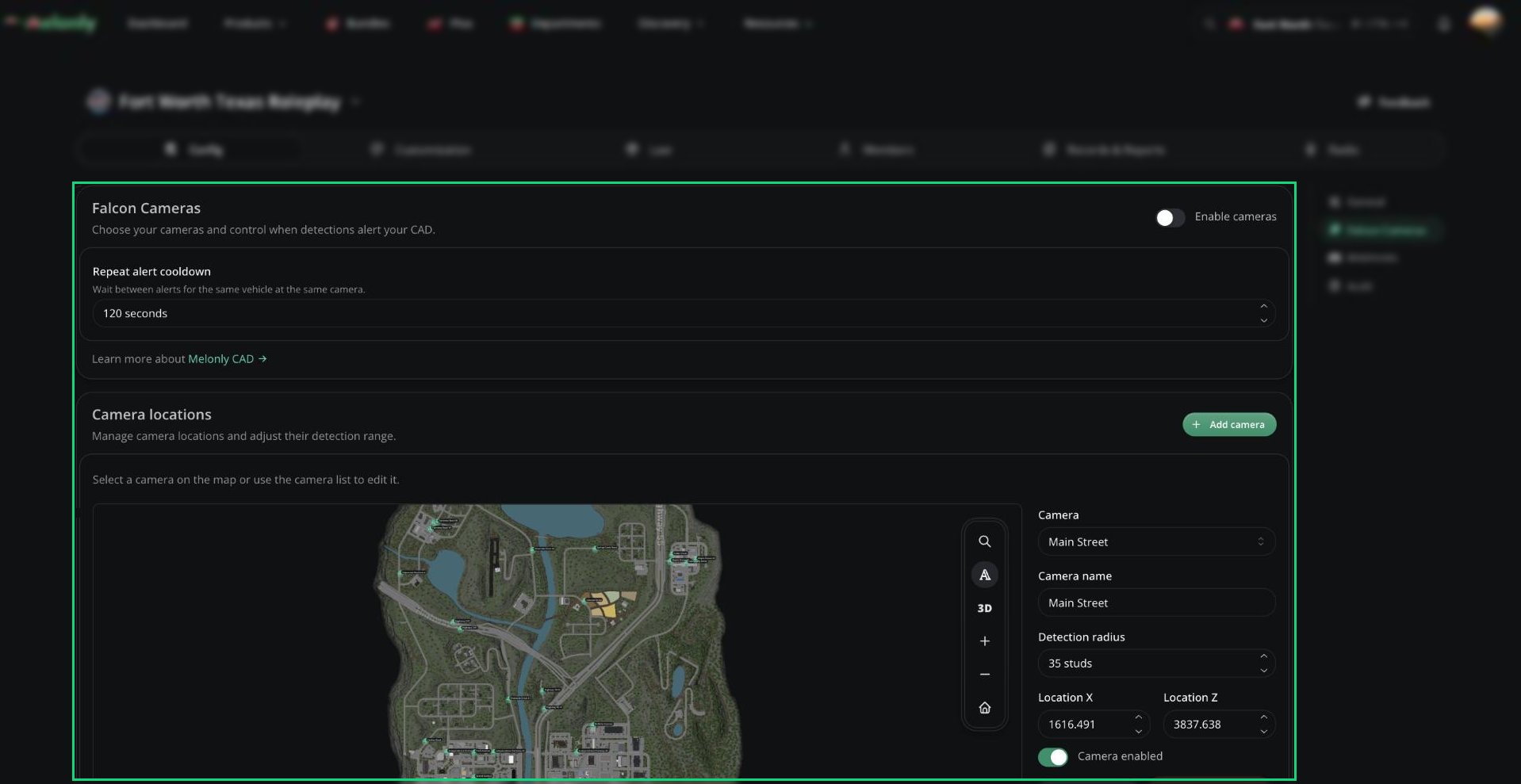
Falcon Cameras
Turning On Cameras
1
Open Falcon Cameras
In the CAD admin panel, open Config → Falcon Cameras.
2
Enable them
Turn on Enable cameras and choose Melonly Falcon Camera.
3
Save
Click Save Changes (or press
Ctrl + S). Your CAD starts with 30 cameras on major streets.Placing Cameras
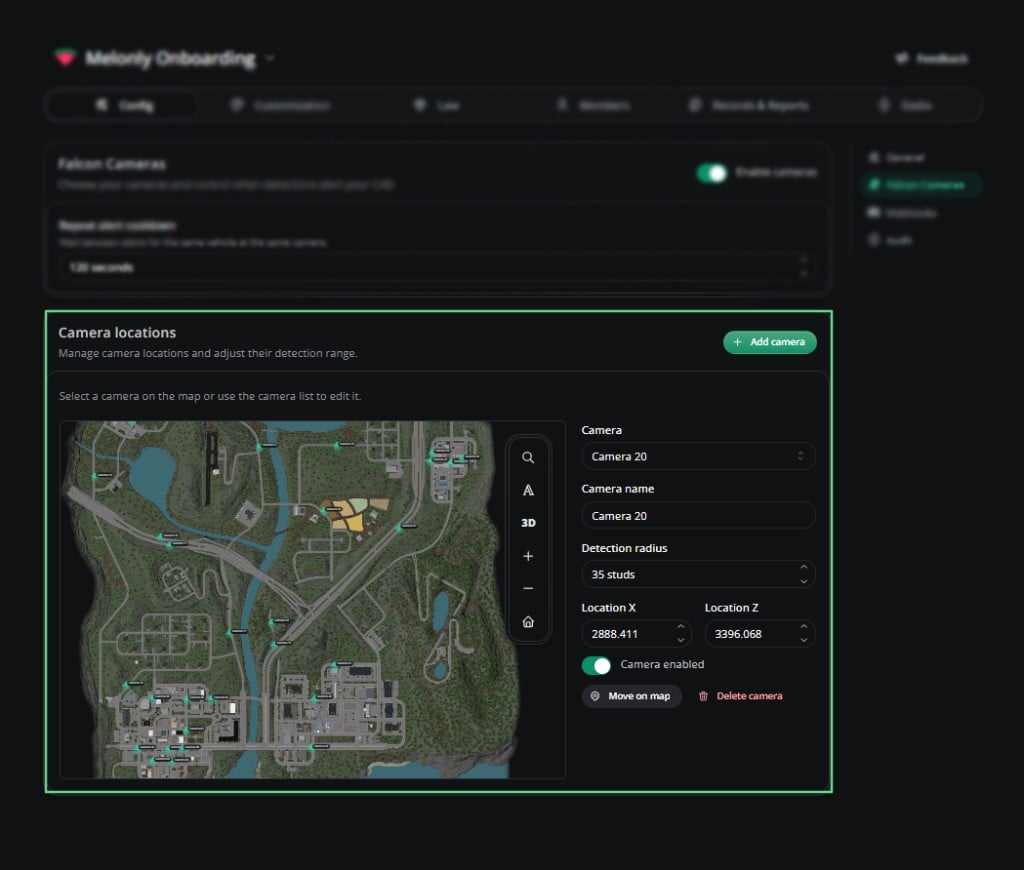
You can have up to 100 cameras. Changes are kept as a draft until you save.- Click Add camera to place a new one.
- Select a camera, then click Move on map or Delete camera.
- Click Save Changes when you’re done.
Camera locations
Settings
Need help?
Still have questions? Join our Discord server for support from the Melonly Team.