
Member Activity
Pick a wave and a member to see their total shifts, time online, time on break, and each shift they logged. Click the pencil next to a shift to edit it.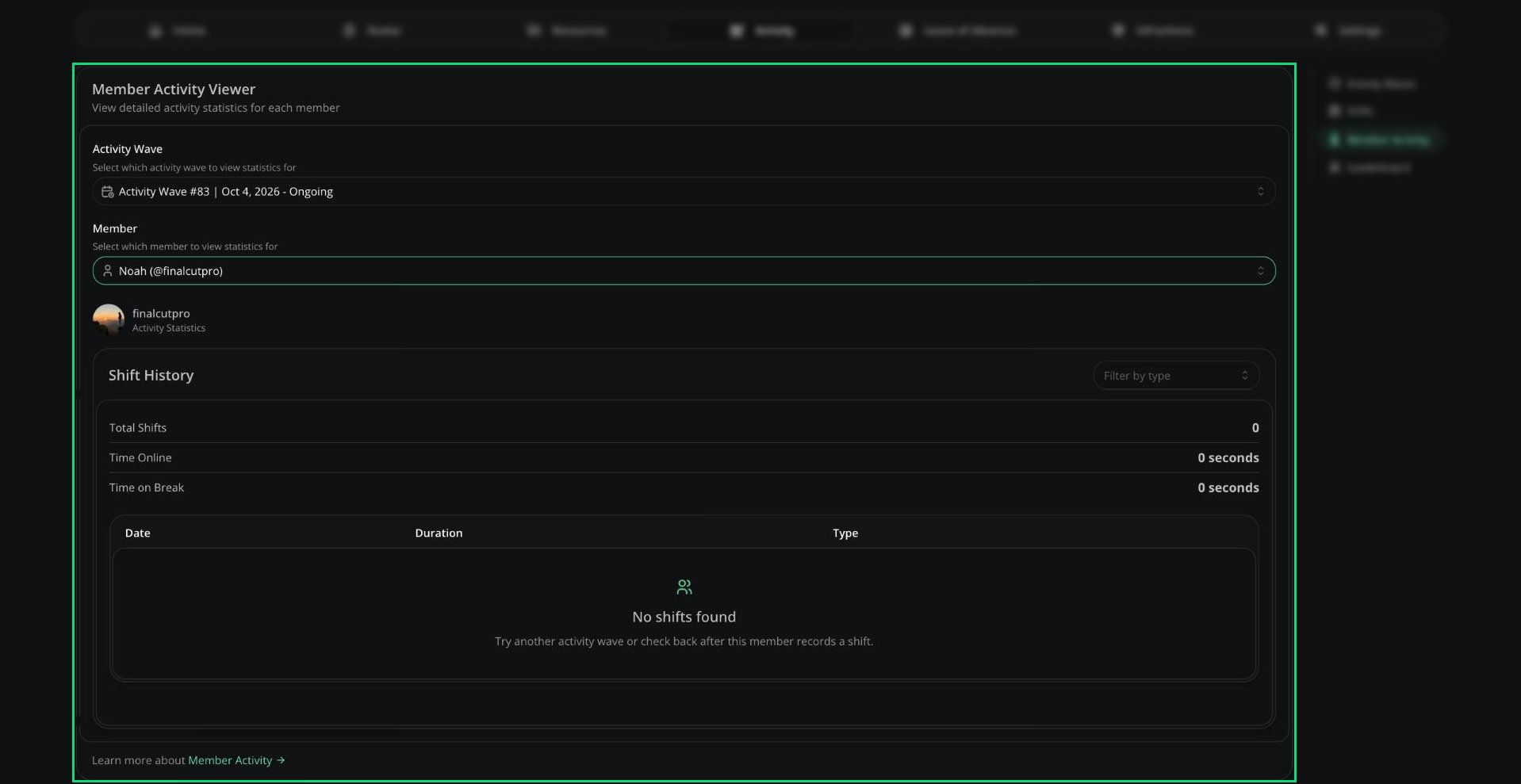
Member Activity
Leaderboard
Ranks members by activity time in a wave and shows whether each one met their quota. You can filter by shift type, member or rank.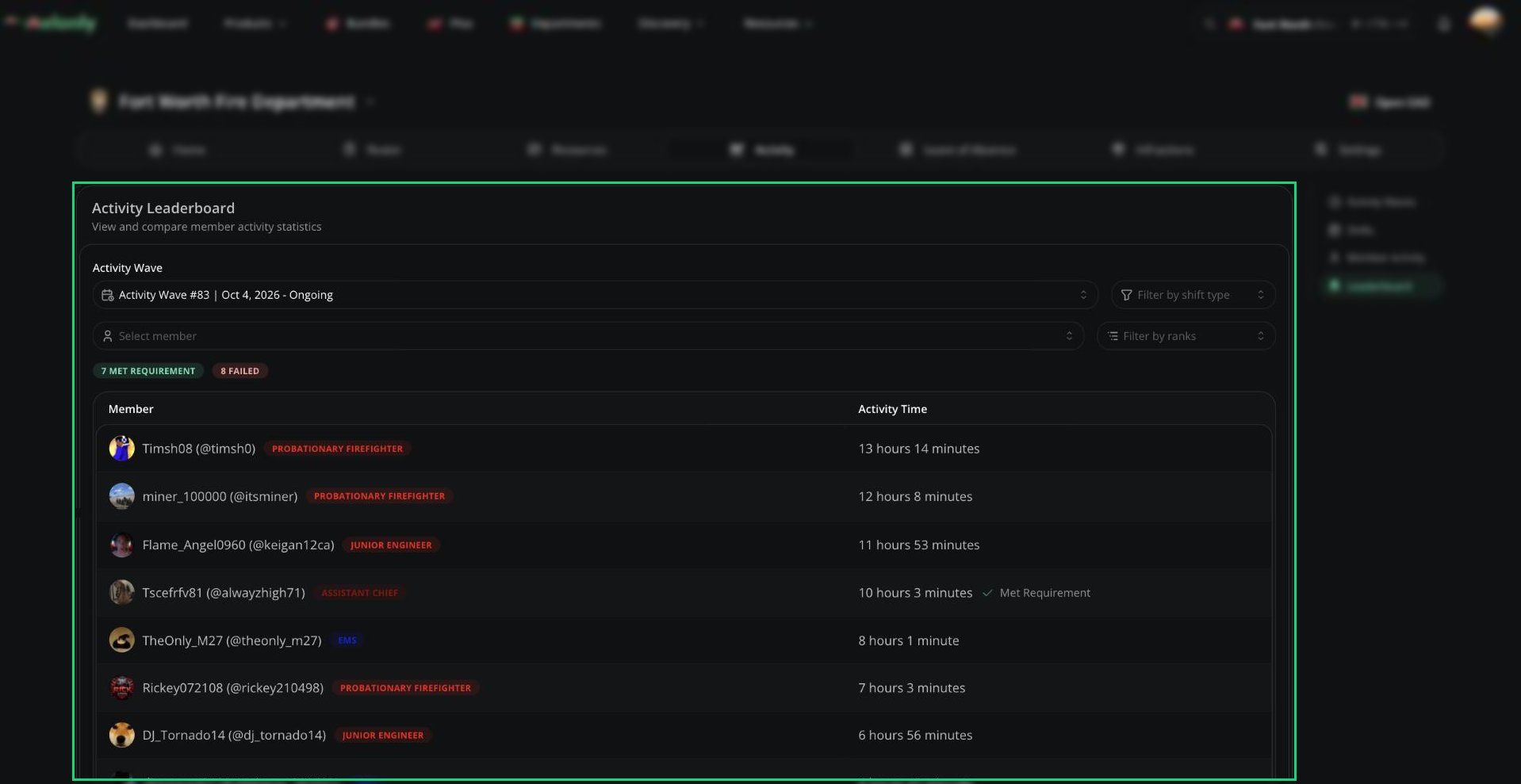
Leaderboard
Need help?
Still have questions? Join our Discord server for support from the Melonly Team.