
Using a Join Link
If you have received a join link, simply paste it into your browser’s address bar.The link will automatically redirect you to Melonly and after you hit submit, your join request will be sent to that server.
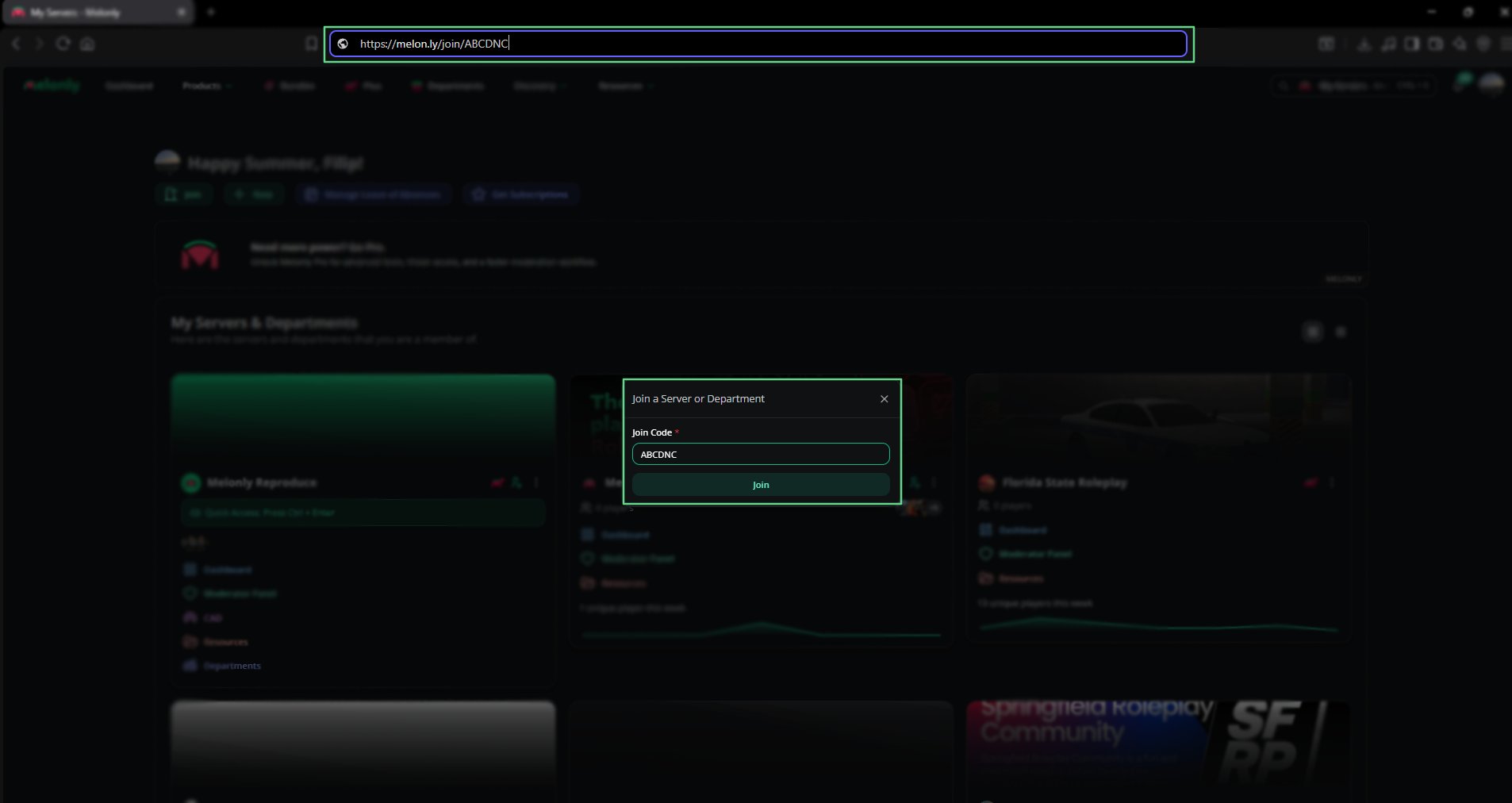
Join Link Example
Using a Join Code
To use a join code, open your dashboard and click Join in the top right corner.A pop‑up will appear where you can enter the code provided by your server.
1
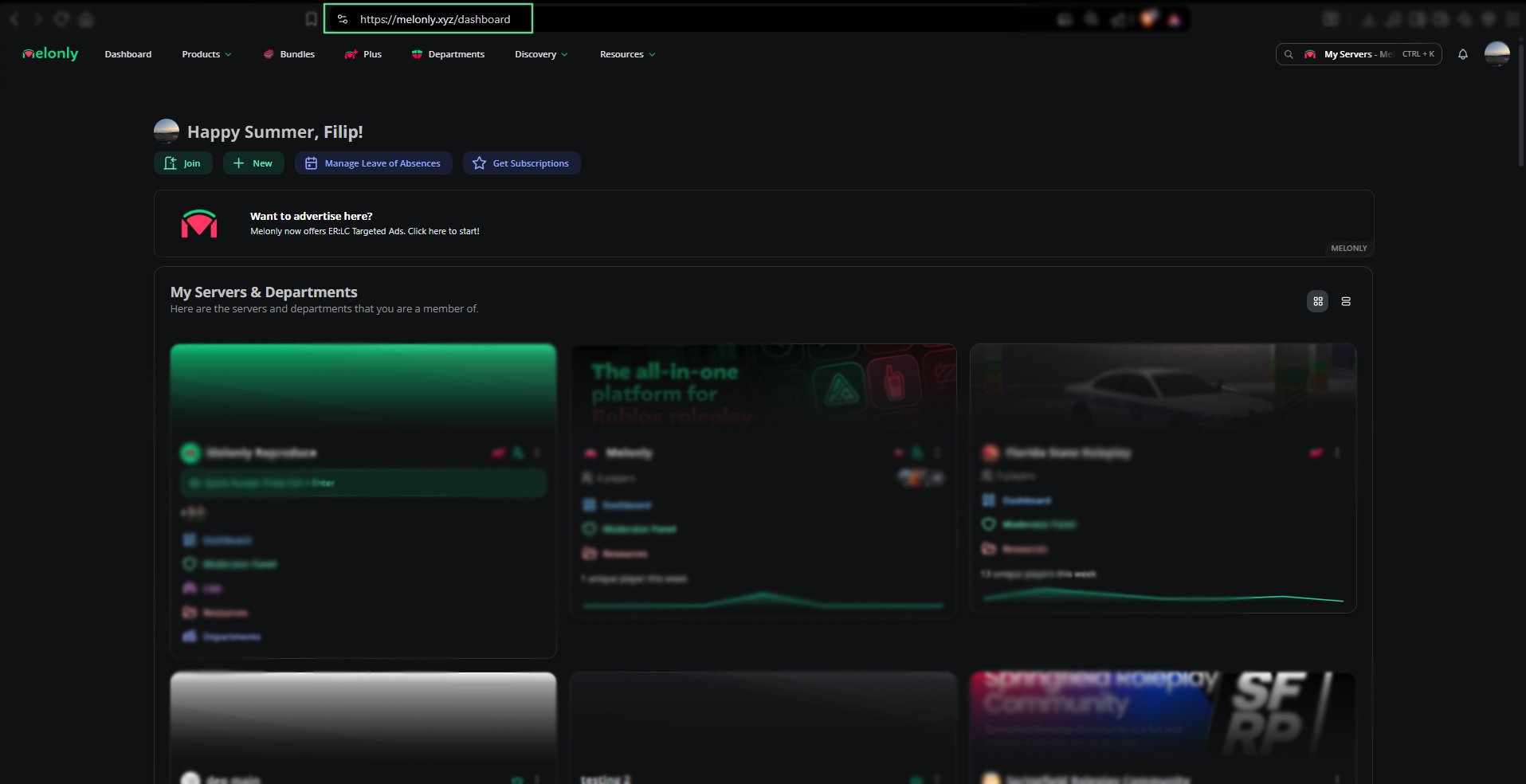
Open Dashboard
Navigate to your Melonly Dashboard.
Show Image
Show Image
2
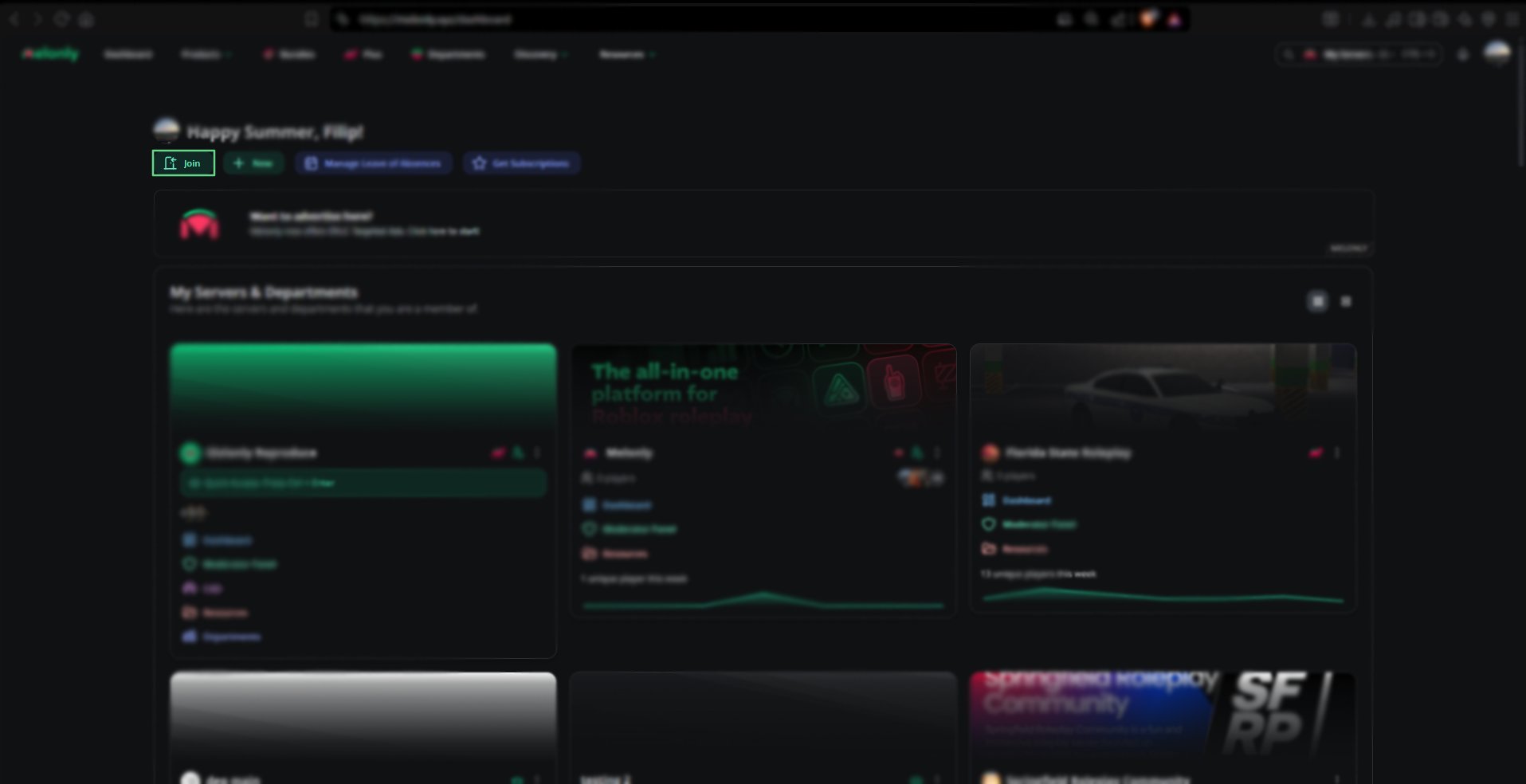
Click Join
Click the Join button located at the top right of the page.
Show Image
Show Image
3
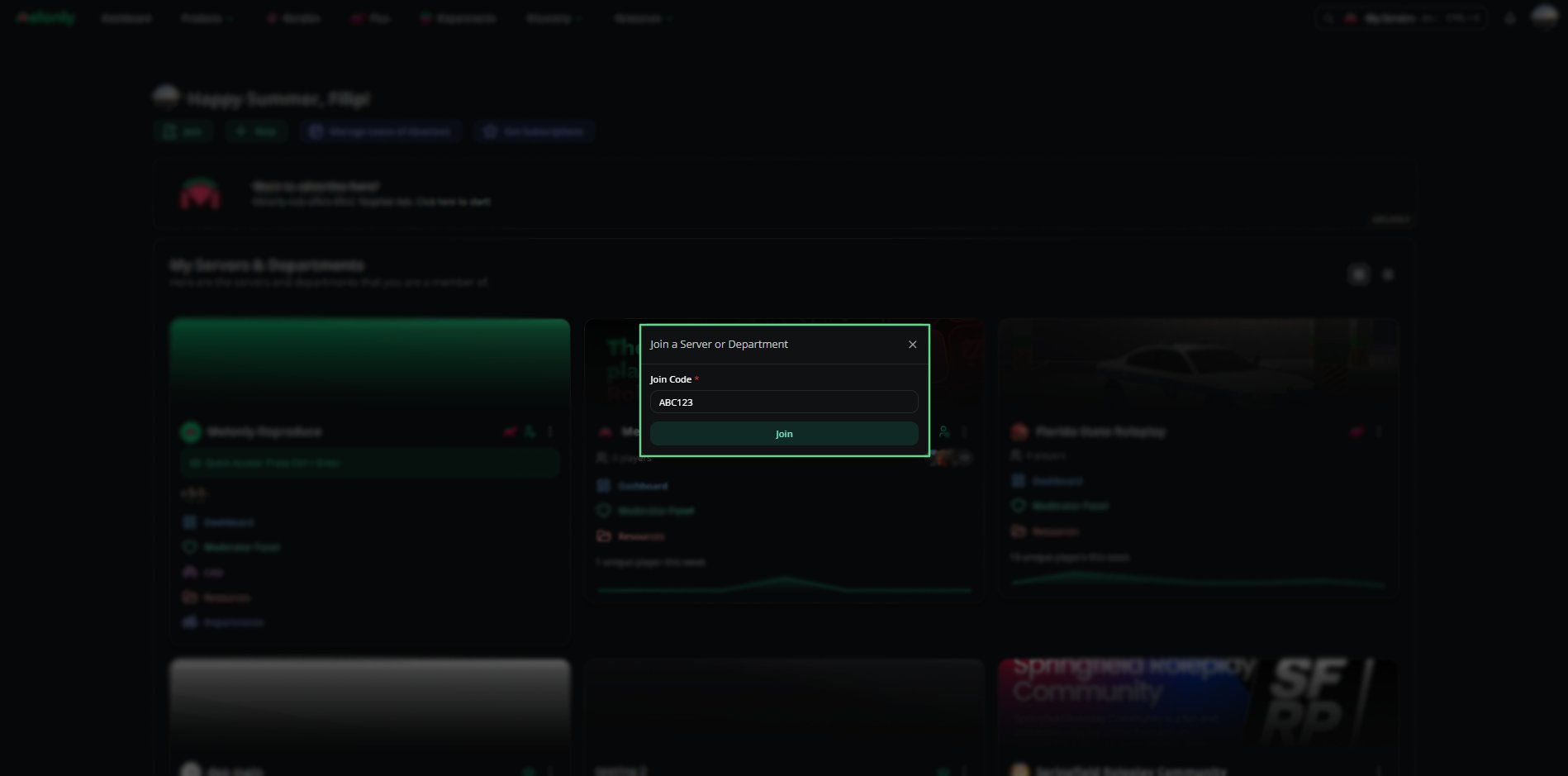
Enter Join Code
Type the join code into the field and click Join to submit your request.
Show Image
Show Image
Linked Discord Roles
Users with linked Discord roles in their server may automatically bypass the join request process.
This means they can join servers instantly without needing to submit a request.
This means they can join servers instantly without needing to submit a request.
Need help?
Still have questions? Join our Discord server for support from the Melonly team.