
What is the Bodycam?
Your bodycam streams your Roblox window live so dispatchers and supervisors can watch. It’s available on the Police, Fire, EMS and DOT panels.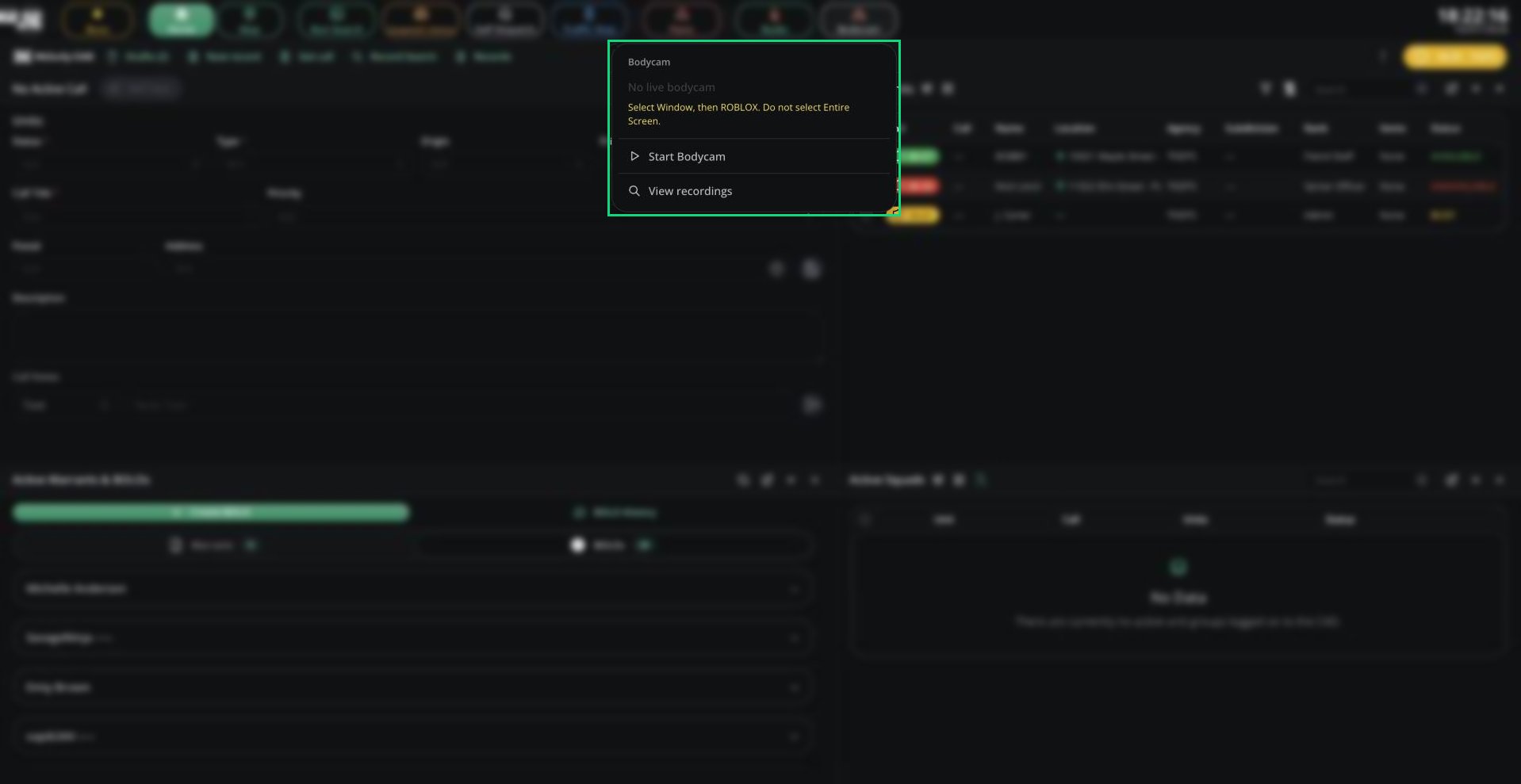
Bodycam menu
Using Your Bodycam
1
Start your bodycam
Click Bodycam in the top bar, then Start Bodycam. When asked what to share, choose Window, then ROBLOX. Don’t share your whole screen.
2
Record if you need to
Click Start Recording or press Alt + R. Click Stop Recording to finish.
3
Stop when you're done
Click Stop Bodycam.
Good to Know
- If your server turns on Require Bodycam in Config, you must start your bodycam before selecting a unit.
- Dispatchers and supervisors can watch a unit’s bodycam by right-clicking it and choosing View bodycam.
Need help?
Still have questions? Join our Discord server for support from the Melonly Team.