
What is CAD Radio?
CAD radio is built-in voice chat for your units. Join channels set up by your server, hold a key to talk, and listen to several channels at once. It works on the Police, Fire, EMS, DOT and Dispatch panels once you have an active unit. For tones, signals, timers, the live map and the notepad, see Tones, Signals & Tools.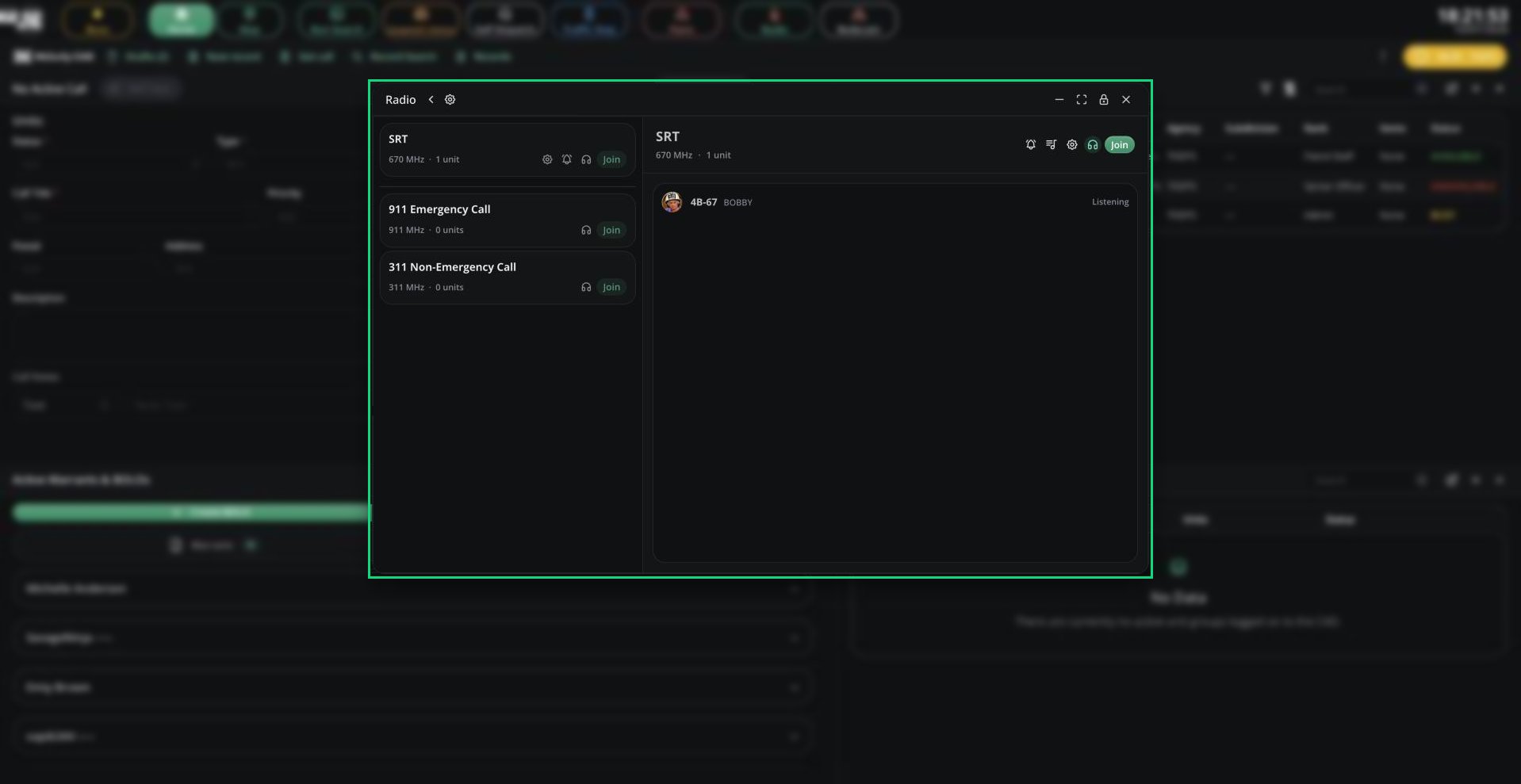
Radio
The first time you join a channel, you’re asked to accept that short audio clips may be stored for moderation (generally around 24 hours). You can’t use voice until you accept.
🧭 Quick Navigation
Channels & Push-to-talk
Join channels, talk with push-to-talk and set up your radio.
Bodycam
Stream and record your Roblox window for dispatch and supervisors.
Tones & Signals
Tones, signals, timers, the live map and the notepad.
Emergency Call Channels
On the Police and Dispatch panels, the channel list includes 911 Emergency Call and 311 Non-Emergency Call. This is where civilians wait when they place a voice call. Dispatchers get an alert with Join call whenever a caller is waiting. Police get it only when no dispatcher is online. These channels are open-mic and aren’t recorded.Radio-only Page
The radio-only page gives you just the radio, full screen. It’s handy on a second monitor or a phone.- On the panel picker, click the small radio icon on a panel tile.
- Pick your unit.
Need help?
Still have questions? Join our Discord server for support from the Melonly Team.