
What are Licences and Vehicles?
Your character can hold licences, vehicle registrations and other DMV records. Officers see these when they run your name or plate.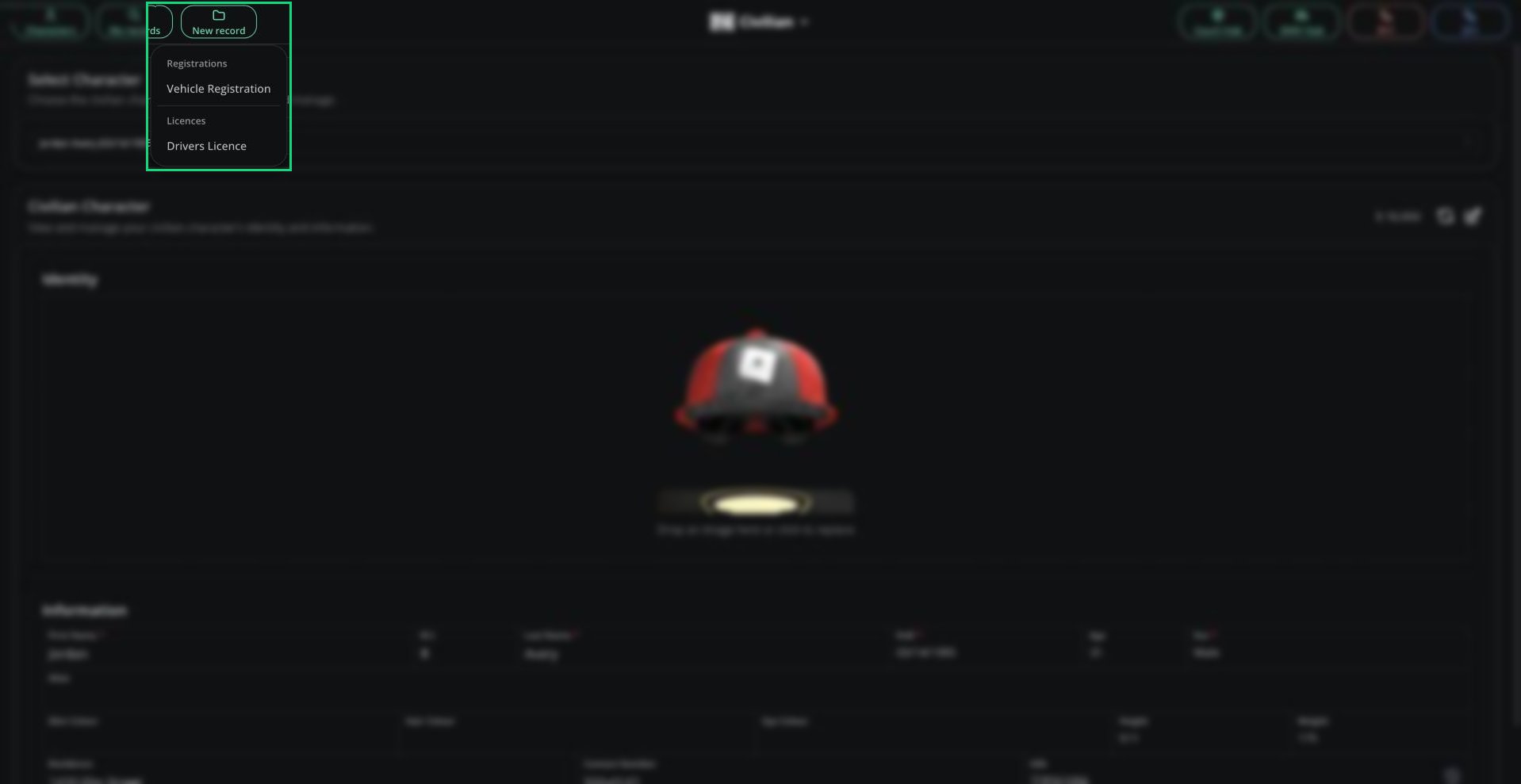
New record menu
Creating a Licence or Vehicle
1
Pick a template
Click New record and pick a licence, vehicle registration or DMV record template.
2
Fill in the form
The name and date of birth are filled in from your active character and locked, so you can only create documents for yourself.
3
Save
Click Create Record.
Rules
- One licence of each type per character. Delete the old one to get a new one.
- Licence numbers and plates must be unique across the server.
- Some templates are limited to certain departments.
- By default a licence lasts 1460 RP days and a registration lasts 365 RP days. Renew expired ones in the DMV Hub.
Editing and Deleting
To edit or delete a document, open it from My records. This doesn’t work for DMV-only documents.Licence History
On a licence, click View Licence Data to see its demerit points and suspensions. See Licence Data for what it shows.Need help?
Still have questions? Join our Discord server for support from the Melonly Team.