
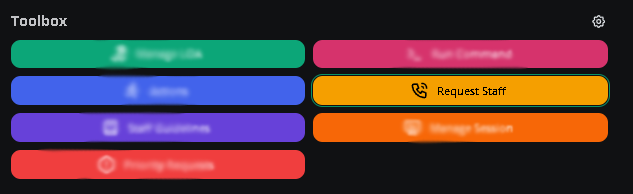
The panel toolbox holds quick-action utilities used during moderation shifts.Documentation Index
Fetch the complete documentation index at: https://docs.melonly.xyz/docs/llms.txt
Use this file to discover all available pages before exploring further.
Leave of absence
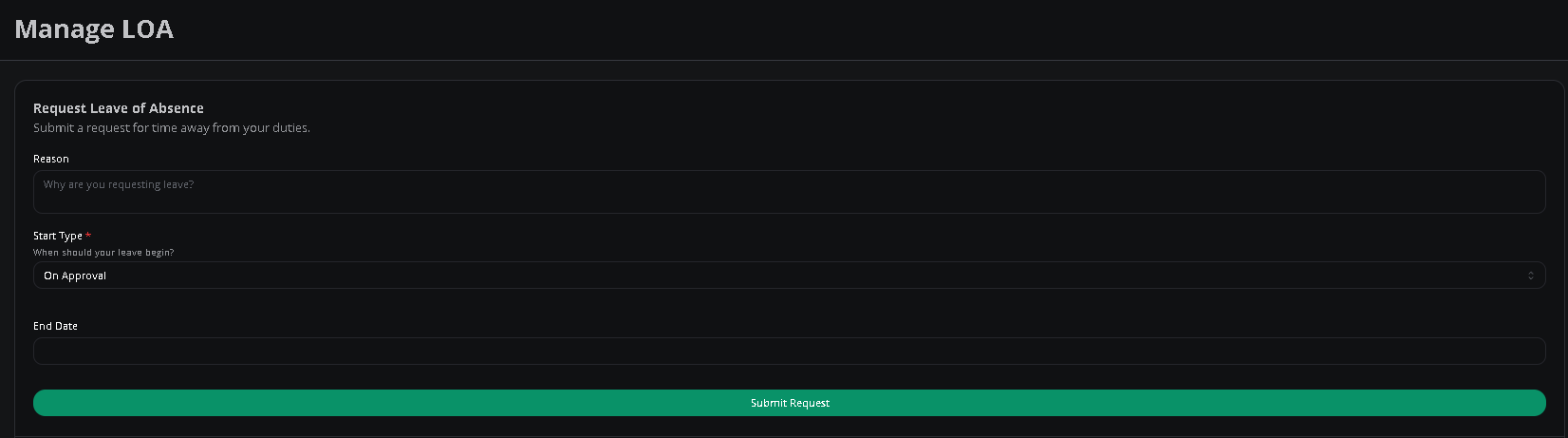
Submit and manage your LOA from the toolbox. Pick the dates, write a reason, then submit for review. You can also submit and manage LOAs at melonly.xyz/loa by selecting the server.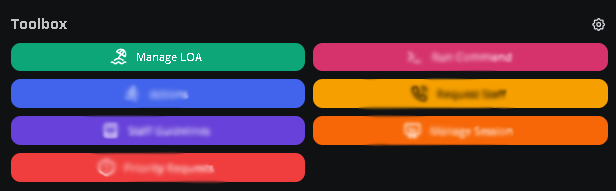
Roblox message filtering
Check whether a message will pass Roblox’s chat filter before posting it in ER:LC. Open Roblox Message Filtering in the toolbox, type a message, and click Check.Actions
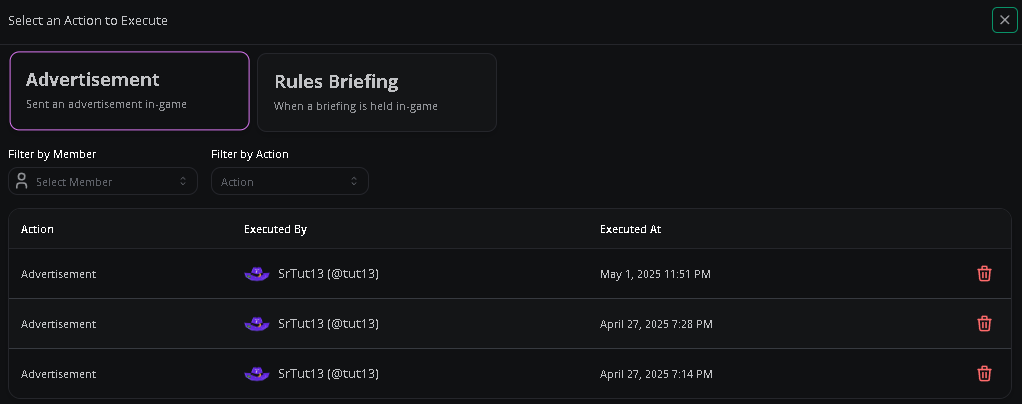
Run server-specific actions configured by your management team. Each run is recorded in the execution log below the action list.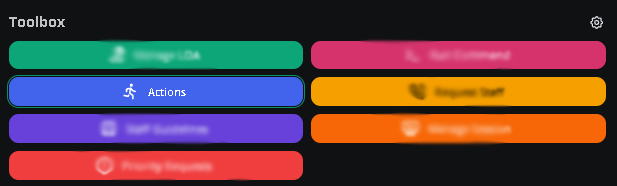
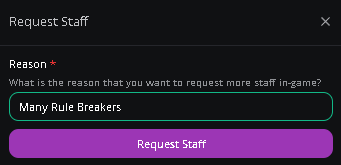
Staff request
This only works if staff requests are enabled for your server.
Need help?
Still have questions? Join our Discord server for support from the Melonly team.