
What is Online Staff?
The row of avatars under your shift controls shows every staff member who is currently on shift or on break.Moderator Cards
Click any staff avatar to open their moderator card. You can also click a staff member’s name on any log.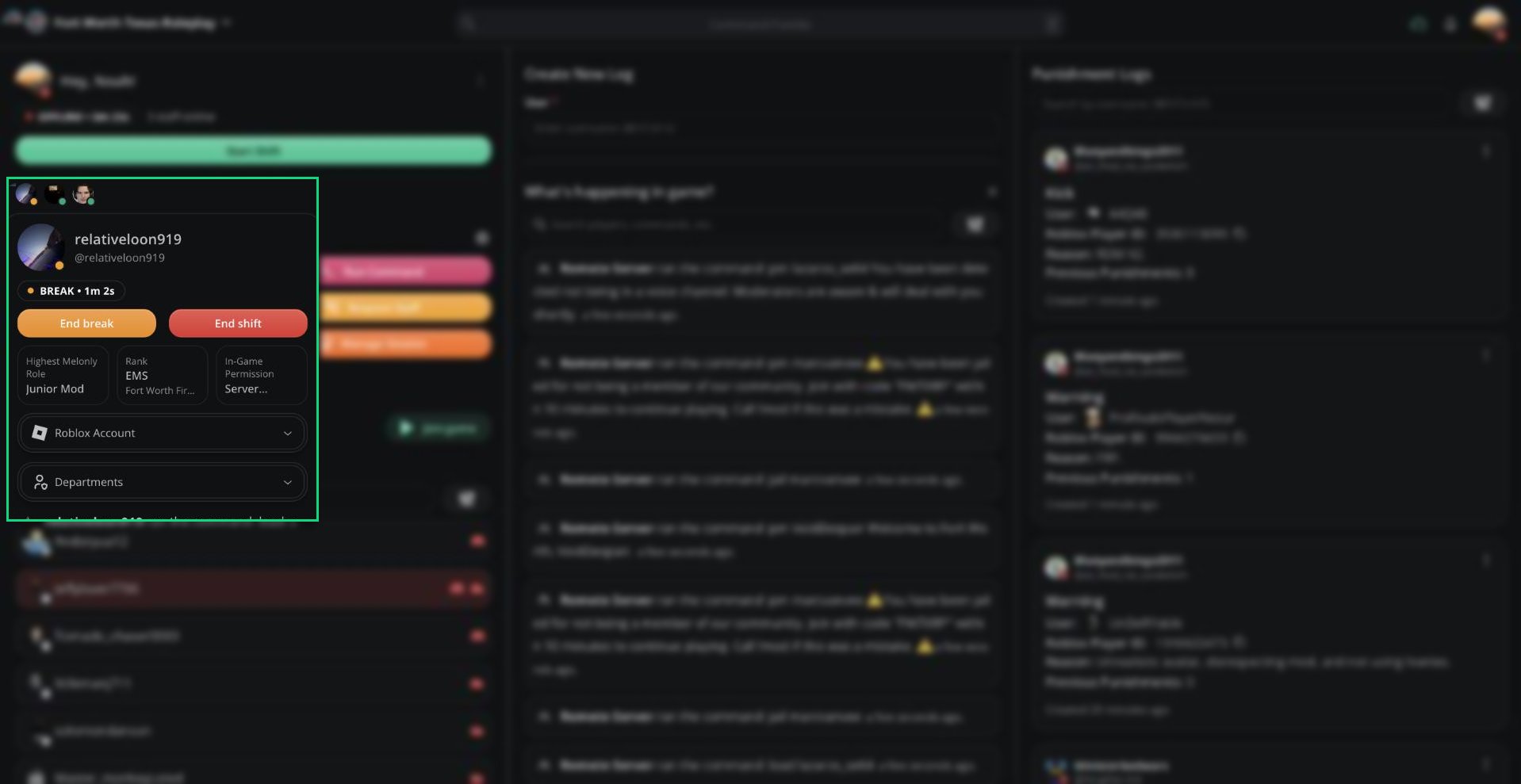
Moderator card
Their most recent in-game activity appears at the bottom of the card.
Ending Another Member’s Shift
Requires the Manage Shifts permission or access to the Activity dashboard page.
- End shift ends their shift.
- End break ends their break and puts them back on shift.
Need help?
Still have questions? Join our Discord server for support from the Melonly Team.