
What is Records Centre?
Records Centre is your filing cabinet. It holds the records you’ve written, your drafts, and for supervisors, records waiting for review. Open it from the CAD menu.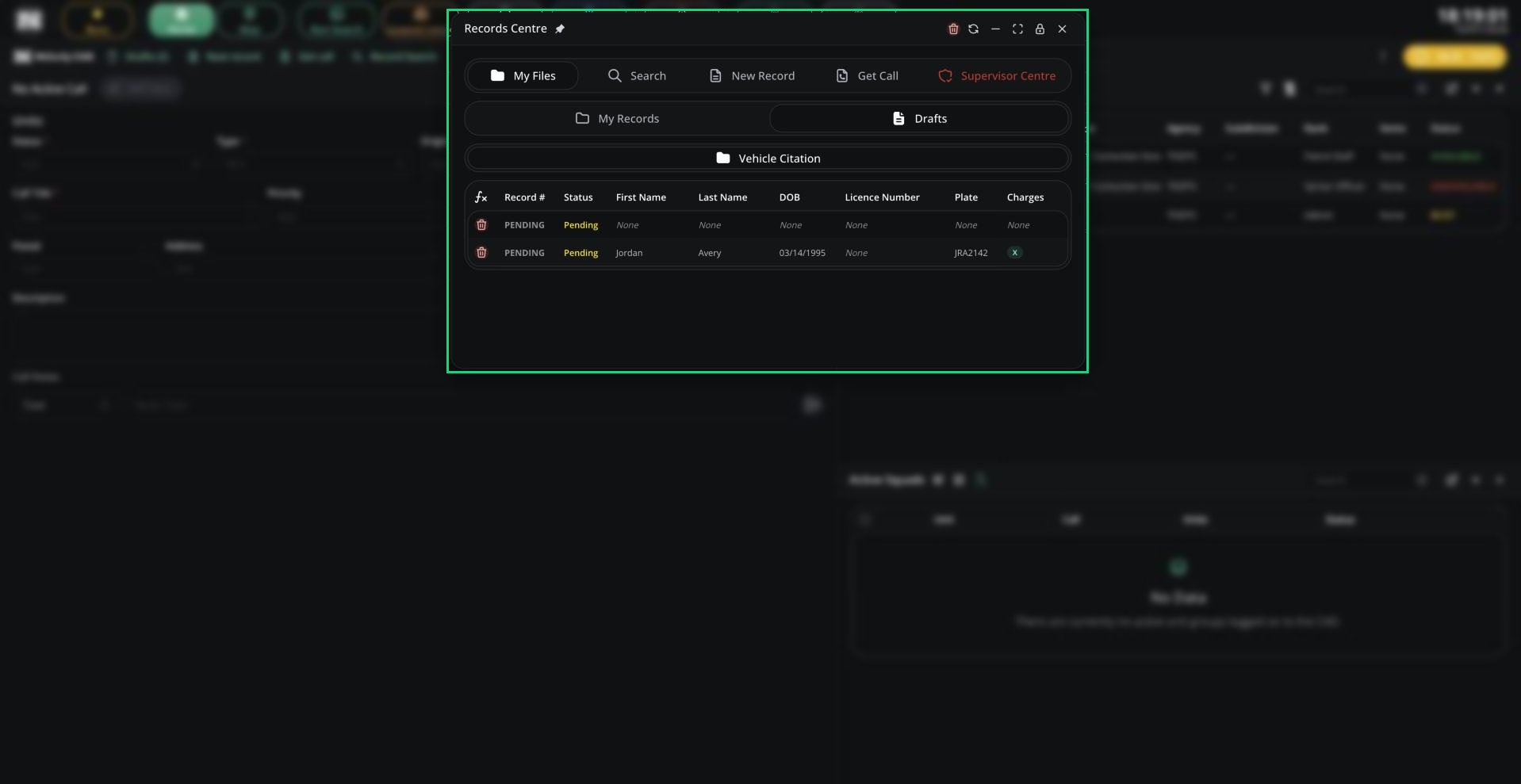
Records Centre
Tabs
Supervisor Centre
Supervisors see every record of their panel’s types with an empty supervisor-only field. Click one to open it in edit mode. It drops off the list once those fields are filled.Sharing and PDF Export
Click Share on a record to copy, export or send it.
Anyone with access to your CAD can open a copied PDF link.
Dispatchers and supervisors can also send a record or lookup to a unit from the right-click menu. It opens automatically on the unit’s screen.
Need help?
Still have questions? Join our Discord server for support from the Melonly Team.