
What can you do with Licences?
The Licences card lists suspended, revoked and max-points licences. Click Open licence to search for any licence. The licence editor is shared with the DMV panel. It lets you view the licence history, add or remove demerit points, suspend the licence, and set it to Active or Revoked. See Licence Editor for every control.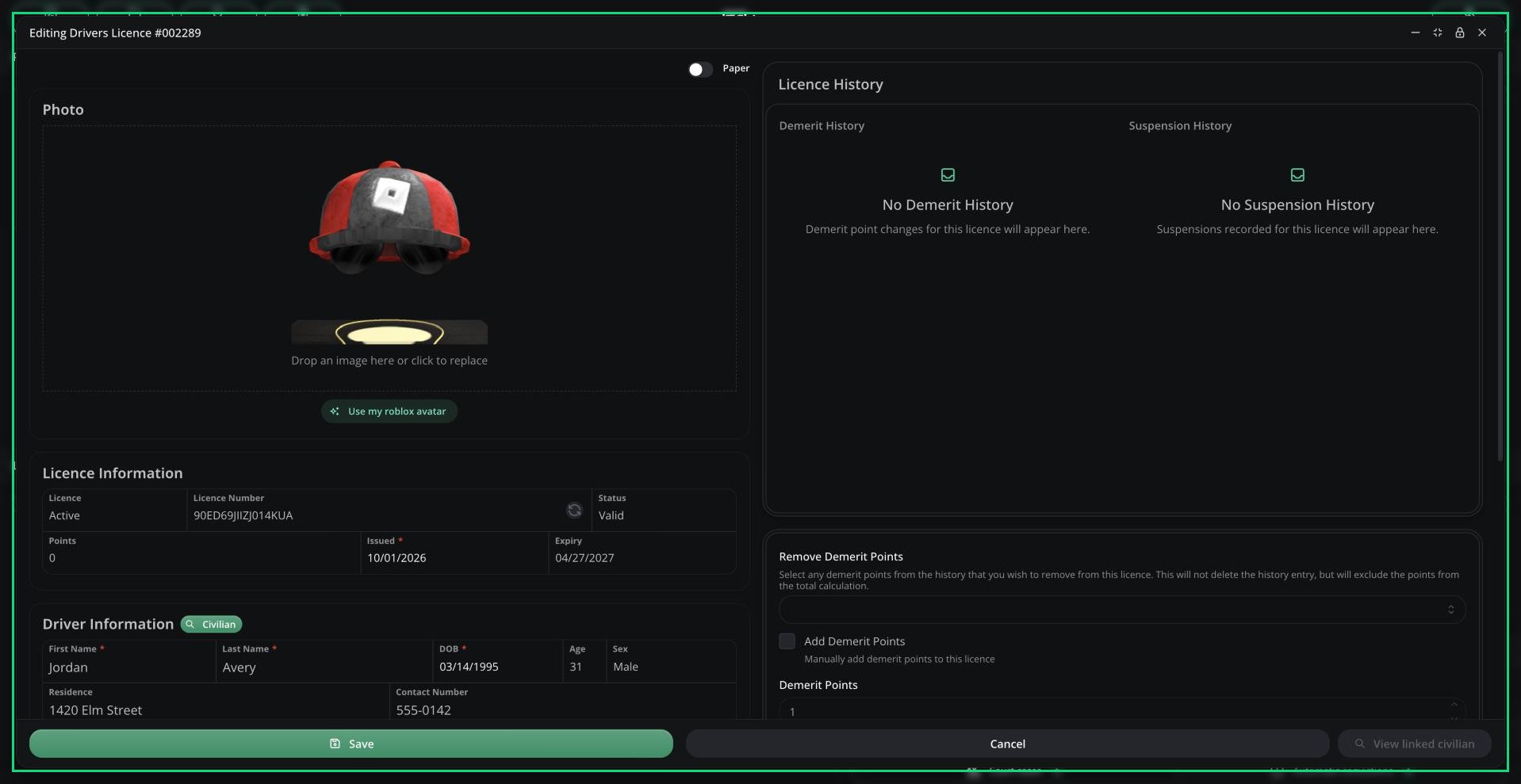
Licence editor
Suspend a Licence
1
Open the licence
In the Licences card, click Open licence and search for it.
2
Tick Suspend Licence
This ends any current suspension and starts a new one.
3
Set the duration and reason
Enter the length in RP days (1 to 7300) and a reason. The reason shows in the licence’s history.
4
Save
Click Save.
End a Suspension
To lift a suspension early, open the licence, tick End Active Suspension and save. Revoked licences can’t be suspended.Other Ways Licences Get Suspended
- By police, using Suspend Licence.
- By traffic charges, once they’re prosecuted. See Charges.
- Automatically, when a licence reaches its maximum points.
Need help?
Still have questions? Join our Discord server for support from the Melonly Team.