> ## Documentation Index
> Fetch the complete documentation index at: https://docs.melonly.xyz/llms.txt
> Use this file to discover all available pages before exploring further.
# Request Staff
> Ask for more staff in your server with a ping in your Discord.
***
## What is Request Staff?
Request Staff pings your team in Discord when your server needs more moderators.
 ***
## Requesting Staff
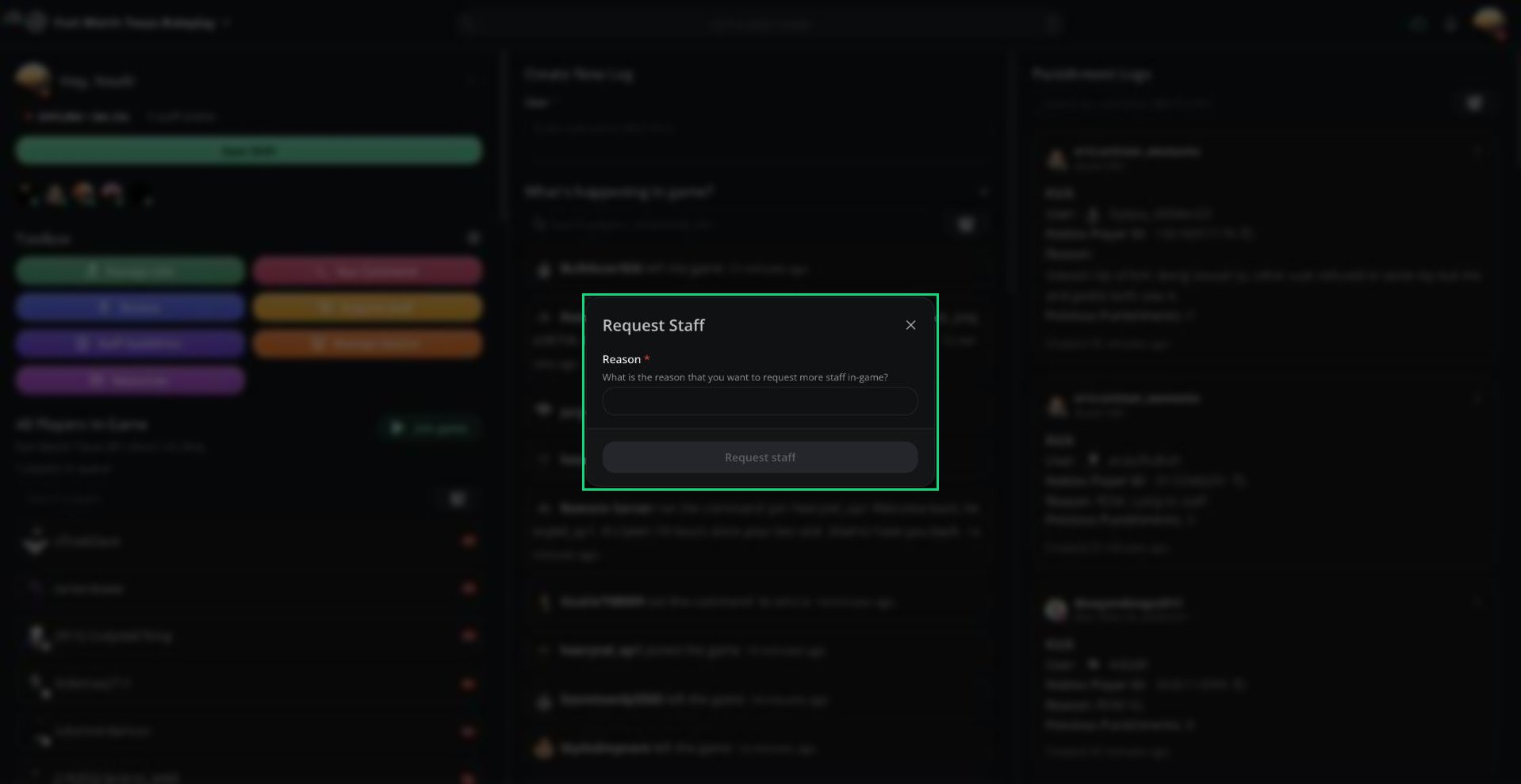
Click **Request Staff** in the Toolbox. It's also in the **⋮** menu next to your name and in the [Command Palette](/Modpanel/commandpalette).
Explain why you need more staff in **Reason**.
Click **Request staff**.
The Discord message includes your reason and how many staff are on shift. If your server uses ER:LC, it also includes the player and in-game staff counts.
***
## Cooldowns and Requirements
* After a request, nobody on the server can request staff again until the cooldown ends. The default is 5 minutes.
* Your server may limit requests to certain roles. Administrators can always request.
***
## Setting It Up
Management sets up Request Staff under **Dashboard → Panel → Staff Request Settings**. It requires a linked Discord server.
| Setting | What it does |
| - | - |
| Enable Staff Request Module | Turns the feature on and shows the Toolbox button |
| Discord Channel | Where requests are posted |
| Cooldown | Minutes between requests (5 to 120) |
| Mentioned Roles | Up to 3 roles to ping |
| Required Roles | Who can send requests |
| Customize Discord Message | Change the request message (Melonly Plus) |
***
Still have questions? Join our Discord server for support from the Melonly Team.
This documentation is built and hosted on [Mintlify](https://mintlify.com), a developer documentation platform.
***
## Requesting Staff
Click **Request Staff** in the Toolbox. It's also in the **⋮** menu next to your name and in the [Command Palette](/Modpanel/commandpalette).
Explain why you need more staff in **Reason**.
Click **Request staff**.
The Discord message includes your reason and how many staff are on shift. If your server uses ER:LC, it also includes the player and in-game staff counts.
***
## Cooldowns and Requirements
* After a request, nobody on the server can request staff again until the cooldown ends. The default is 5 minutes.
* Your server may limit requests to certain roles. Administrators can always request.
***
## Setting It Up
Management sets up Request Staff under **Dashboard → Panel → Staff Request Settings**. It requires a linked Discord server.
| Setting | What it does |
| - | - |
| Enable Staff Request Module | Turns the feature on and shows the Toolbox button |
| Discord Channel | Where requests are posted |
| Cooldown | Minutes between requests (5 to 120) |
| Mentioned Roles | Up to 3 roles to ping |
| Required Roles | Who can send requests |
| Customize Discord Message | Change the request message (Melonly Plus) |
***
Still have questions? Join our Discord server for support from the Melonly Team.
This documentation is built and hosted on [Mintlify](https://mintlify.com), a developer documentation platform.