> ## Documentation Index
> Fetch the complete documentation index at: https://docs.melonly.xyz/llms.txt
> Use this file to discover all available pages before exploring further.
# Actions
> Run your server's custom actions and review who ran them.
***
## What are Actions?
Actions are custom tasks your management team sets up, such as logging a traffic stop or recording a training. Running an action logs it to Discord and records it in your server's action history.
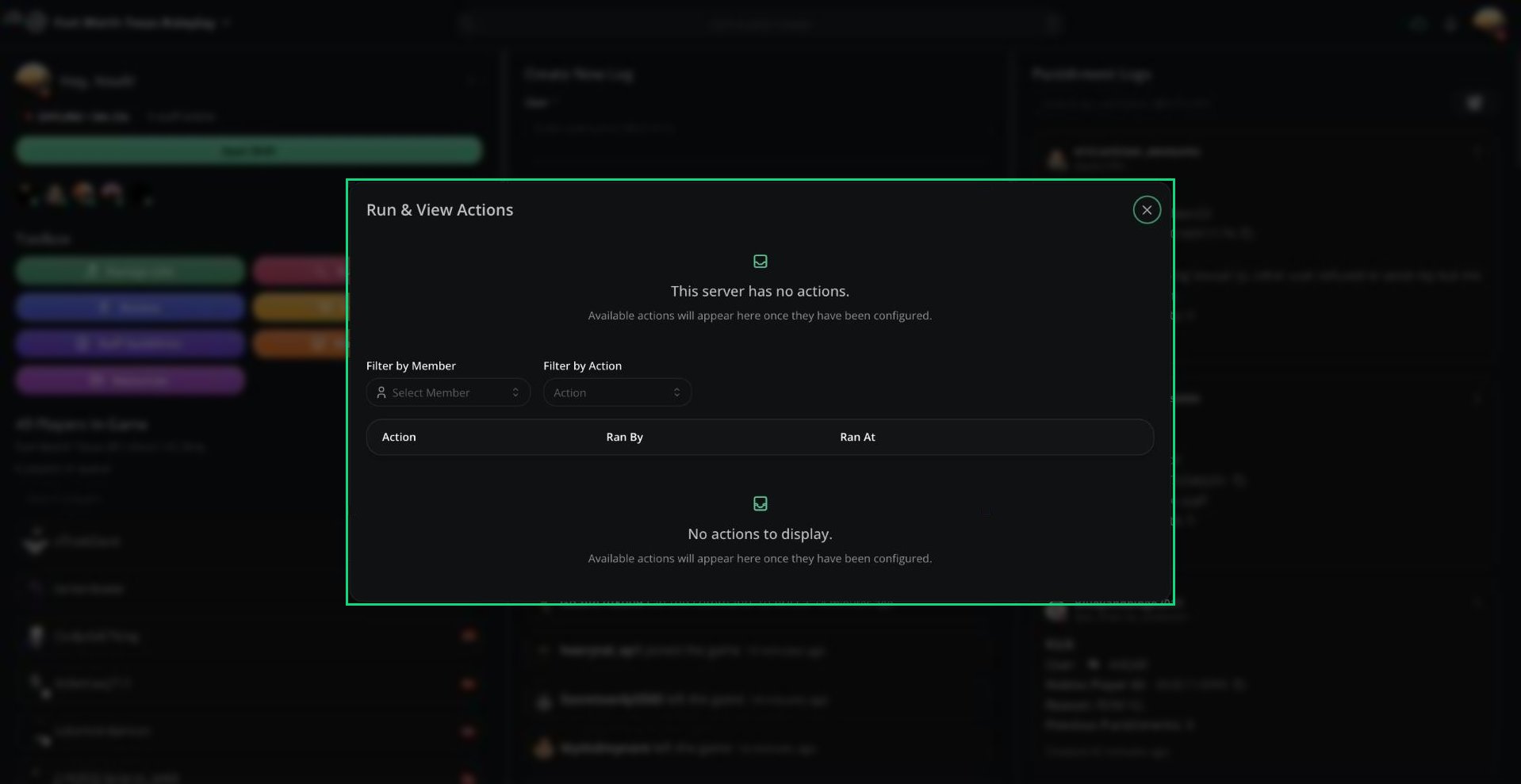 Open it with **Actions** in the Toolbox, or search **Run an action** in the [Command Palette](/Modpanel/commandpalette).
***
## Running an Action
Click an action card. A green border means you can run it. A red border means you're missing a required role.
If the action has questions, fill them in and click **Submit response**.
Free servers can use their first 5 actions. Servers with [Melonly Plus](https://melonly.xyz/plus) can use up to 20.
***
## Action History
Below the actions is a table of every action run on your server.
| Column | What it shows |
| - | - |
| Action | Which action was run |
| Ran By | The staff member who ran it |
| Ran At | When it was run |
Use **Filter by Member** and **Filter by Action** to narrow the list. Click the eye icon to see a run's form answers.
Deleting someone else's run requires the Delete Action permission. You can always delete your own.
***
## Actions from Reminders
[Reminders](/Dashboard/reminders-actions/reminders) can link to an action. Clicking **Complete** on a reminder in Discord opens the panel with that action ready to run. Running it completes the reminder.
***
Still have questions? Join our Discord server for support from the Melonly Team.
This documentation is built and hosted on [Mintlify](https://mintlify.com), a developer documentation platform.
Open it with **Actions** in the Toolbox, or search **Run an action** in the [Command Palette](/Modpanel/commandpalette).
***
## Running an Action
Click an action card. A green border means you can run it. A red border means you're missing a required role.
If the action has questions, fill them in and click **Submit response**.
Free servers can use their first 5 actions. Servers with [Melonly Plus](https://melonly.xyz/plus) can use up to 20.
***
## Action History
Below the actions is a table of every action run on your server.
| Column | What it shows |
| - | - |
| Action | Which action was run |
| Ran By | The staff member who ran it |
| Ran At | When it was run |
Use **Filter by Member** and **Filter by Action** to narrow the list. Click the eye icon to see a run's form answers.
Deleting someone else's run requires the Delete Action permission. You can always delete your own.
***
## Actions from Reminders
[Reminders](/Dashboard/reminders-actions/reminders) can link to an action. Clicking **Complete** on a reminder in Discord opens the panel with that action ready to run. Running it completes the reminder.
***
Still have questions? Join our Discord server for support from the Melonly Team.
This documentation is built and hosted on [Mintlify](https://mintlify.com), a developer documentation platform.