> ## Documentation Index
> Fetch the complete documentation index at: https://docs.melonly.xyz/llms.txt
> Use this file to discover all available pages before exploring further.
# Activating a Subscription
> Put a Melonly Plus, Watchdog, Departments or Vision seats subscription on a server, move it to another server, or remove it.
***
## What is Activating?
Server subscriptions don't do anything until you activate them on a server. Activating links the subscription to that server and unlocks its features there straight away.
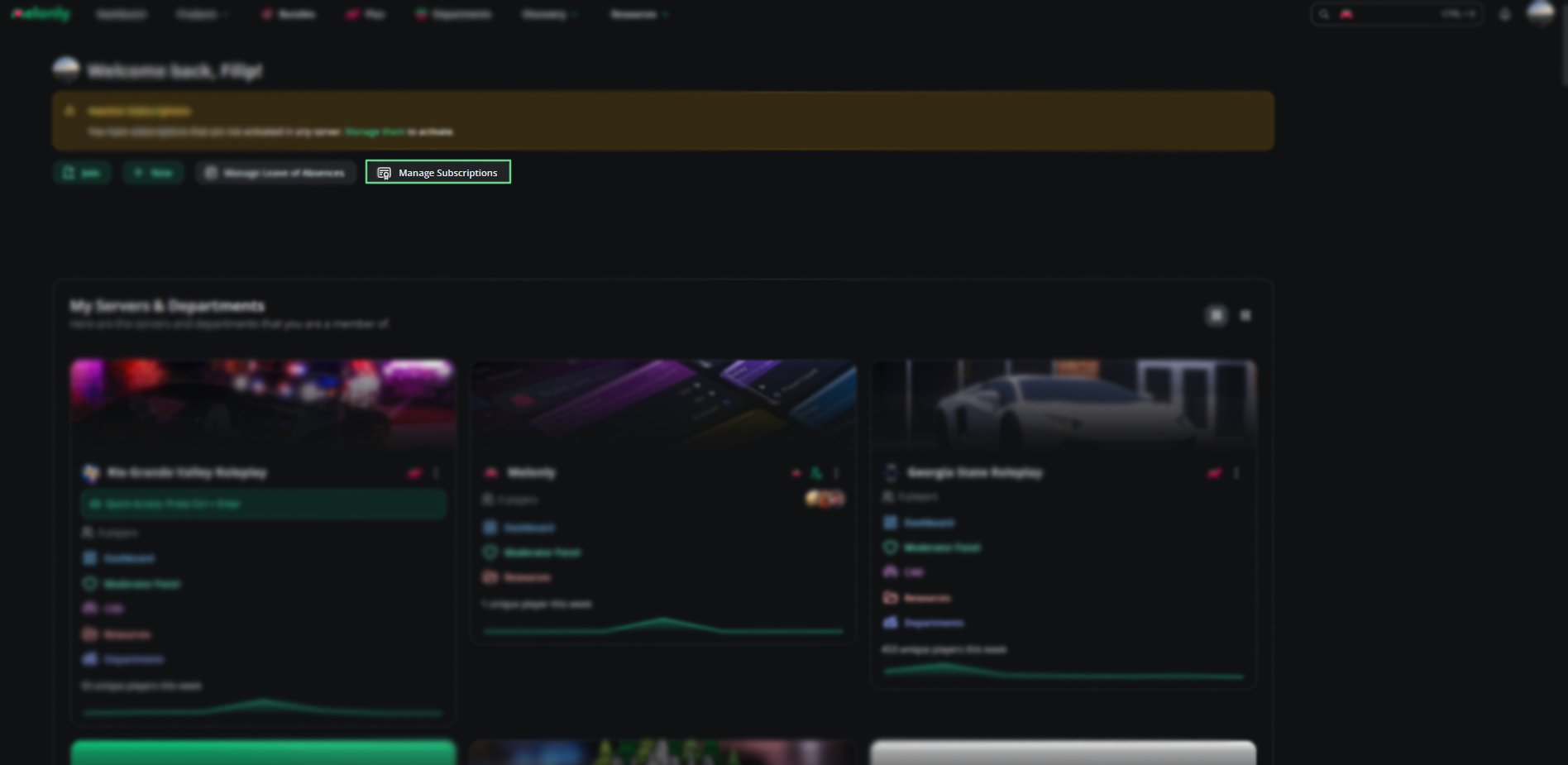
You do this from **Manage subscriptions** on your [dashboard](https://melonly.xyz/dashboard). If you own a subscription that isn't on any server yet, the dashboard shows an Inactive Subscriptions banner with a link to the same window.
 ***
## Activating a Subscription
On your [dashboard](https://melonly.xyz/dashboard), click **Manage subscriptions**. It also opens by itself right after checkout.
Pick it from **Select Subscription to Activate**. Each item in a bundle is listed separately.
Pick the server you want it on. You can choose any Melonly server you're a member of.
Click **Activate server**.
| Subscription | Where it goes |
| - | - |
| Melonly Plus | One server. Servers that already have Plus can't be picked. |
| Watchdog | One server. Servers that already have Watchdog can't be picked. |
| Departments | Your parent server. Several Departments subscriptions on one server add their slots together. See [Plans & Billing](/Department/plans). |
| Vision Team Seats | One server. Then assign the seats to moderators. See [Vision Team Seats](/Guides/MelonlyVision#vision-team-seats). |
Melonly Pro isn't listed here because it's on your account and works as soon as you buy it. See [Melonly Pro](/Guides/pro).
***
## Moving or Removing a Subscription
Your active subscriptions are listed in the table at the bottom of the window, with the server each one is on.
Click the remove icon on its row. The server loses those features, and the subscription becomes free to use again.
Pick it again in **Select Subscription to Activate**, choose the new server, and click **Activate server**.
Removing a subscription from a server doesn't cancel it or stop billing. To stop paying, see [Billing and Cancelling](/Guides/managingsubs/billing#cancelling-a-subscription).
***
## Good to Know
* A paused subscription can't be activated or removed until it's running again. See [Paused Subscriptions](/Guides/managingsubs/billing#paused-subscriptions).
* Only the person who bought a subscription can activate or remove it.
***
Still have questions? Join our Discord server for support from the Melonly Team.
This documentation is built and hosted on [Mintlify](https://mintlify.com), a developer documentation platform.
***
## Activating a Subscription
On your [dashboard](https://melonly.xyz/dashboard), click **Manage subscriptions**. It also opens by itself right after checkout.
Pick it from **Select Subscription to Activate**. Each item in a bundle is listed separately.
Pick the server you want it on. You can choose any Melonly server you're a member of.
Click **Activate server**.
| Subscription | Where it goes |
| - | - |
| Melonly Plus | One server. Servers that already have Plus can't be picked. |
| Watchdog | One server. Servers that already have Watchdog can't be picked. |
| Departments | Your parent server. Several Departments subscriptions on one server add their slots together. See [Plans & Billing](/Department/plans). |
| Vision Team Seats | One server. Then assign the seats to moderators. See [Vision Team Seats](/Guides/MelonlyVision#vision-team-seats). |
Melonly Pro isn't listed here because it's on your account and works as soon as you buy it. See [Melonly Pro](/Guides/pro).
***
## Moving or Removing a Subscription
Your active subscriptions are listed in the table at the bottom of the window, with the server each one is on.
Click the remove icon on its row. The server loses those features, and the subscription becomes free to use again.
Pick it again in **Select Subscription to Activate**, choose the new server, and click **Activate server**.
Removing a subscription from a server doesn't cancel it or stop billing. To stop paying, see [Billing and Cancelling](/Guides/managingsubs/billing#cancelling-a-subscription).
***
## Good to Know
* A paused subscription can't be activated or removed until it's running again. See [Paused Subscriptions](/Guides/managingsubs/billing#paused-subscriptions).
* Only the person who bought a subscription can activate or remove it.
***
Still have questions? Join our Discord server for support from the Melonly Team.
This documentation is built and hosted on [Mintlify](https://mintlify.com), a developer documentation platform.