> ## Documentation Index
> Fetch the complete documentation index at: https://docs.melonly.xyz/llms.txt
> Use this file to discover all available pages before exploring further.
# Shouts
> Post announcements to your department, schedule them for later, and sync them with Discord.
***
## What are Shouts?
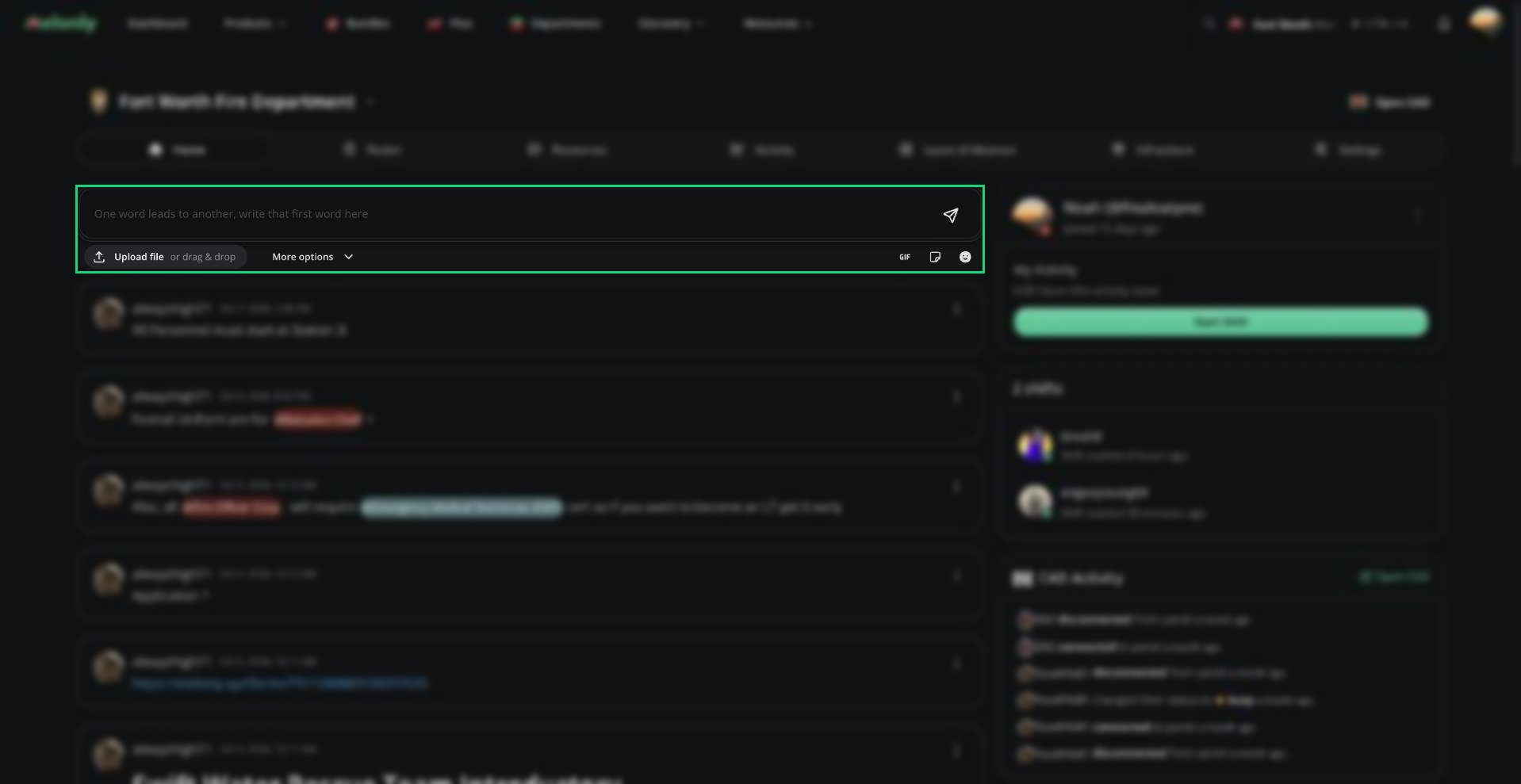
Shouts are your department's announcement feed, shown on the left of the [Home](/Department/home) page. Leadership can post updates, attach files and resources, mention members or ranks, and schedule posts for later.
If your department is linked to a Discord server, shouts can sync both ways with a Discord channel.
 ***
## 🧭 Quick Navigation
Write, attach files, limit visibility, schedule, edit and delete.
***
## Permissions
| Ability | Who can do it |
| - | - |
| Read shouts | Every member who can see them |
| Post, schedule, and see all limited shouts | Post Shouts |
| Manage scheduled promotions | Promote |
| Edit a shout | The author only |
| Delete a shout | The author, or Manage Shouts |
Administrators can do everything except edit other people's shouts. Ranks and permissions are set on the [Roster](/Department/roster#roles).
***
## Discord Sync
To sync shouts, pick a shouts channel in [Settings → Discord Integration](/Department/settings/discord).
### From Melonly to Discord
Shouts visible to @everyone are posted in the shouts channel by the Melonly bot, with text, images, videos, documents, forms, GIFs, and stickers. A footer credits the author. Attached workflows aren't sent.
### From Discord to Melonly
Messages posted in the shouts channel become shouts, as long as the author has linked their Discord account to Melonly. Text and stickers come across, but images and other attachments don't. Edits and deletes in Discord carry over.
Sync stops while the department is deactivated.
***
Still have questions? Join our Discord server for support from the Melonly Team.
This documentation is built and hosted on [Mintlify](https://mintlify.com), a developer documentation platform.
***
## 🧭 Quick Navigation
Write, attach files, limit visibility, schedule, edit and delete.
***
## Permissions
| Ability | Who can do it |
| - | - |
| Read shouts | Every member who can see them |
| Post, schedule, and see all limited shouts | Post Shouts |
| Manage scheduled promotions | Promote |
| Edit a shout | The author only |
| Delete a shout | The author, or Manage Shouts |
Administrators can do everything except edit other people's shouts. Ranks and permissions are set on the [Roster](/Department/roster#roles).
***
## Discord Sync
To sync shouts, pick a shouts channel in [Settings → Discord Integration](/Department/settings/discord).
### From Melonly to Discord
Shouts visible to @everyone are posted in the shouts channel by the Melonly bot, with text, images, videos, documents, forms, GIFs, and stickers. A footer credits the author. Attached workflows aren't sent.
### From Discord to Melonly
Messages posted in the shouts channel become shouts, as long as the author has linked their Discord account to Melonly. Text and stickers come across, but images and other attachments don't. Edits and deletes in Discord carry over.
Sync stops while the department is deactivated.
***
Still have questions? Join our Discord server for support from the Melonly Team.
This documentation is built and hosted on [Mintlify](https://mintlify.com), a developer documentation platform.