> ## Documentation Index
> Fetch the complete documentation index at: https://docs.melonly.xyz/llms.txt
> Use this file to discover all available pages before exploring further.
# Appeals
> Review member appeals to void infractions and suspensions in your department.
***
## What are Appeals?
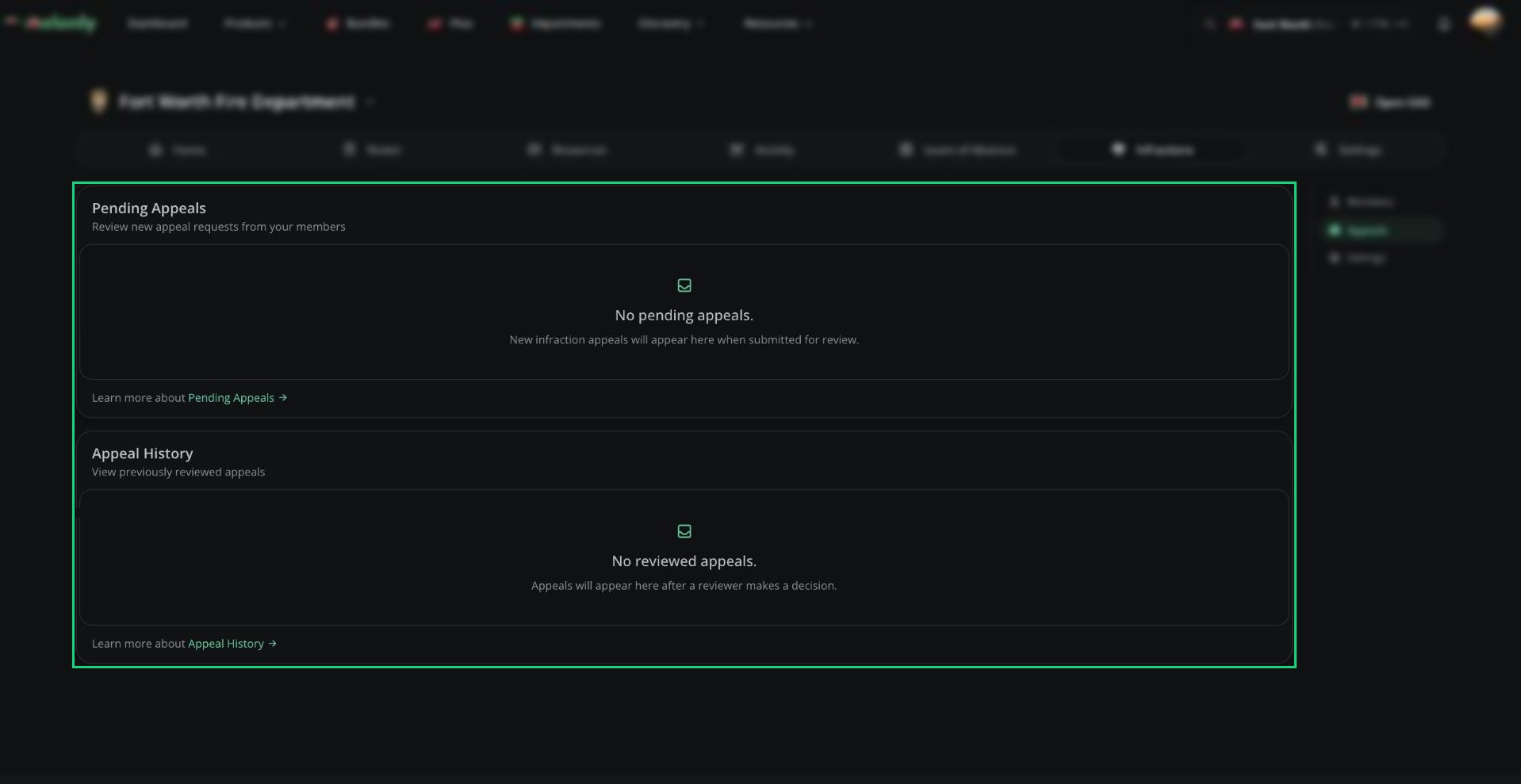
Appeals let members ask you to void an infraction or suspension. Approving an appeal voids the punishment.
Members appeal from [melonly.xyz/my/infractions](https://melonly.xyz/my/infractions) by picking your department and clicking **Appeal Infraction**. Appeals must be turned on in [Appeals Configuration](/Department/infraction/settings#appeals-configuration).
 ***
## Reviewing an Appeal
Open an appeal from the Appeals page to see the punishment and the member's answers.
Enter a decision reason.
Approve to void the punishment, or deny to keep it.
***
Still have questions? Join our Discord server for support from the Melonly Team.
This documentation is built and hosted on [Mintlify](https://mintlify.com), a developer documentation platform.
***
## Reviewing an Appeal
Open an appeal from the Appeals page to see the punishment and the member's answers.
Enter a decision reason.
Approve to void the punishment, or deny to keep it.
***
Still have questions? Join our Discord server for support from the Melonly Team.
This documentation is built and hosted on [Mintlify](https://mintlify.com), a developer documentation platform.