> ## Documentation Index
> Fetch the complete documentation index at: https://docs.melonly.xyz/llms.txt
> Use this file to discover all available pages before exploring further.
# History
> View past and completed LOA records for documentation and investigations.
***
## What is LOA History?
The History page shows all completed Leave of Absence records for your staff team.\
You can search by user, review past LOAs, and access full details regarding the LOA.
This helps supervisors track patterns, verify past leave periods and maintain accurate records.
***
## Searching LOA History
You can filter LOA history by selecting a staff member.\
If the user has no previous LOAs, the page will show an empty history.
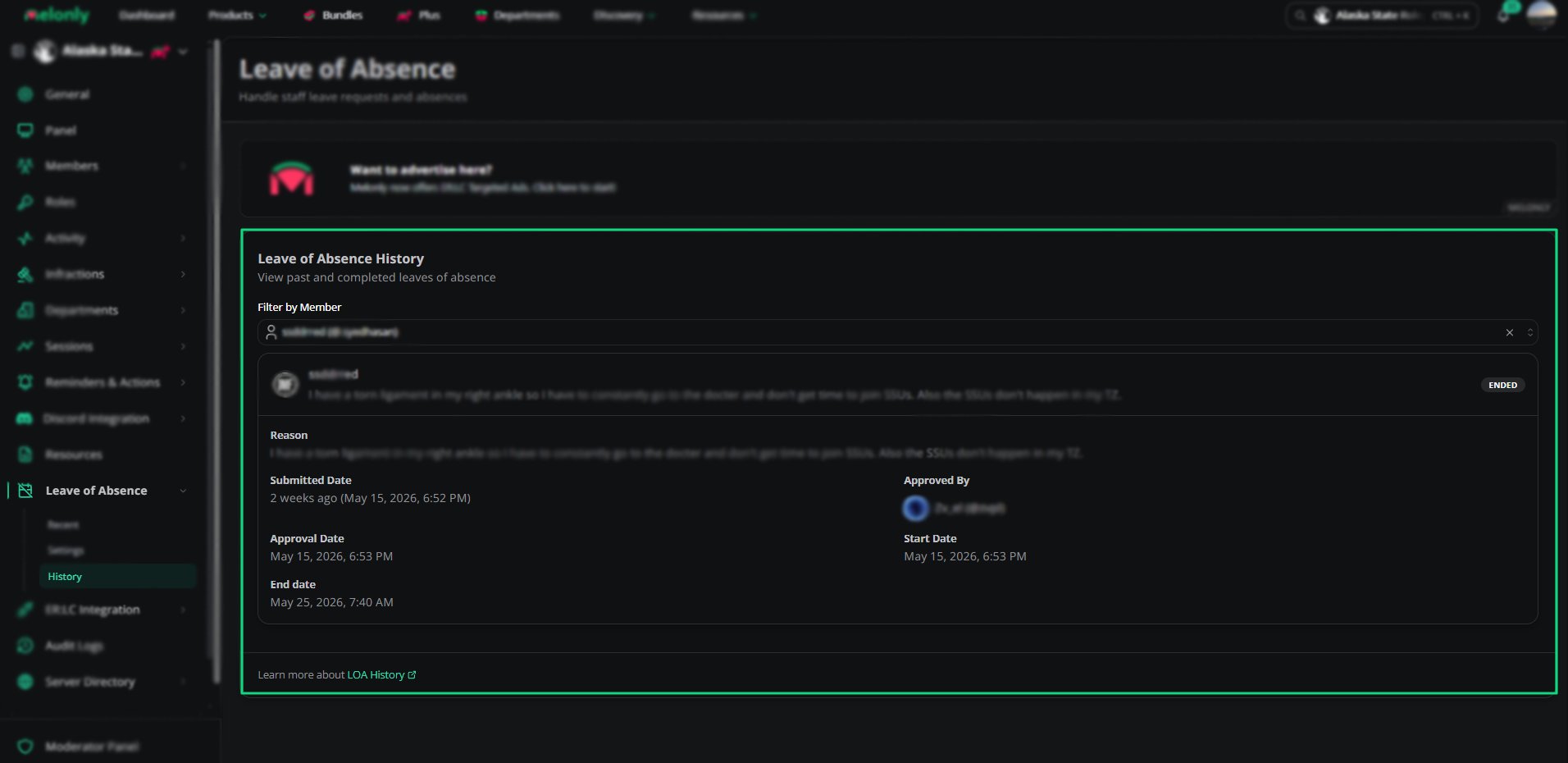 Searching allows you to quickly locate:
* Past LOA submissions
* Reasons for leave
* Approval details
* Duration and end dates
***
## Completed LOAs
Completed LOAs appear in the history list with the status **ENDED**.\
Each entry includes:
* Staff member name
* Reason for leave
* Status
* Submission date
* End date
Searching allows you to quickly locate:
* Past LOA submissions
* Reasons for leave
* Approval details
* Duration and end dates
***
## Completed LOAs
Completed LOAs appear in the history list with the status **ENDED**.\
Each entry includes:
* Staff member name
* Reason for leave
* Status
* Submission date
* End date
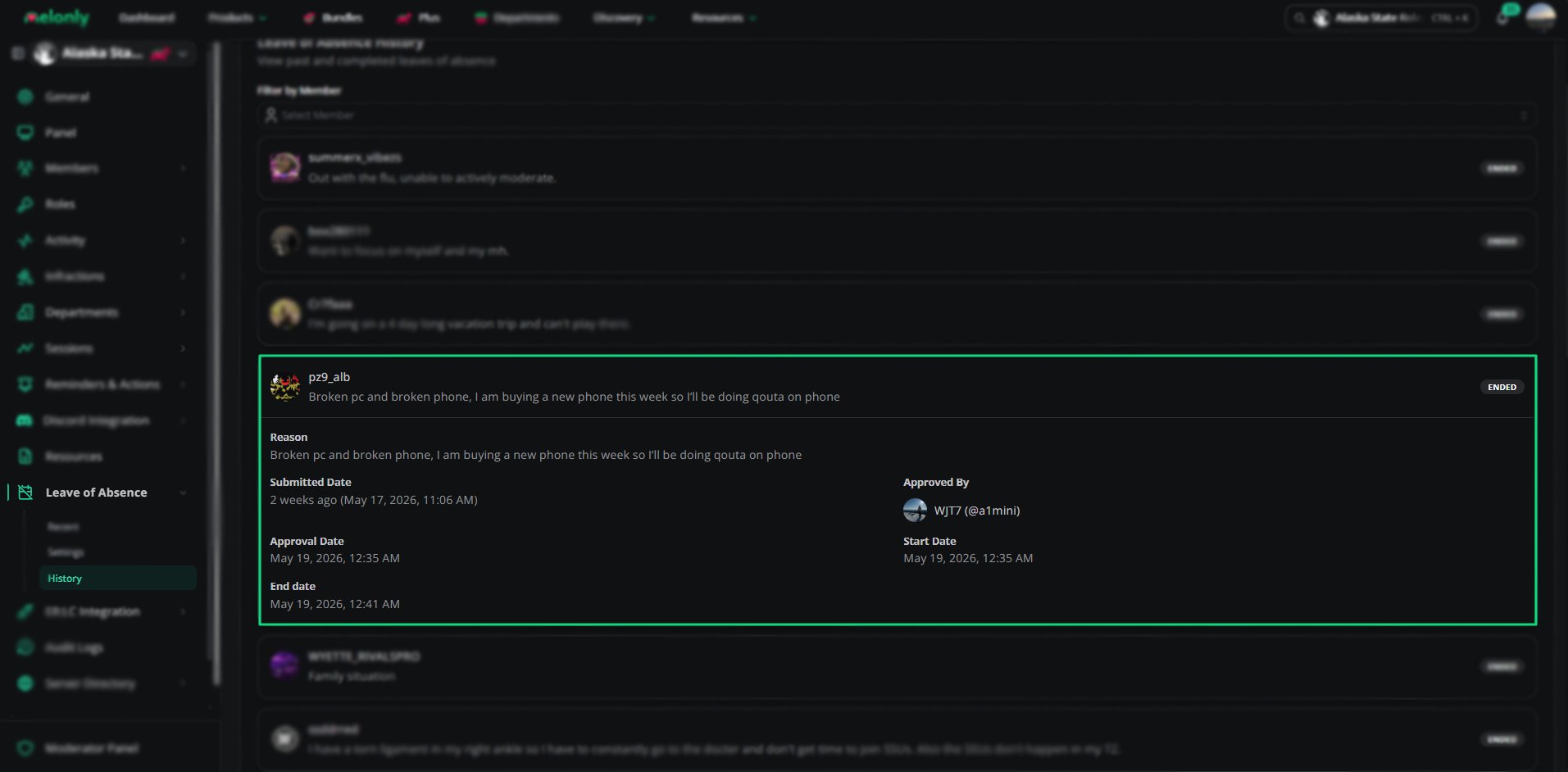 These records remain available permanently unless removed by server administrators.
***
These records remain available permanently unless removed by server administrators.
***