> ## Documentation Index
> Fetch the complete documentation index at: https://docs.melonly.xyz/llms.txt
> Use this file to discover all available pages before exploring further.
# Permission Management
> Automatically remove in game permissions from users who leave your linked Melonly server.
***
## What is Permission Management?
Permission Management allows Melonly to automatically remove a user's in game permissions when they leave your linked Melonly server.\
This ensures that only active staff members retain access to In-game Commands.
It is a simple but powerful way to keep your server secure and prevent former members from retaining commands.
This feature requires Melonly Plus. You can find out more about what Plus offers [**here**](https://melonly.xyz/plus?referer=page_header_pc).
***
## How to use Permission Management
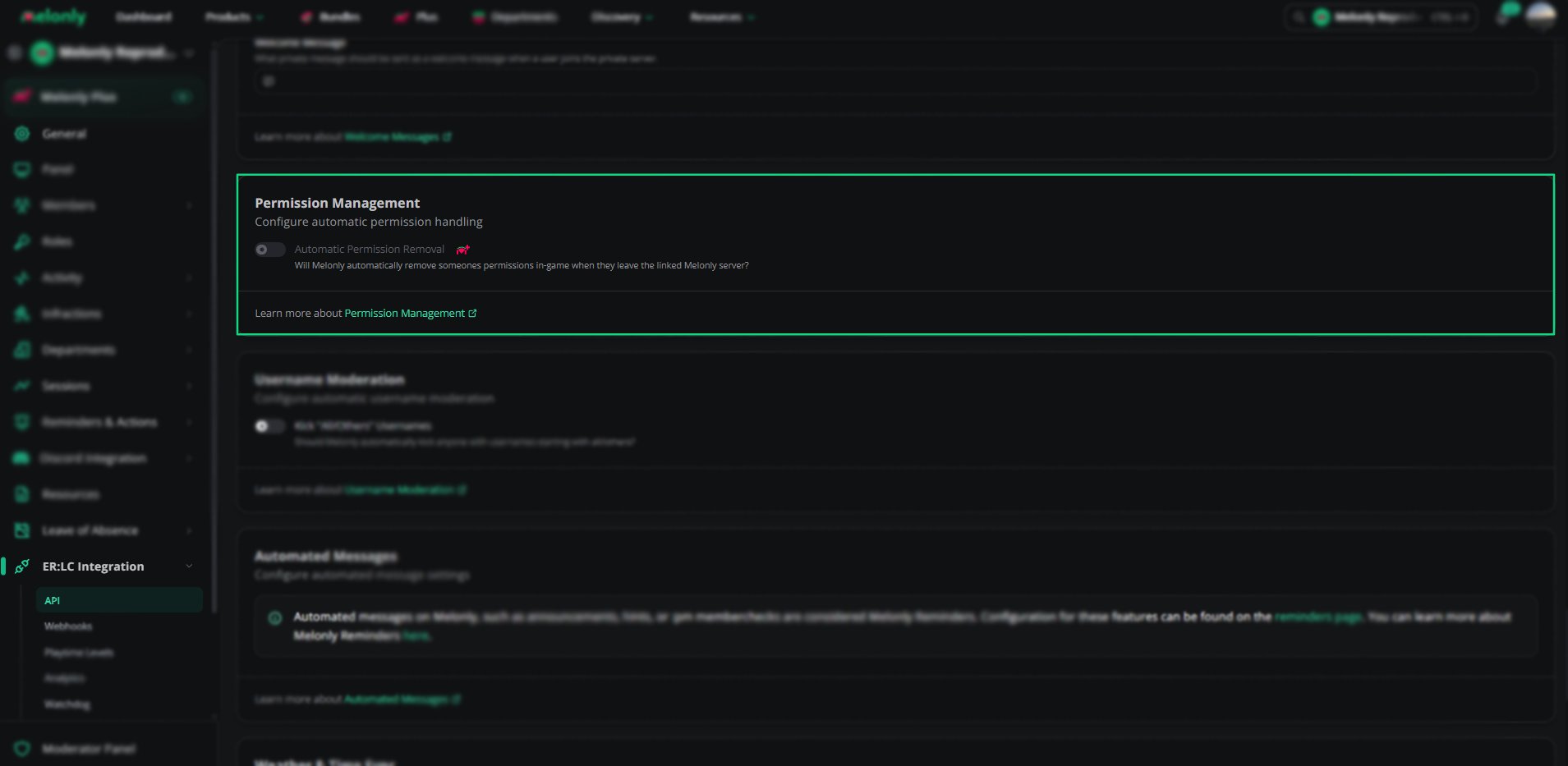
You can configure **Permission Management** from your\
**ERLC Integration → API** page, located beneath **Welcome Messages**.
### Configuration Options
Enable this setting to automatically remove a user's in game permissions when they leave your linked Melonly server.\
This helps maintain security and ensures only current members retain access.
***
# Permission Management Overview
| Setting | Description |
| ---------------------------- | ----------------------------------------------------------------- |
| Automatic Permission Removal | Removes in game permissions when a user leaves the linked server. |
 ***
## Example Use Cases
* Automatically remove permissions from users who leave your Melonly Server
* Prevent former staff from retaining in game commands
* Reduce manual work for administrators
***
Still have questions? Join our Discord server for support from the Melonly Team.
***
## Example Use Cases
* Automatically remove permissions from users who leave your Melonly Server
* Prevent former staff from retaining in game commands
* Reduce manual work for administrators
***
Still have questions? Join our Discord server for support from the Melonly Team.