> ## Documentation Index
> Fetch the complete documentation index at: https://docs.melonly.xyz/llms.txt
> Use this file to discover all available pages before exploring further.
# Licences & Vehicles
> Create licences, vehicle registrations and DMV records for your character, and check a licence's points and suspensions.
***
## What are Licences and Vehicles?
Your character can hold licences, vehicle registrations and other DMV records. Officers see these when they run your name or plate.
 ***
## Creating a Licence or Vehicle
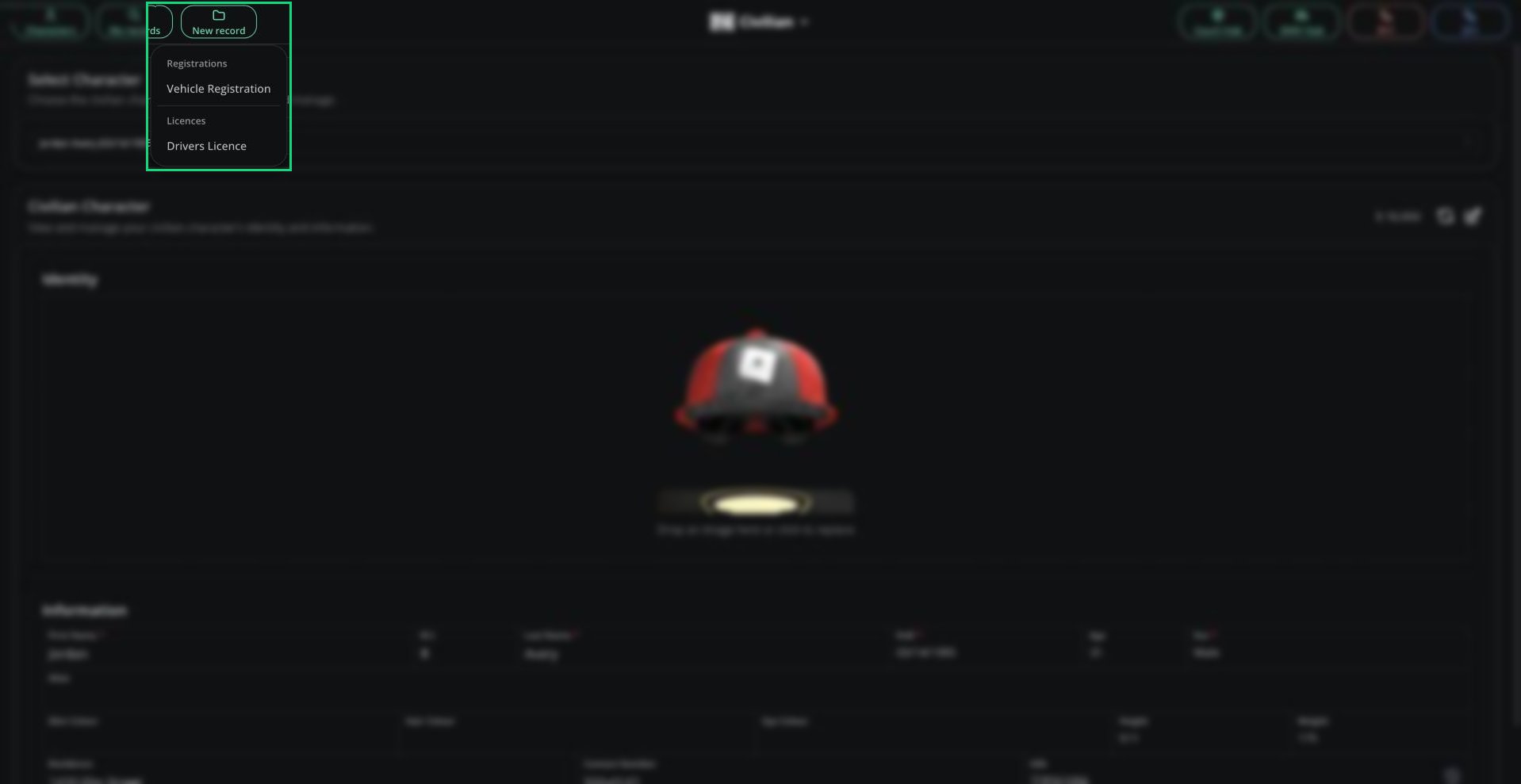
Click **New record** and pick a licence, vehicle registration or DMV record template.
The name and date of birth are filled in from your active character and locked, so you can only create documents for yourself.
Click **Create Record**.
Some templates are greyed out because they're DMV-only. Those have to be issued by someone on the [DMV panel](/CAD/User/dmv).
### Rules
* One licence of each type per character. Delete the old one to get a new one.
* Licence numbers and plates must be unique across the server.
* Some templates are limited to certain departments.
* By default a licence lasts 1460 RP days and a registration lasts 365 RP days. Renew expired ones in the [DMV Hub](/CAD/User/court-dmv-hub#dmv-hub).
***
## Editing and Deleting
To edit or delete a document, open it from **My records**. This doesn't work for DMV-only documents.
***
## Licence History
On a licence, click **View Licence Data** to see its demerit points and suspensions. See [Licence Data](/CAD/User/lookups#licence-data) for what it shows.
***
Still have questions? Join our Discord server for support from the Melonly Team.
This documentation is built and hosted on [Mintlify](https://mintlify.com), a developer documentation platform.
***
## Creating a Licence or Vehicle
Click **New record** and pick a licence, vehicle registration or DMV record template.
The name and date of birth are filled in from your active character and locked, so you can only create documents for yourself.
Click **Create Record**.
Some templates are greyed out because they're DMV-only. Those have to be issued by someone on the [DMV panel](/CAD/User/dmv).
### Rules
* One licence of each type per character. Delete the old one to get a new one.
* Licence numbers and plates must be unique across the server.
* Some templates are limited to certain departments.
* By default a licence lasts 1460 RP days and a registration lasts 365 RP days. Renew expired ones in the [DMV Hub](/CAD/User/court-dmv-hub#dmv-hub).
***
## Editing and Deleting
To edit or delete a document, open it from **My records**. This doesn't work for DMV-only documents.
***
## Licence History
On a licence, click **View Licence Data** to see its demerit points and suspensions. See [Licence Data](/CAD/User/lookups#licence-data) for what it shows.
***
Still have questions? Join our Discord server for support from the Melonly Team.
This documentation is built and hosted on [Mintlify](https://mintlify.com), a developer documentation platform.