> ## Documentation Index
> Fetch the complete documentation index at: https://docs.melonly.xyz/llms.txt
> Use this file to discover all available pages before exploring further.
# Speeding & Surcharges
> Set up speeding classes that work out fines and points, and surcharges that add extra amounts to fines.
***
## Speeding and Surcharges
Speeding classes and surcharges decide how fines are worked out on records. Find both under **Law** in the CAD admin panel. Changes are kept as a draft until you click **Save Changes** (`Ctrl` + `S`).
The currency symbol and speed units come from [Regionality](/CAD/Admin/customization/regionality).
***
## Speeding Classes
Speeding classes work out the fine and licence points for a speeding charge based on how far over the limit someone was. You can have up to 10, for example a Default and a School Zone class (both included on new servers).
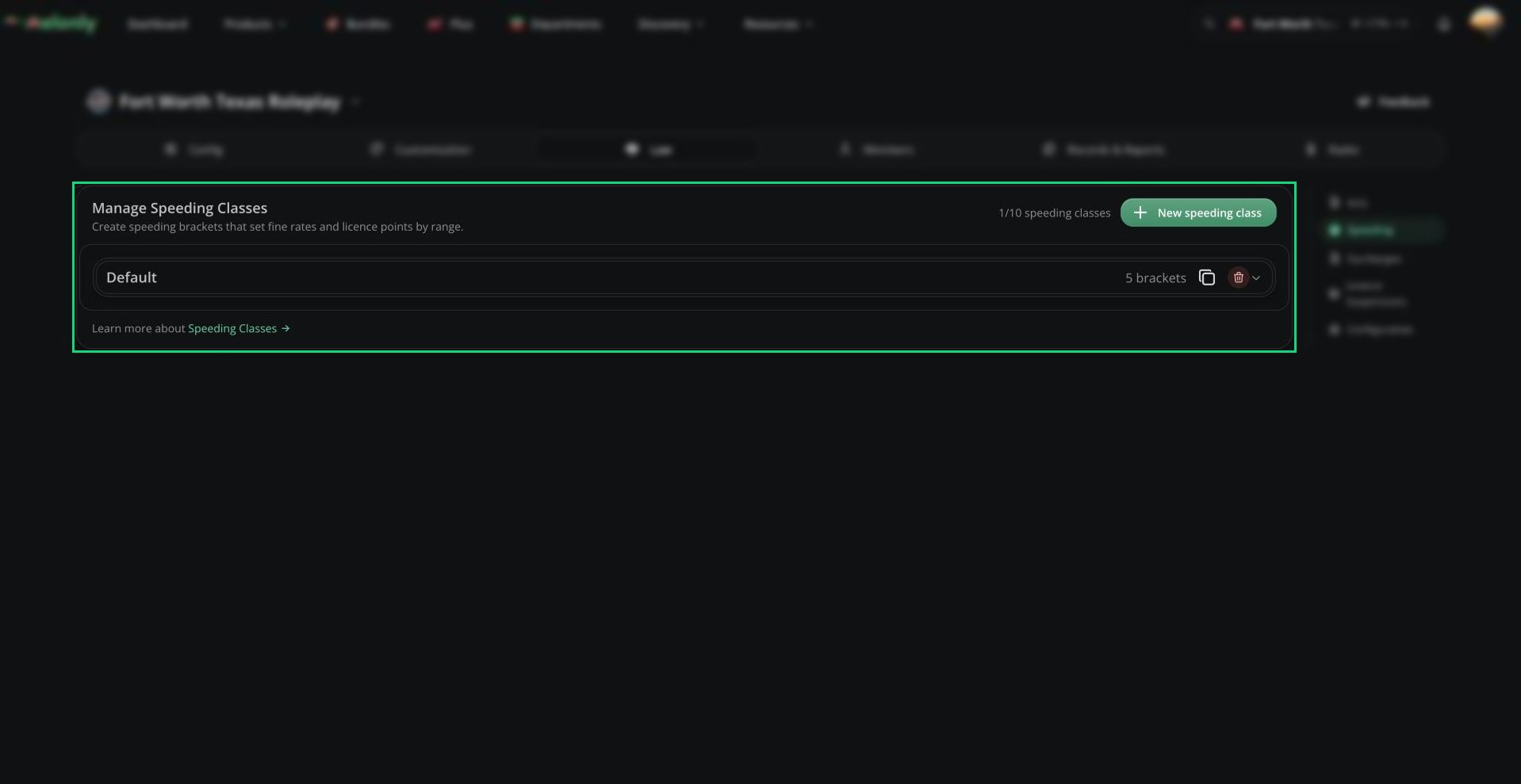 Click **New speeding class**, or **Duplicate Class** to copy one.
| Setting | Description |
| - | - |
| Name | Must be unique. Records link to classes by name, so renaming one unlinks older records. |
| Act | The act the speeding charge is filed under. |
| Charge Class | The class given to speeding charges. |
| Code | The code shown on speeding charges. |
| Charge Format | The charge text. `{0}` is the measured speed and `{1}` the limit. Blank gives "Speeding 80 MPH in a 50 MPH zone". |
### Brackets
Each class has brackets. A bracket starts at a number of speed units over the limit and sets a fine rate (per unit over) and licence points (0 to 50). The highest bracket reached is used.
With the Default class, 80 in a 50 zone is 30 over. That reaches the 30 bracket ($30 per unit, 4 points), so the fine is 30 × $30 = \$900 with 4 points.
***
## Surcharges
Surcharges add an extra amount to fines, either fixed or a percentage, based on how big the fine is. You can have up to 10.
Click **New speeding class**, or **Duplicate Class** to copy one.
| Setting | Description |
| - | - |
| Name | Must be unique. Records link to classes by name, so renaming one unlinks older records. |
| Act | The act the speeding charge is filed under. |
| Charge Class | The class given to speeding charges. |
| Code | The code shown on speeding charges. |
| Charge Format | The charge text. `{0}` is the measured speed and `{1}` the limit. Blank gives "Speeding 80 MPH in a 50 MPH zone". |
### Brackets
Each class has brackets. A bracket starts at a number of speed units over the limit and sets a fine rate (per unit over) and licence points (0 to 50). The highest bracket reached is used.
With the Default class, 80 in a 50 zone is 30 over. That reaches the 30 bracket ($30 per unit, 4 points), so the fine is 30 × $30 = \$900 with 4 points.
***
## Surcharges
Surcharges add an extra amount to fines, either fixed or a percentage, based on how big the fine is. You can have up to 10.
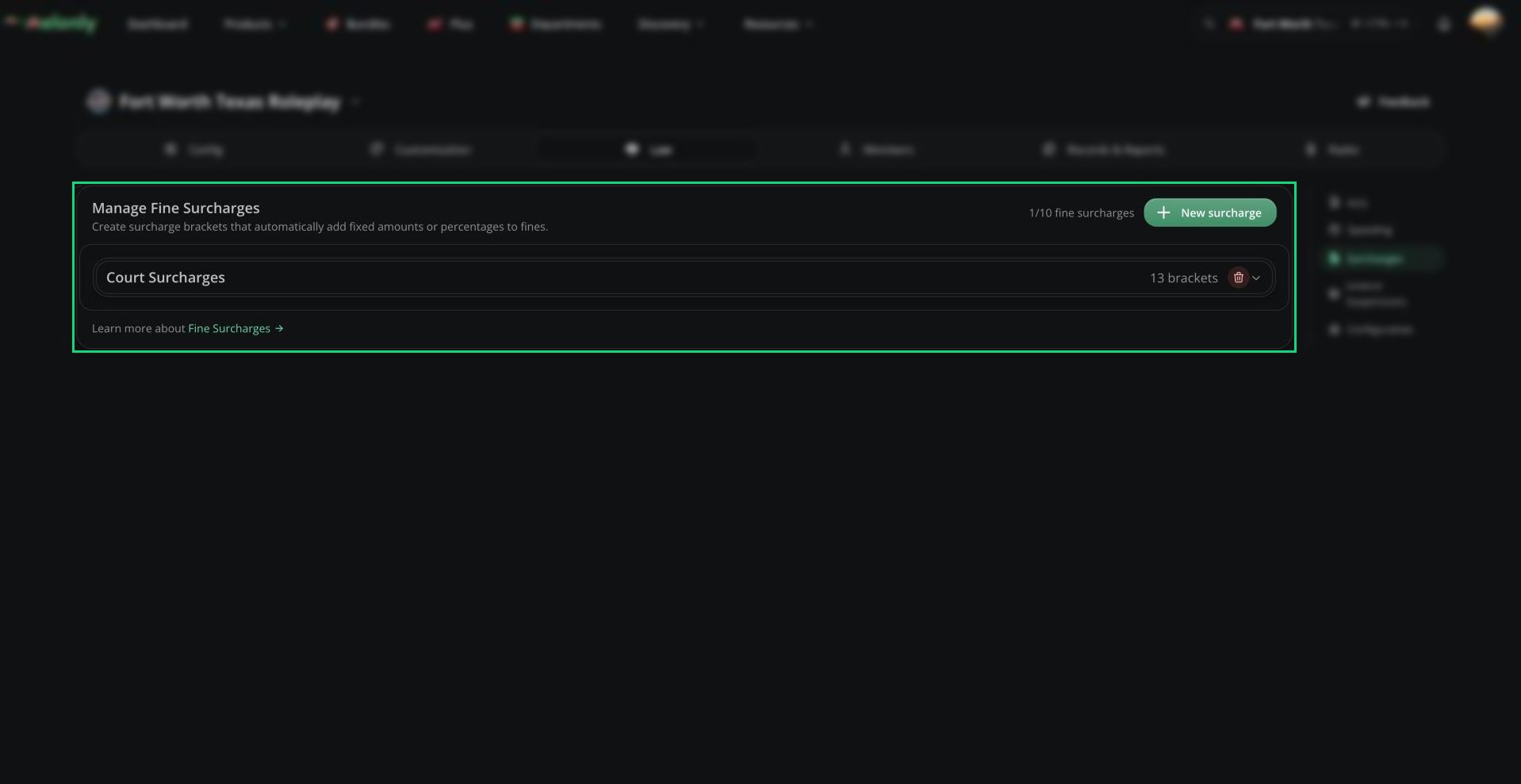 Click **New surcharge**. It comes with a ready-made set of brackets you can change.
| Setting | Description |
| - | - |
| Name | The surcharge name. |
| Abbreviation | Shown on record summaries when the name is long. Record templates can show the amount with the `charges_surcharge_` variable plus this abbreviation. |
| Charge Types | Only apply to Criminal, Civil or Speed charges. Empty means all. |
| Charge Acts | Only apply to charges from these acts. Empty means all. |
Each bracket starts at a fine amount and adds either a fixed amount or a percentage of the fine. Surcharges are worked out per charge using that charge's own fine, and each one shows as its own line on records and PDFs.
A surcharge with a $25 bracket from $101 and a 25% bracket from $1,001 adds $25 to a $150 fine and $300 to a \$1,200 fine.
***
Still have questions? Join our Discord server for support from the Melonly Team.
This documentation is built and hosted on [Mintlify](https://mintlify.com), a developer documentation platform.
Click **New surcharge**. It comes with a ready-made set of brackets you can change.
| Setting | Description |
| - | - |
| Name | The surcharge name. |
| Abbreviation | Shown on record summaries when the name is long. Record templates can show the amount with the `charges_surcharge_` variable plus this abbreviation. |
| Charge Types | Only apply to Criminal, Civil or Speed charges. Empty means all. |
| Charge Acts | Only apply to charges from these acts. Empty means all. |
Each bracket starts at a fine amount and adds either a fixed amount or a percentage of the fine. Surcharges are worked out per charge using that charge's own fine, and each one shows as its own line on records and PDFs.
A surcharge with a $25 bracket from $101 and a 25% bracket from $1,001 adds $25 to a $150 fine and $300 to a \$1,200 fine.
***
Still have questions? Join our Discord server for support from the Melonly Team.
This documentation is built and hosted on [Mintlify](https://mintlify.com), a developer documentation platform.